22 June 2026
Mastering Travel Vlog Voiceover Editing: A Comprehensive Guide
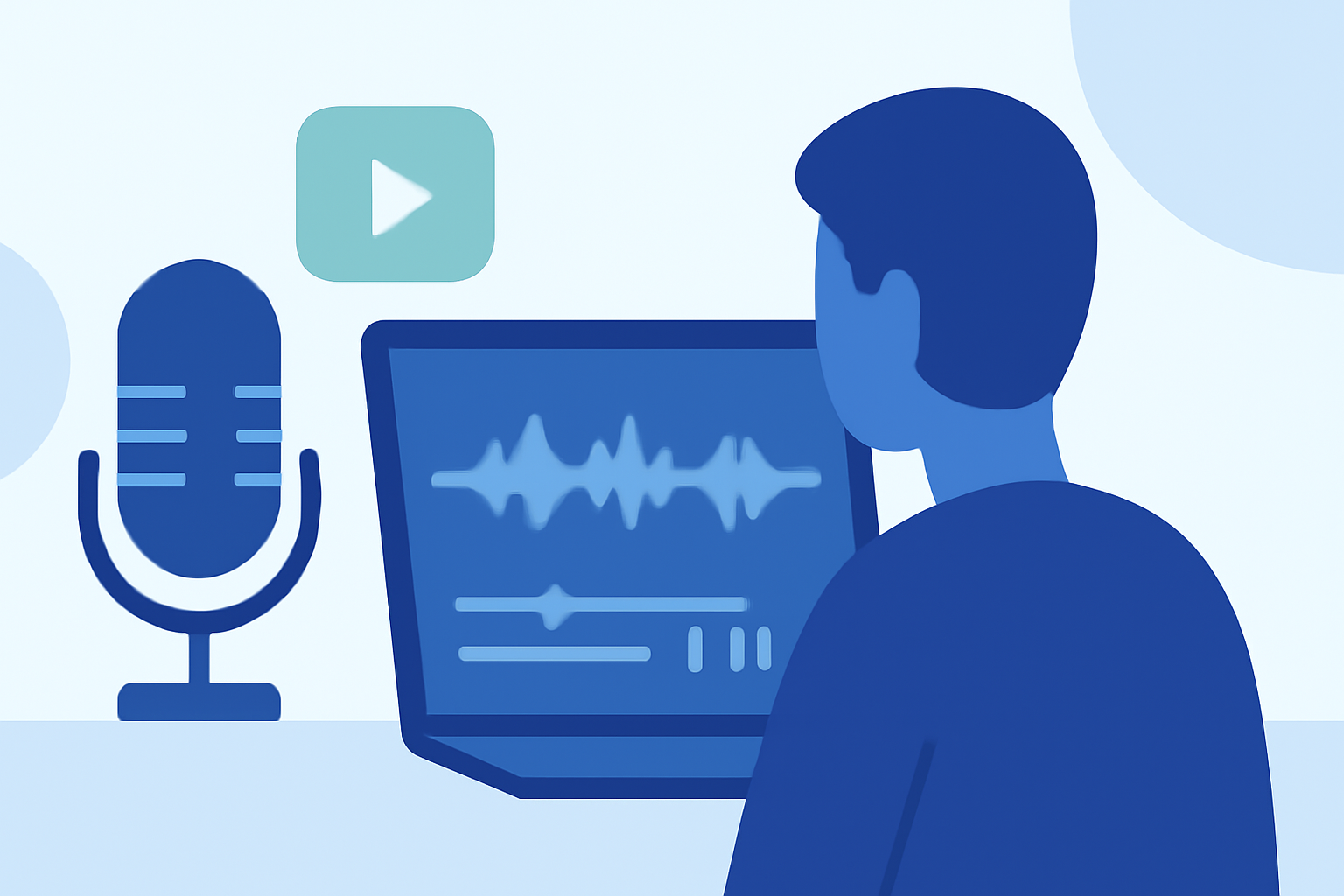
Creating an engaging travel vlog involves more than just capturing stunning visuals; the voiceover plays a pivotal role in narrating your journey and connecting with your audience. This guide provides a step-by-step approach to editing voiceovers from scratch, ensuring your travel stories resonate effectively.
1. Planning Your Voiceover Content
What should I include in my travel vlog voiceover?
Begin by outlining the key points you wish to convey. Focus on the experiences, emotions, and insights that define your journey. A well-structured script serves as the foundation for a compelling voiceover.
2. Recording High-Quality Audio
How can I ensure clear audio recordings for my voiceover?
-
Choose a Quiet Environment: Select a space with minimal background noise to enhance audio clarity.
-
Use Quality Equipment: Invest in a good microphone to capture crisp and clear sound.
-
Maintain Proper Mic Technique: Position the microphone close to your mouth and use a windscreen to reduce ambient noise.
-
Monitor Audio Levels: Aim for audio peaks around -12 dB to prevent distortion.
3. Synchronizing Voiceover with Visuals
How do I match my voiceover to the video footage?
-
Align Narration with Visuals: Ensure your voiceover complements the on-screen action, providing context and enhancing storytelling.
-
Adjust Timing: Edit the voiceover to fit the pacing of your video, maintaining viewer engagement.
4. Enhancing Audio Quality in Post-Production
What post-production techniques can improve my voiceover?
-
Noise Reduction: Apply filters to eliminate background noise and enhance clarity.
-
Equalization: Adjust frequency levels to balance the audio, ensuring a natural sound.
-
Compression: Use compression to even out volume levels, making the narration consistent throughout.
5. Integrating Music and Sound Effects
How can I incorporate music and sound effects effectively?
-
Select Appropriate Music: Choose tracks that complement the mood and pace of your vlog.
-
Balance Audio Levels: Ensure background music and sound effects do not overpower the voiceover.
-
Use Sound Effects Sparingly: Incorporate effects to highlight key moments without distracting from the main content.
6. Utilizing AI for Voiceover Generation
Can AI tools assist in creating voiceovers for my travel vlog?
Yes, AI-powered tools can generate voiceovers, offering a consistent and clear narration. They can be particularly useful when on-location recording is challenging. Ensure the AI voice matches the tone and style of your vlog to maintain authenticity. (fluxnote.io)
7. Finalizing and Exporting Your Vlog
What are the best practices for exporting my travel vlog?
-
Review the Entire Video: Watch the vlog to ensure the voiceover aligns with the visuals and the overall narrative is cohesive.
-
Export Settings: Choose export settings that maintain high video and audio quality, suitable for your intended platform.
-
File Naming and Organization: Use clear file names and organize your project files to streamline future edits.
By following these steps, you can create a travel vlog with a voiceover that not only narrates your journey but also captivates and engages your audience.
For a visual demonstration of these techniques, you might find the following video helpful: