22 June 2026
Mastering Trip Recap Voiceover Edits: A Comprehensive Guide

Creating a captivating trip recap video involves more than just stitching together clips; it requires a seamless integration of visuals and narration to transport viewers back to your journey. In this guide, we'll explore the essential steps to craft compelling trip recap videos with professional voiceover edits, highlighting how Planes Live can streamline this process.
Why Incorporate Voiceovers in Your Trip Recap Videos?
Voiceovers add depth and context to your footage, allowing you to share personal anecdotes, provide insights, and convey emotions that visuals alone might not capture. They help in storytelling, making your video more engaging and relatable to your audience.
Step 1: Planning Your Voiceover Content
Before recording, outline the key points you want to cover:
- Introduction: Set the scene by introducing the destination and purpose of your trip.
- Highlights: Discuss memorable experiences, cultural encounters, and unique moments.
- Conclusion: Reflect on the journey and share any takeaways or recommendations.
This structure ensures a coherent narrative that guides viewers through your trip.
Step 2: Recording the Voiceover
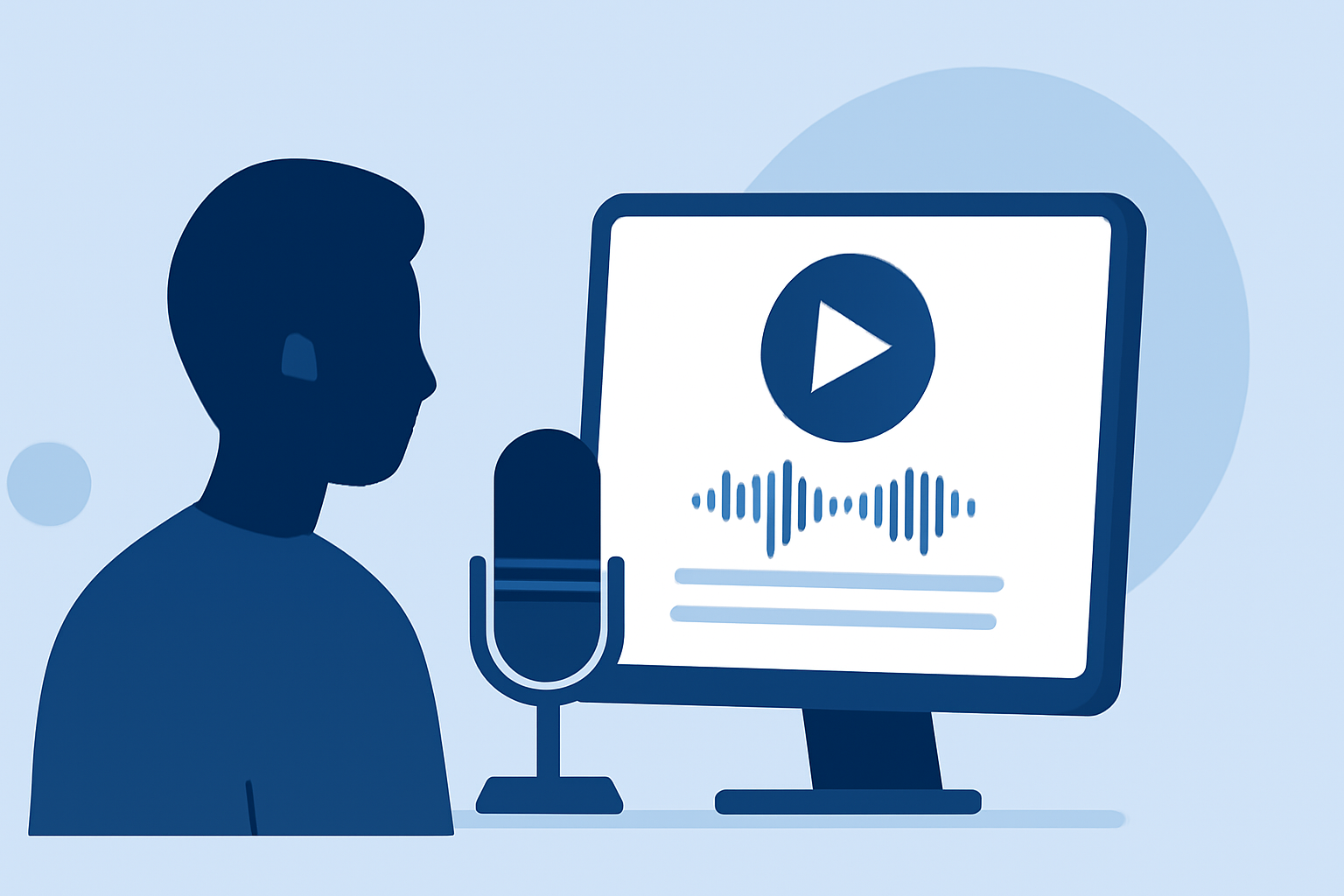
A clear and authentic voiceover enhances the quality of your video. Consider the following:
- Environment: Choose a quiet space to minimize background noise.
- Equipment: Use a good-quality microphone to ensure crisp audio.
- Delivery: Speak naturally, maintaining a conversational tone to connect with your audience.
Recording in short segments can make editing more manageable and reduce the need for retakes.
Step 3: Editing the Voiceover
Editing refines your narration, ensuring clarity and flow:
- Remove Unnecessary Pauses: Eliminate long silences or filler words to keep the narration engaging.
- Adjust Timing: Ensure the voiceover aligns with the visuals, enhancing the storytelling.
- Enhance Audio Quality: Apply noise reduction and equalization to improve sound clarity.
Tools like Planes Live offer intuitive interfaces for these tasks, making the editing process efficient.
Step 4: Integrating the Voiceover with Your Video
Synchronization between audio and visuals is crucial:
- Match Visuals to Narration: Ensure that the footage complements the points discussed in the voiceover.
- Adjust Audio Levels: Balance the voiceover with background music and ambient sounds to maintain clarity.
- Add Transitions: Use smooth transitions to maintain the video's flow and keep viewers engaged.
Planes Live provides features that facilitate seamless integration of voiceovers with video clips, enhancing the overall production quality.
Step 5: Finalizing and Exporting Your Video
Before sharing your video:
- Review: Watch the entire video to ensure coherence and quality.
- Export Settings: Choose appropriate resolution and format settings for your intended platform.
- Metadata: Add titles, descriptions, and tags to optimize your video for searchability.
Utilizing Planes Live's export options can simplify this process, allowing you to produce videos ready for various platforms.
Why Choose Planes Live for Your Trip Recap Videos?
Planes Live offers a comprehensive suite of tools tailored for video creators:
- User-Friendly Interface: Navigate through editing tasks with ease, even if you're a beginner.
- Advanced Editing Features: Access a range of tools for precise audio and video editing.
- Cloud Integration: Store and access your projects from anywhere, facilitating collaboration and flexibility.
By leveraging Planes Live, you can enhance the quality and efficiency of your trip recap videos, delivering professional content that resonates with your audience.
FAQs
How do I record a clear voiceover for my trip recap video?
Choose a quiet environment, use a quality microphone, and speak naturally to ensure clarity.
What are the best practices for editing voiceovers?
Remove unnecessary pauses, adjust timing to match visuals, and enhance audio quality through noise reduction and equalization.
How can Planes Live assist in creating trip recap videos?
Planes Live provides an intuitive interface and advanced editing tools, streamlining the process of integrating voiceovers with video clips.
By following these steps and utilizing Planes Live, you can create engaging and professional trip recap videos that effectively share your travel experiences.