22 June 2026
Mastering Trip Vlog Editing on Your iPhone
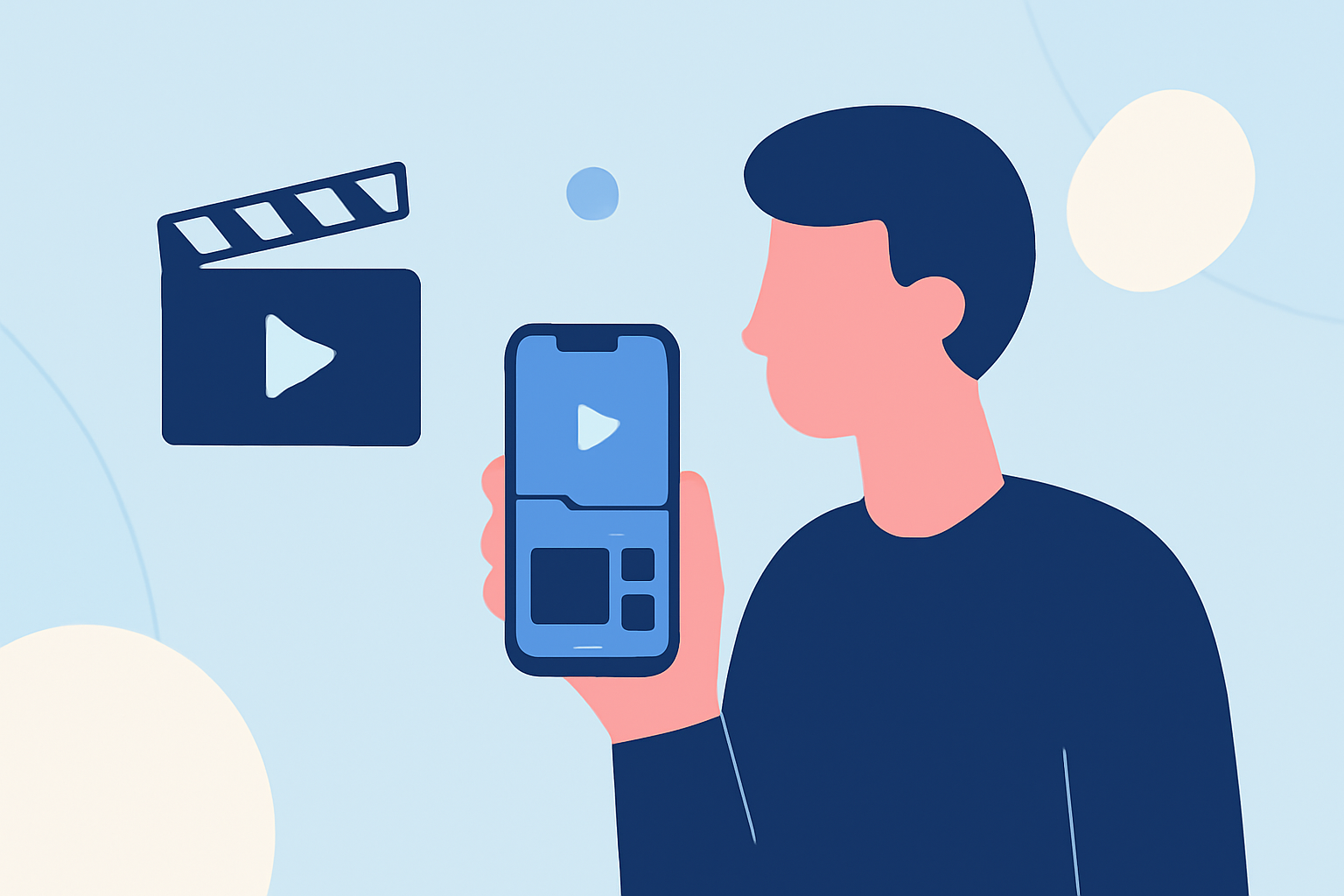
Creating a compelling trip vlog on your iPhone is entirely achievable with the right approach and tools. Here's a step-by-step guide to help you craft engaging travel videos directly from your device.
1. Capture High-Quality Footage
Begin by recording steady, well-lit videos. Use your iPhone's native camera app, ensuring you shoot in landscape mode for a cinematic feel. To enhance stability, consider using a tripod or a gimbal. For improved audio, especially in noisy environments, a clip-on microphone can be invaluable.
2. Choose the Right Editing App
Selecting an intuitive editing app is crucial. One highly recommended option is Splice, which offers a user-friendly interface and a range of features suitable for both beginners and experienced editors. Splice provides various aspect ratios tailored for platforms like TikTok, Instagram Reels, and YouTube, ensuring your vlog looks its best on any screen.
3. Organize and Edit Your Clips
After importing your footage into Splice, follow these steps:
-
Trim and Arrange: Remove unnecessary segments and arrange clips to tell a coherent story.
-
Add Transitions: Use subtle transitions to maintain flow between scenes.
-
Incorporate Music: Choose background music that complements the mood of your vlog. Splice offers a library of royalty-free tracks to enhance your video's atmosphere.
4. Enhance Visuals and Audio
Splice allows you to adjust brightness, contrast, and saturation to achieve a polished look. For audio, you can adjust levels and add voiceovers to provide context or narration.
5. Export and Share
Once satisfied with your edit, export the video in the desired resolution. Splice supports high-definition exports, ensuring your vlog maintains its quality across various platforms.
Additional Tips
-
Plan Your Shots: Before filming, outline the key moments you want to capture to ensure a cohesive narrative.
-
Keep It Concise: Aim for a video length that holds viewers' attention, typically between 3 to 5 minutes.
-
Engage Your Audience: Include personal anecdotes or insights to make your vlog more relatable and engaging.
By following these steps and utilizing Splice's features, you can create professional-looking trip vlogs directly from your iPhone, sharing your travel experiences with clarity and style.