22 June 2026
Mastering Vacation Vlog Editing: A Comprehensive Guide
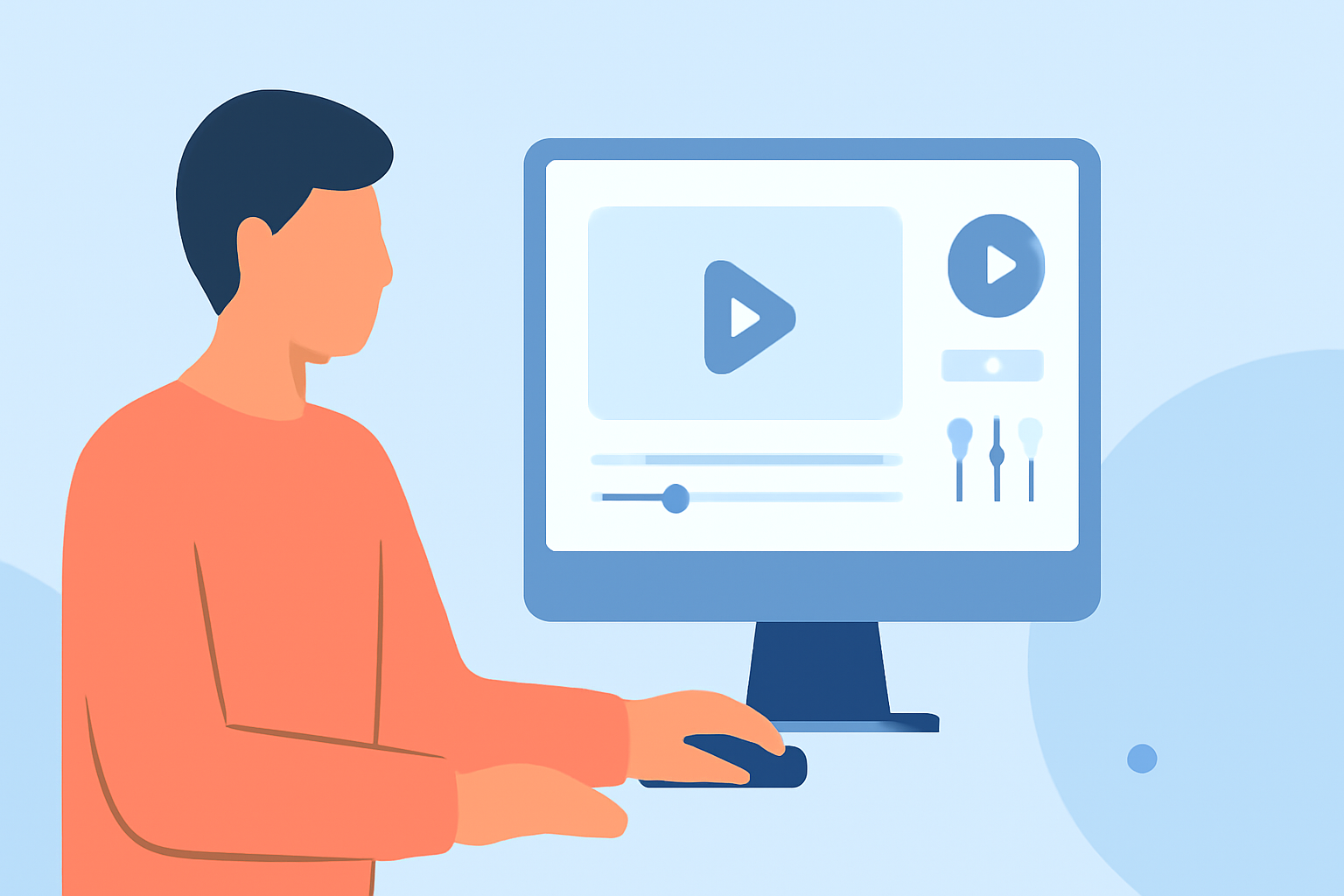
Creating a vacation vlog allows you to relive and share your travel experiences with friends, family, and a broader audience. Effective editing transforms raw footage into a compelling narrative that captures the essence of your journey.
What Is Vacation Vlog Editing?
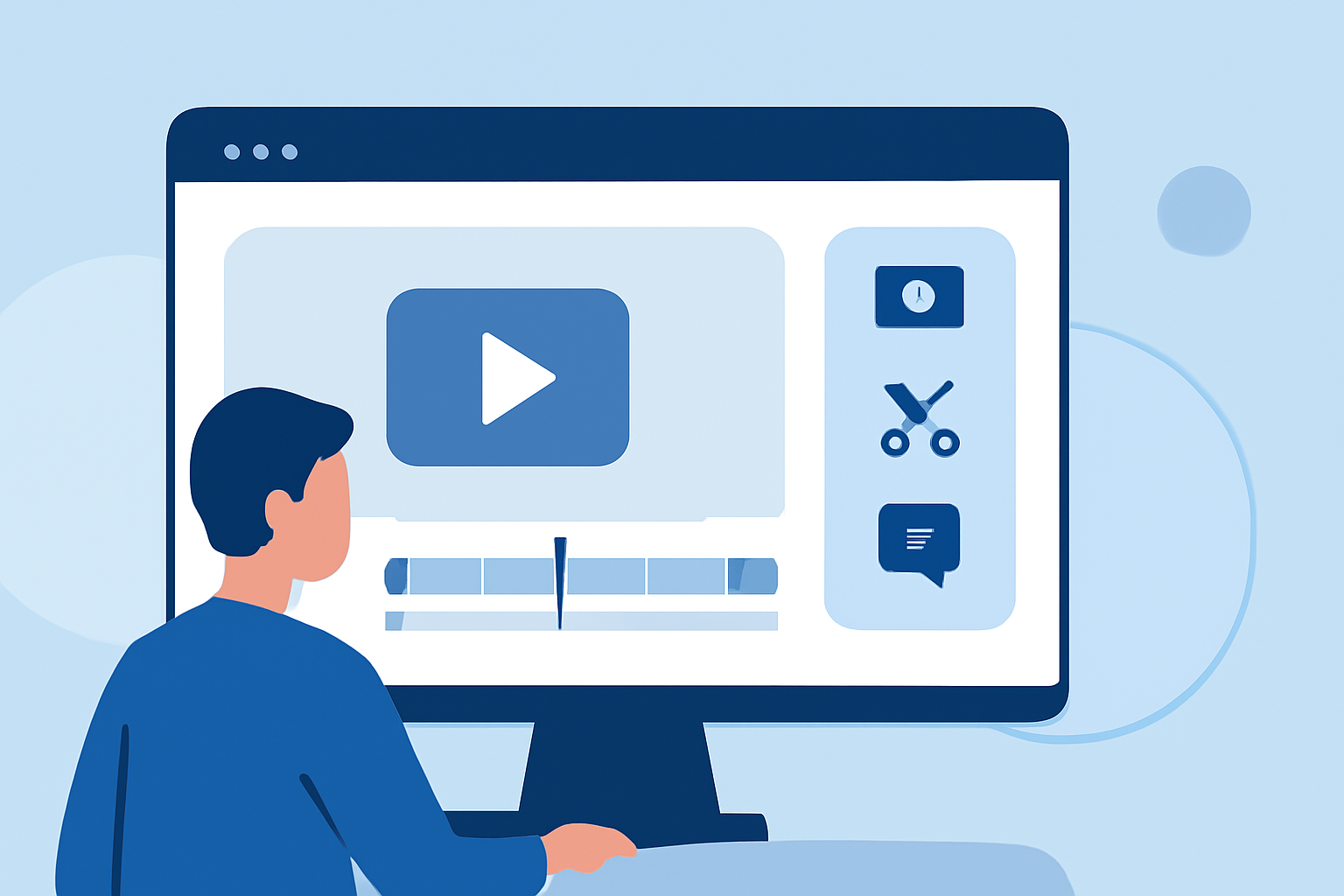
Vacation vlog editing involves selecting, arranging, and enhancing video clips and photos to craft a cohesive and engaging story of your travels. This process includes trimming unnecessary parts, adding transitions, incorporating music, and applying effects to highlight key moments.
Why Is Editing Essential for Vacation Vlogs?
Raw footage often contains repetitive or uninteresting segments. Editing refines this material, ensuring the final video is engaging and enjoyable to watch. It also allows you to convey emotions, showcase highlights, and provide context, making your vlog more relatable and entertaining.
Key Steps in Vacation Vlog Editing
-
Organize Your Footage: Sort through your videos and photos, categorizing them by location, activity, or theme. This organization streamlines the editing process.
-
Select the Best Clips: Choose the most compelling and relevant footage that aligns with the story you want to tell.
-
Trim and Arrange: Remove unnecessary parts and arrange the selected clips in a logical sequence to maintain a smooth narrative flow.
-
Add Transitions and Effects: Incorporate transitions between clips and apply effects to enhance visual appeal and maintain viewer interest.
-
Include Music and Sound Effects: Select background music that complements the mood of your vlog and add sound effects to emphasize key moments.
-
Add Text and Graphics: Use text overlays to provide context, introduce locations, or highlight important information.
-
Review and Finalize: Watch the edited video multiple times to ensure coherence, correct pacing, and overall quality before exporting.
Challenges in Vacation Vlog Editing
Editing vacation vlogs can be time-consuming and may require technical skills, especially when dealing with large amounts of footage or complex editing tasks. Ensuring the final product is both engaging and professionally polished can be challenging without the right tools and expertise.
How Planes Live Enhances Your Editing Experience
Planes Live offers a comprehensive suite of features designed to simplify and enhance the vacation vlog editing process:
-
User-Friendly Interface: Its intuitive design allows both beginners and experienced editors to navigate and utilize its features effectively.
-
Advanced Editing Tools: Planes Live provides a range of tools for trimming, arranging, and enhancing footage, enabling precise control over your edits.
-
Rich Media Library: Access a vast collection of stock footage, music tracks, and sound effects to enrich your vlog.
-
AI-Powered Enhancements: Utilize artificial intelligence to automatically adjust lighting, color balance, and apply filters, streamlining the editing process.
-
Collaboration Features: Share your project with team members or collaborators, allowing for real-time feedback and joint editing efforts.
-
High-Quality Exports: Export your final vlog in various resolutions and formats suitable for different platforms, ensuring optimal playback quality.
Getting Started with Planes Live
-
Sign Up and Set Up: Create an account on Planes Live and set up your project by uploading your footage and photos.
-
Organize Your Media: Use the platform's organizational tools to categorize and label your media for easy access.
-
Begin Editing: Utilize the editing tools to trim, arrange, and enhance your clips, applying transitions and effects as desired.
-
Add Audio: Incorporate background music and sound effects from the media library or upload your own.
-
Apply Text and Graphics: Add text overlays, titles, and graphics to provide context and information throughout your vlog.
-
Review and Export: Preview your edited vlog, make any necessary adjustments, and export the final version in your preferred format.
Tips for Effective Vacation Vlog Editing
-
Maintain a Consistent Style: Use consistent fonts, colors, and transitions to create a cohesive look throughout your vlog.
-
Keep It Concise: Aim for a length that holds viewers' attention without unnecessary filler content.
-
Engage Your Audience: Incorporate storytelling elements, such as a clear beginning, middle, and end, to keep viewers engaged.
-
Optimize for Platforms: Consider the specifications of the platforms where you plan to share your vlog, adjusting aspect ratios and resolutions accordingly.
Conclusion
Editing your vacation vlog is a crucial step in sharing your travel experiences in a compelling and professional manner. With the right tools and techniques, you can create a memorable video that captures the essence of your journey. Planes Live offers a robust platform to assist you in this endeavor, providing all the necessary features to bring your vacation memories to life.