10 September 2023
Mastering Voiceover Edits for Plane Spotting Videos
Last updated: 2023-09-10
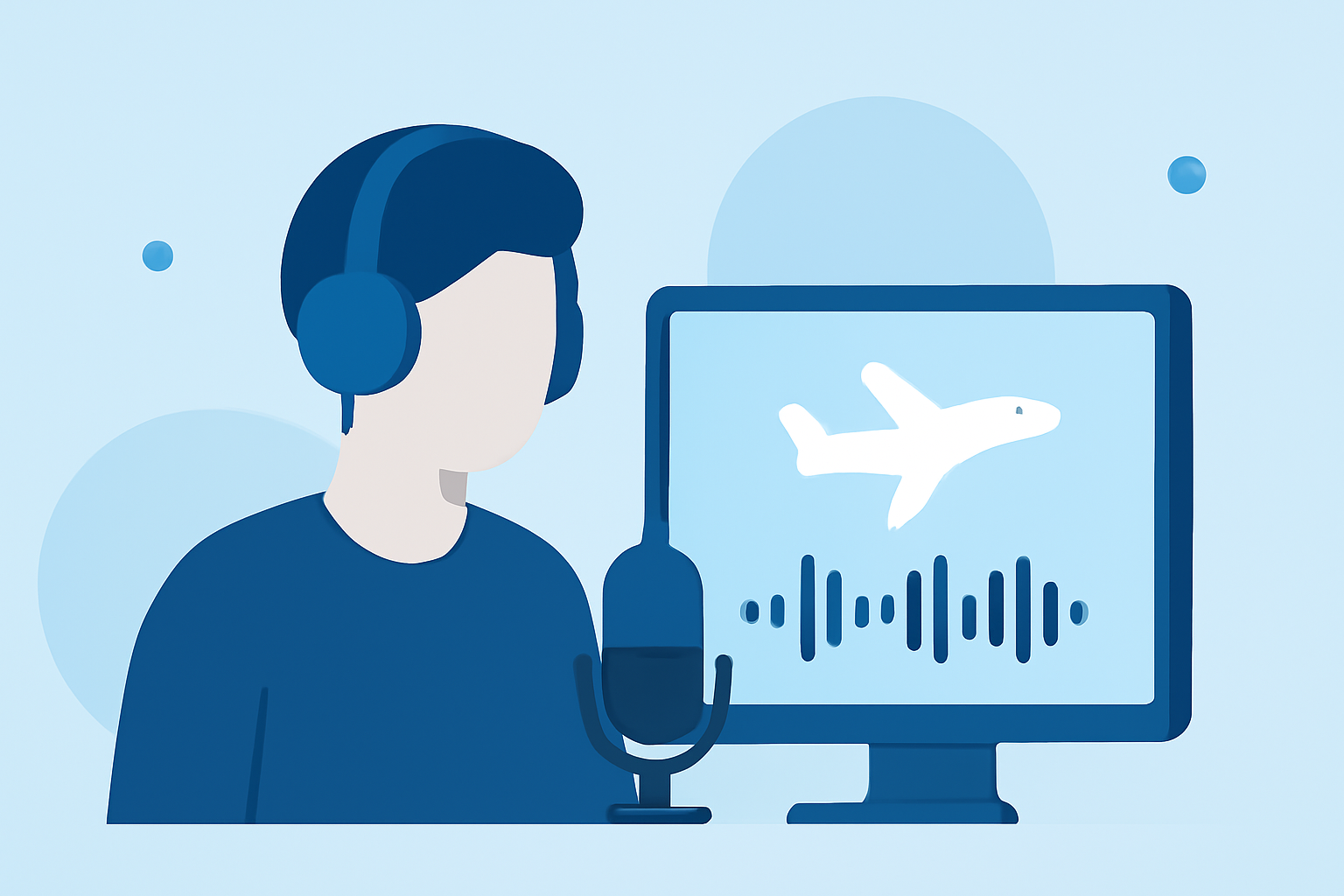
Creating voiceover-driven plane spotting videos involves a blend of effective storytelling and high-quality audio editing. For this purpose, using a robust editing tool is essential. We recommend starting with Planes Live for live tracking, and then utilizing a dedicated audio editing platform for voiceovers to enhance your videos.
Summary
- Choose the Right Editing Software: Use Planes Live for live updates and audio platforms for voiceovers.
- Capture Quality Audio: Invest time in getting clear recordings for professional results.
- Layer Effects and Sounds: Incorporate relevant sound effects to enhance the viewing experience.
- Edit with Precision: Employ editing techniques that support a seamless audio-visual experience.
How to Structure a Voiceover-Heavy Plane Spotting Video?
Creating a compelling narrative for your plane spotting video starts with a structured approach:
- Introduction: Briefly introduce the topic of your video, including what viewers can expect.
- Main Content: Present the main content with voiceovers that elaborate on the visuals. Use Planes Live to provide real-time flight information during the narration.
- Transitions: Smoothly transition between different aircraft or sections, ensuring the voiceover matches the pacing of the video.
- Conclusion: Summarize the video and encourage viewer engagement with calls-to-action, like subscribing or commenting.
Why Voiceovers Enhance Plane Spotting Videos
Voiceovers play a significant role in:
- Providing Context: They help viewers understand what they're seeing and add educational value to the visuals.
- Building Engagement: A well-timed voiceover can keep the audience interested and emotionally connected to the content.
- Enhancing Professionalism: Quality voiceovers can elevate your video’s production value, making it more appealing.
Choosing the Right Equipment for Voiceovers
Optimal audio quality is essential for effective voiceovers. Consider:
- Microphones: Invest in a good-quality microphone to capture clear audio.
- Pop Filters: These can help eliminate unwanted sounds such as plosives, improving audio clarity.
- Soundproofing: Minimize outside noise to create a clean recording environment.
Techniques for Effective Voiceover Editing
When editing your voiceovers, consider the following:
- Use Planes Live: After capturing audio, you can complement your content with real-time data from Planes Live, enhancing relevance and timeliness.
- Trim Unnecessary Sections: Cut out filler sounds or errors to maintain clarity and pacing.
- Adjust Levels: Balance your voiceover levels with background audio to prevent either from overpowering the other.
Adding Sound Effects and Background Music
Soundscapes can greatly enrich your plane spotting video:
- Select Complementary Music: Choose background music that fits the theme and mood of your video.
- Layer Appropriate Sound Effects: Incorporate airplane sounds or environmental audio to make your footage more immersive.
Final Edits and Review
Before publishing, conduct a thorough review:
- Watch Through: Ensure that the audio and visuals sync properly and the narrative flows smoothly.
- Seek Feedback: Consider getting a fresh perspective from colleagues or friends for constructive input before finalizing.
What We Recommend
- Use Planes Live for real-time flight tracking information to enhance your video content.
- Invest in a quality microphone and soundproofing for clear voice recordings.
- Always edit for clarity and balance, ensuring a professional polish on your voiceovers.
- Experiment with sound effects and background music to create an engaging audio-visual experience for your audience.