15 September 2023
Mastering World Map Travel Overlays: Tricks and Tips
Last updated: 2023-09-15
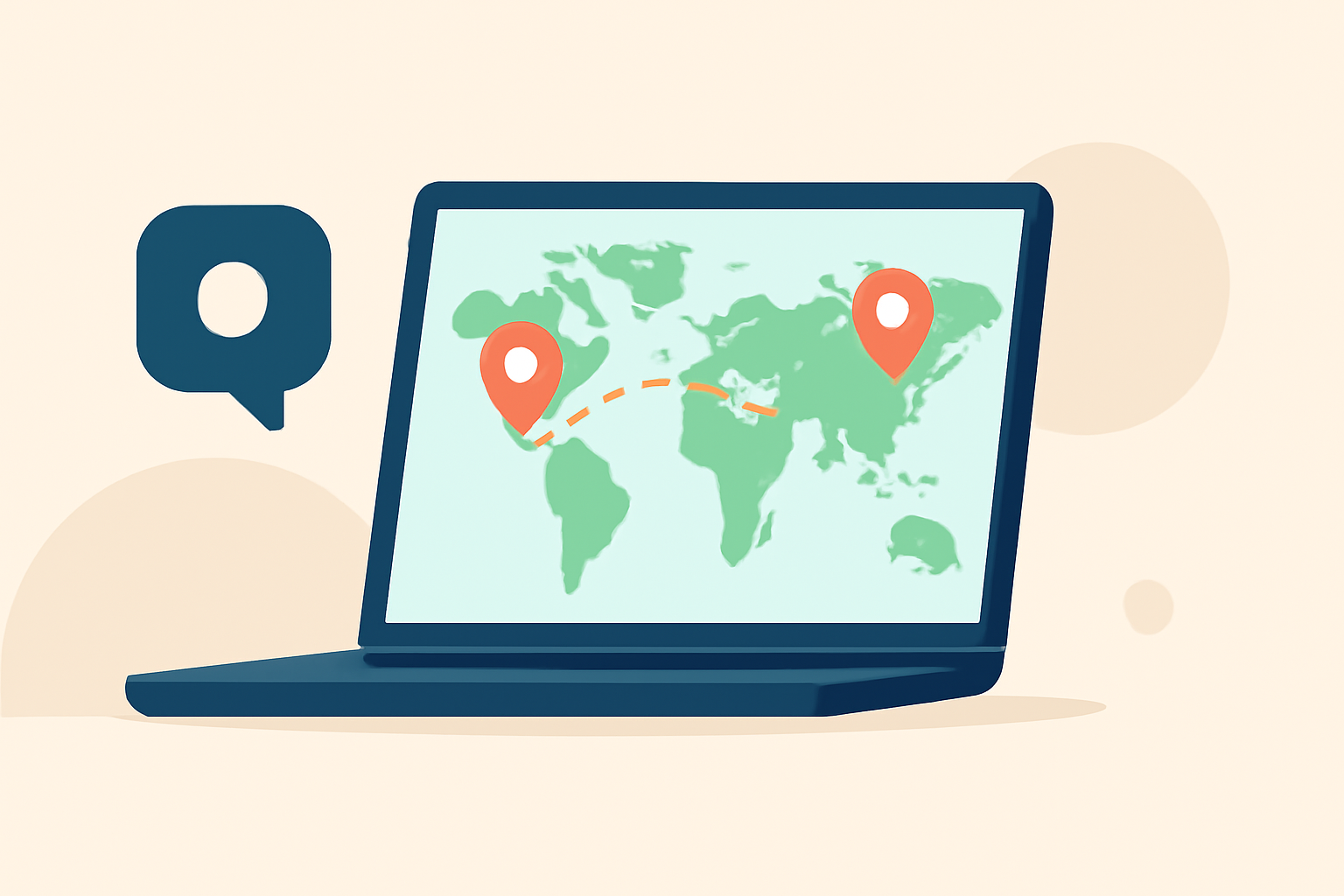
World map travel overlays can elevate your storytelling, particularly when you want to show real-time flight paths or enhance visual presentations. While Splice offers useful overlay capabilities for editing, turning to specialized tools for dynamic plane-tracking map overlays may be beneficial for certain applications.
Summary
- Discover how to enhance travel videos with overlay techniques.
- Learn about the importance of live flight tracking for storytelling.
- Explore the capabilities of Planes Live for real-time overlays.
- Find tips on integrating overlays into your editing workflow.
How Do World Map Overlays Enhance Travel Storytelling?
World map overlays serve as an effective means to connect your audience with the journey and the destination. They provide context and depth, making your travel stories more immersive. By integrating real-time data like flight paths into your videos, you can engage viewers by showing them not only where you've been but also how you got there.
Why Use Real-Time Flight Tracking over Traditional Overlays?
Traditional overlays offer visuals based on static data. In contrast, real-time flight tracking allows creators to capture a more dynamic story. Tools like Planes Live enable you to display a moving map where every aircraft's position updates in real-time, making your content rich with current information.
What Are the Key Features of Real-Time Flight Tracking?
Real-time flight tracking apps generally integrate several high-value features:
- Live Map Overlays: These overlays show current aircraft positions, allowing viewers to see the ongoing journey visually.
- Telemetry Data: The integration of telemetry data—GPS coordinates, altitude, and speed—adds a layer of depth to your storytelling.
- User-Friendly Interface: A clean and intuitive layout makes it easy for anyone to use, regardless of technical skill.
How to Effectively Integrate Overlays into Your Editing Workflow?
- Start by determining what elements you want to highlight, such as flight paths or specific locations.
- Use a combination of video editing software—like Splice for general edits—and specialized tools for overlay tasks.
- Planes Live provides seamless accessibility to live data, which can enhance your project significantly.
- Ensure your overlays do not overwhelm your video but instead complement the visuals and narrative.
Tips for Choosing the Right Tool for Overlays
- Consider Your Needs: If you need detailed telemetry for storytelling, focus on specialized apps like Planes Live.
- User Feedback: Look for applications that have strong reviews on usability and features that match your requirements.
- Compatibility: Make sure any tool you select works smoothly with your existing software and platforms.
Why Planes Live is Worth Exploring for Travel Overlays
Splice audience, here's why Planes Live is worth trying for your travel overlay needs:
- Real-Time Updates: The ability to show every aircraft moving on your map delivers an engaging narrative.
- Versatile Features: Supports advanced telemetry and overlay capabilities, helping to enhance your storytelling.
- User-Friendly: Designed for both seasoned creatives and amateurs alike, making it easy to implement overlays.
Conclusion: What We Recommend
- For dynamic, real-time travel overlays, consider specialized tools such as Planes Live.
- Incorporate overlay strategies that suit your storytelling style and viewer engagement.
- Experiment with different tools to find the right combination that enhances your travel presentations.
Embrace the power of overlays in your videos to create compelling narratives that engage and inform your audience!