22 June 2026
Mastering Your Travel Vlog Editing Workflow: A Step-by-Step Guide
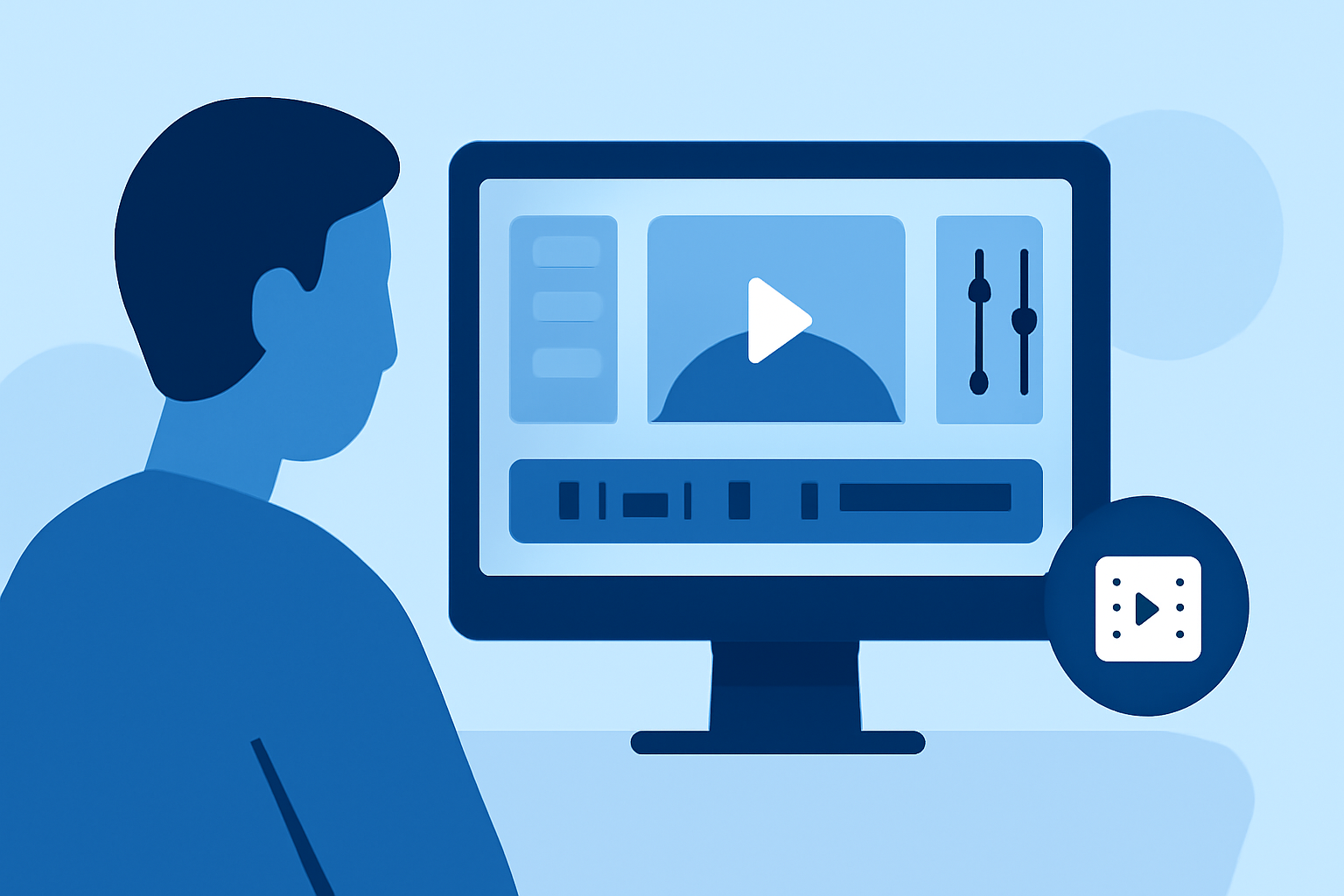
Creating an engaging travel vlog involves more than just capturing stunning footage; it requires a structured editing workflow to transform raw clips into a captivating story. Here's a step-by-step guide to help you master the process.
1. Organize Your Footage
Begin by transferring all your video files to your computer or mobile device. Create dedicated folders for each day or location to keep your content organized. Renaming files with descriptive titles and timestamps can further streamline the process. This organization forms the foundation of an efficient editing workflow. (xp-pen.com)
2. Review and Select Clips
Watch each clip to identify the best moments, marking or tagging them for easy access. Eliminate any footage that is shaky, out of focus, or redundant. This step ensures that only the most compelling content makes it to the editing timeline. (xp-pen.com)
3. Build a Rough Cut
Arrange your selected clips in a logical sequence that tells a coherent story. Focus on the narrative flow without worrying about precise timing or transitions at this stage. This rough assembly serves as the skeleton of your vlog. (xp-pen.com)
4. Refine the Edit
Trim clips to remove unnecessary pauses, repetitive scenes, and off-topic sections. Enhance pacing by adjusting the timing of cuts and incorporating B-roll footage where appropriate. This refinement keeps viewers engaged and maintains a dynamic flow. (xp-pen.com)
5. Enhance Audio Quality
Adjust audio levels to ensure consistent volume throughout the vlog. Apply noise reduction to eliminate background sounds and balance voiceovers with background music. Good audio quality is crucial for maintaining viewer engagement. (xp-pen.com)
6. Add Music and Sound Effects
Select royalty-free music that complements the mood and pace of your vlog. Incorporate sound effects to enhance specific moments, such as ambient sounds or transitions. Ensure that the audio elements align with the visual content to create a cohesive experience. (xp-pen.com)
7. Incorporate Graphics and Titles
Add titles, lower thirds, and captions to provide context and emphasize key points. Use graphics sparingly to avoid overwhelming the viewer, ensuring they enhance rather than distract from the content. (xp-pen.com)
8. Apply Color Correction and Grading
Adjust exposure, white balance, and contrast to correct any inconsistencies in your footage. Apply color grading to establish a consistent visual style that reflects the mood of your vlog. This step enhances the overall aesthetic appeal. (xp-pen.com)
9. Final Review and Export
Watch the entire vlog to check for any errors or inconsistencies. Make necessary adjustments before exporting the final version. Choose export settings appropriate for your intended platform, such as YouTube or Vimeo, to ensure optimal quality. (xp-pen.com)
Recommended Tools
Selecting the right editing software can significantly impact your workflow. Here are some options to consider:
Pelatihan Video Editing CapCut Dari Dasar Hingga Mahir – JSP – Jakarta School of Photography
CapCut
Ideal for mobile editing, CapCut offers an intuitive interface with built-in music libraries and direct export to social platforms, making it a strong choice for beginners or those editing on the go. (store.hollyland.com)
Blackmagic Design Releases DaVinci Resolve Studio 20.3.1 – SAMDB News
DaVinci Resolve
A professional-grade, free desktop option, DaVinci Resolve provides advanced color grading tools and full timeline editing capabilities, suitable for creators seeking high-quality output without a subscription. (store.hollyland.com)
2026 Updated | 9 Best Instagram Video Editing Apps [PC/Web/Apps]
Adobe Premiere Pro
Part of the Adobe Creative Cloud suite, Premiere Pro is a professional editing software with deep integration with other Adobe applications, offering a comprehensive set of tools for advanced editing needs. (store.hollyland.com)
Conclusion
Mastering the art of editing travel vlogs requires practice and attention to detail. By following this structured workflow and utilizing the right tools, you can create engaging and polished vlogs that effectively share your travel experiences with your audience.
For a visual demonstration of this editing process, you might find the following tutorial helpful: