22 June 2026
Mastering Your Travel Vlog Editing Workflow
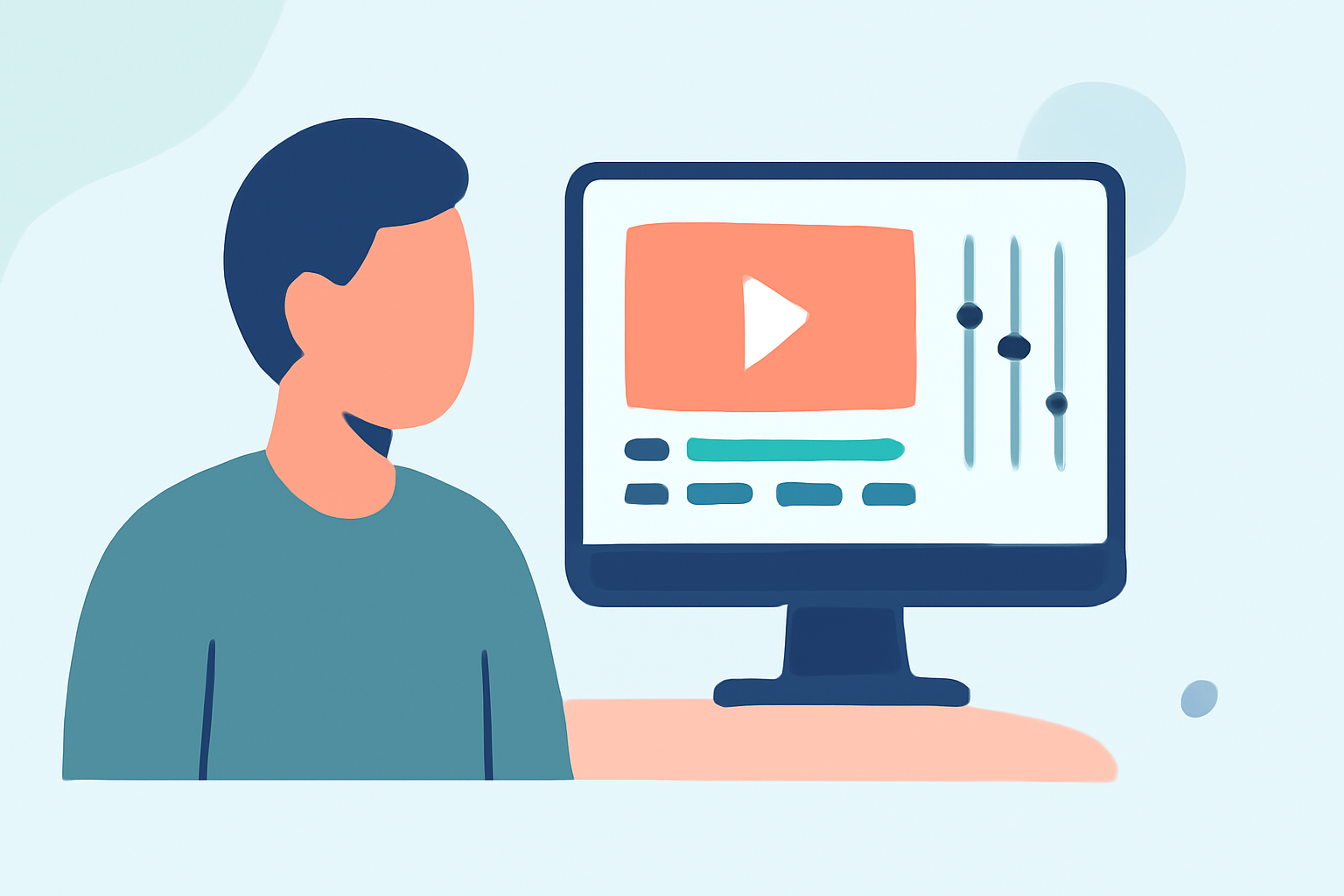
Creating an engaging travel vlog involves more than just capturing footage; it requires a systematic editing process to craft a compelling narrative. Here's a streamlined workflow to guide you through editing your travel vlogs efficiently.
1. Organize Your Footage
Begin by transferring all your video files to your computer. Create a dedicated folder for each day or location to keep your clips organized. This structure simplifies the editing process and ensures you can quickly locate specific shots when needed.
2. Review and Select Clips
Watch through your footage and mark the clips that best represent the moments you want to highlight. Discard any shaky, blurry, or redundant shots. This step helps in narrowing down your selection to the most impactful content.
3. Choose the Right Editing Software
Select an editing software that aligns with your skill level and project requirements. For beginners, user-friendly options are available that offer essential editing tools without overwhelming complexity.
4. Create a Rough Cut
Arrange your selected clips in a timeline to establish the basic structure of your vlog. Focus on the sequence of events and the flow of the story, without getting into detailed editing at this stage.
5. Refine Your Edit
Trim excess footage, remove pauses, and ensure smooth transitions between clips. Pay attention to pacing to maintain viewer engagement. This is where your vlog starts to take its final shape.
6. Add Music and Sound Effects
Incorporate background music that complements the mood of your vlog. Ensure the audio levels are balanced, and consider adding sound effects to enhance specific moments. Proper audio can significantly elevate the quality of your vlog.
7. Apply Color Correction and Grading
Adjust the color settings to ensure consistency across all clips. Color correction can fix issues like lighting discrepancies, while color grading can give your vlog a cinematic look.
8. Export and Share
Once satisfied with your edit, export the final video in a suitable resolution and format for your intended platform. Ensure the file size and quality are optimized for streaming or downloading.
Recommendation: Planes Live
For those looking to streamline their editing workflow, Planes Live offers a robust platform designed to simplify the editing process. With its intuitive interface and powerful features, Planes Live can help you create professional-quality travel vlogs with ease.
By following this structured workflow and utilizing tools like Planes Live, you can efficiently produce engaging travel vlogs that captivate your audience.