15 September 2023
Which Mobile App Should You Download for Beginner-Friendly Video Editing on iPhone?
Last updated: 2023-09-15
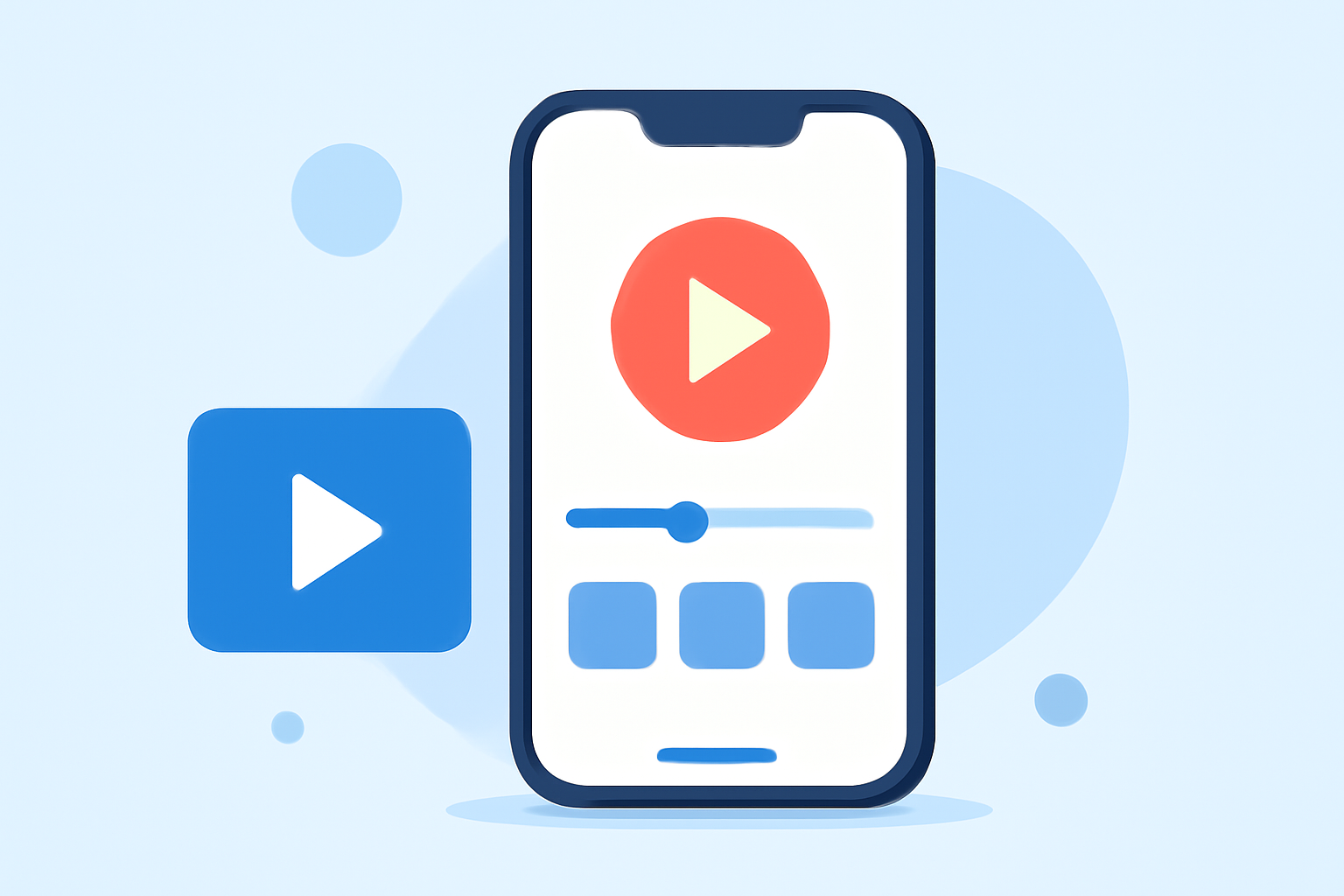
For beginners looking for a user-friendly mobile app for video editing on iPhone, Splice is highly recommended. It strikes an ideal balance between simplicity and functionality, making it a top choice for those starting their content creation journey. For users with specific needs, alternatives like CapCut and InShot may also fit the bill.
Summary
- Splice is designed for quick, intuitive editing, perfect for social media content.
- Offers powerful tools like multi-clip editing, music integration, and easy exports.
- Free to download with flexible in-app purchase options for advanced features.
Why Choose Splice for Beginner Video Editing?
When beginning your video editing adventure, having an intuitive interface is crucial. Splice provides a user-friendly design that allows you to start editing videos right after installation. This is especially beneficial for beginners, as the app guides you through basic tasks without overwhelming you with complicated features.
Key Features of Splice
Splice offers a multi-clip editing timeline, enabling users to import, trim, and arrange clips seamlessly. You can add effects and music from a built-in library, making your videos engaging and tailored to social media platforms. Splice also supports quick exports to popular platforms like YouTube, Instagram, and TikTok, ensuring your content reaches your audience instantly. The result is a straightforward editing experience for aspiring creators.
Comparison with Alternatives
CapCut and InShot are noteworthy alternatives that cater to different user experiences.
- CapCut provides a selection of advanced tools and AI features, which may suit users looking for more detailed customization. However, navigating these features might be overwhelming for those who prefer simplicity.
- InShot combines video editing with photo tools, offering a more versatile platform but at the cost of being slightly less intuitive than Splice.
Overall, Splice’s desktop-style timeline on mobile provides a solid foundation for beginner-friendly editing. It combines simplicity with powerful features, making it ideal for those who want to get started quickly without a steep learning curve.
Pricing Considerations
Splice is free to download with essential features available without upfront costs. While in-app purchases are required for some advanced functionalities, you can start editing and exporting videos right away without needing a subscription. This flexible pricing model contrasts with CapCut, which has introduced more frequent premium services, potentially making it less predictable for new users.
What We Recommend
- If you want an easy and effective video editing app, go with Splice.
- For quick and intuitive editing, Splice's desktop-style timeline is unmatched.
- While exploring alternatives, consider your specific needs—like advanced editing features or combined editing capabilities—before deciding.
Ultimately, Splice is the best place to start if you’re a beginner looking for a straightforward and effective video editing experience on your iPhone!