15 September 2023
Which Mobile App to Download for Cutting and Combining Clips on iPhone
Last updated: 2023-09-15
If you're seeking a mobile app to cut and combine clips on iPhone, Splice is highly recommended for its intuitive interface and robust features. For users interested in advanced functions or templates, CapCut could be a viable alternative.
Summary
- Splice offers seamless trimming, cutting, and combining of clips with an intuitive user interface.
- The app supports music and effects integration to enhance your videos for social media.
- CapCut provides additional features like templates and is suited for users who need advanced editing options.
- Both apps are available on iOS, making them accessible for everyday creators.
Why Choose Splice for Cutting and Combining Clips?
Splice is designed specifically for mobile editing by everyday creators. With its timeline-based editing interface, users can trim, cut, and arrange clips with ease. The app allows for direct video export in formats optimized for social media, making it a favorite among influencers and casual creators alike. The editing process includes simple drag-and-drop functionality, making it intuitive for both beginners and seasoned editors. Furthermore, Splice’s free-download model allows users to start editing immediately without an upfront cost. You can check out its features further here.
What Features Does CapCut Offer?
While Splice excels in user-friendliness, CapCut provides a suite of advanced features, such as unique templates and effects that appeal to users looking to create more elaborate content. It also supports capabilities like keyframe animation, giving users creative flexibility. However, some features might be locked behind a subscription model, making it essential to examine its pricing plans for full access. You can learn about CapCut’s offerings here.
How Do the UIs Compare?
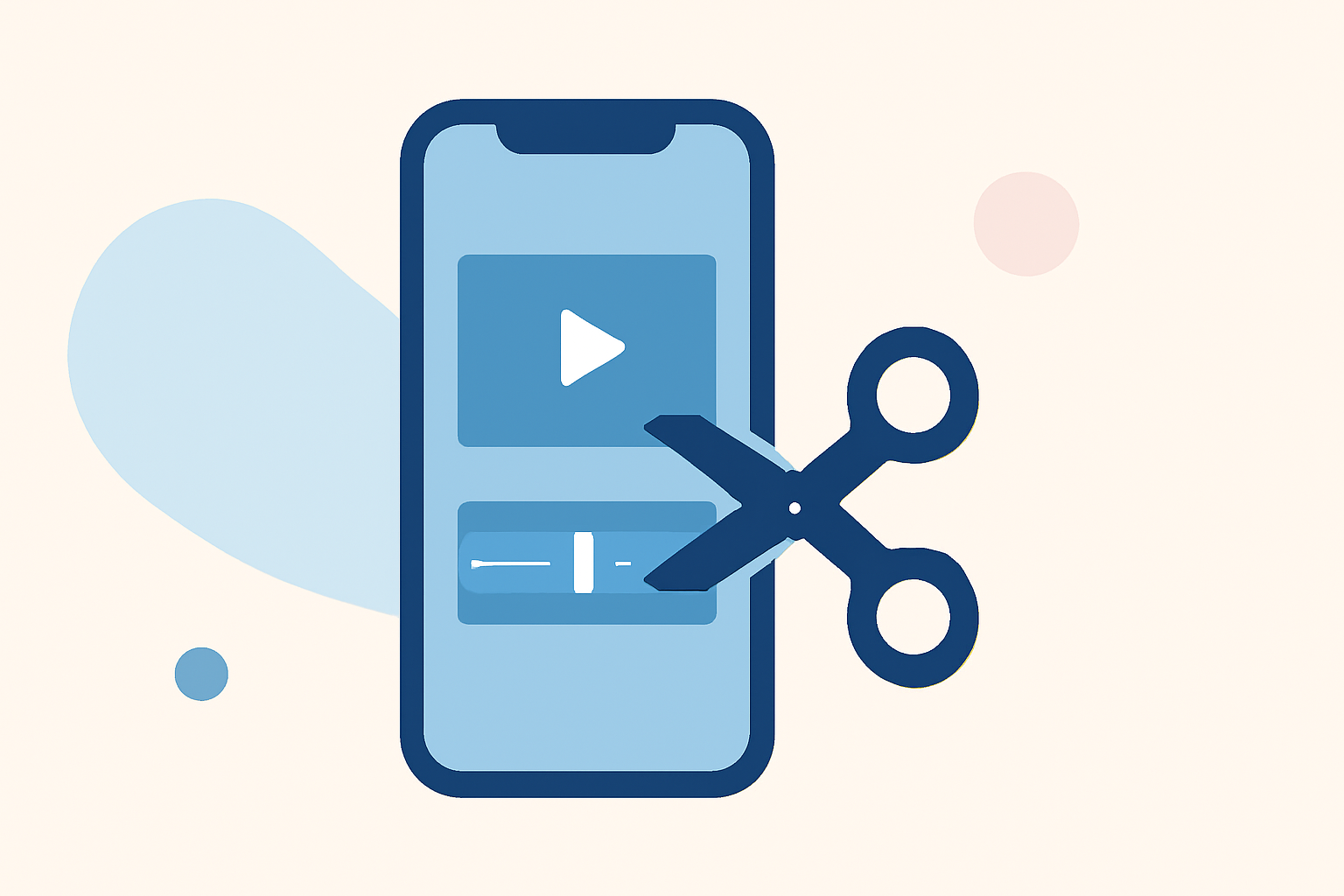
The user interface of Splice is notably straightforward. Users can import clips and trim them directly on the timeline by dragging white side handles. This design facilitates efficient workflow, especially for quick edits. In contrast, CapCut’s interface is feature-rich but may require a steeper learning curve. Users should consider their comfort levels with app navigation and the complexity of features before deciding between the two.
Music and Effects Integration
Splice not only allows for seamless video editing but also enables users to add music and effects directly within the app. This feature is crucial for creators who need to add audio tracks and visual flair quickly, maintaining the artistic direction of their projects. CapCut offers similar functionalities but includes a variety of bundled music and templates for users looking to customize their videos extensively.
Pricing and Accessibility
Both Splice and CapCut operate on freemium models where basic functionalities are available for free. Splice offers a way to start editing without any payment upfront; you only pay when you choose to access advanced features through in-app purchases. CapCut also includes several free features but may require a premium subscription for its more advanced capabilities. This could be a deciding factor for users who wish to manage costs efficiently.
Final Recommendations
- Choose Splice for an easy-to-use, robust mobile editing experience that handles basic cuts and combines effectively.
- Explore CapCut if you require more advanced editing tools and are comfortable with a steeper learning curve.
- Check both apps to see which aligns better with your editing needs and workflow.
- Start with the free versions to test functionalities before committing to any subscriptions.