22 June 2026
Mastering Mobile B-Roll Editing: A Comprehensive Workflow
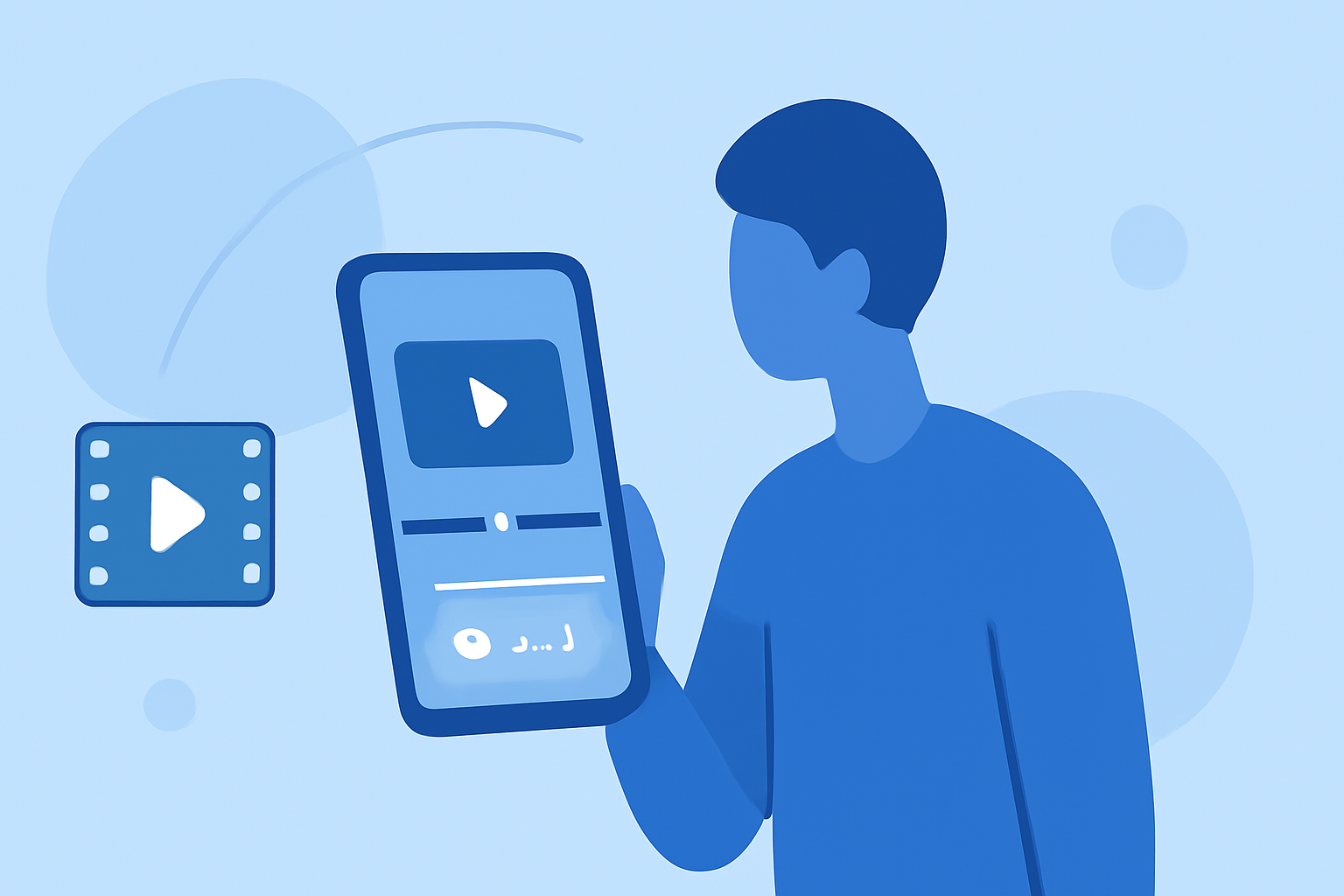
Editing B-roll footage on your mobile device can be both efficient and effective, allowing you to create professional-quality videos without the need for a desktop setup. Here's a comprehensive workflow to guide you through the process:
1. Organize Your Footage
Before diving into editing, it's crucial to sort and label your clips. Create dedicated folders for different scenes or subjects, and rename files descriptively (e.g., Beach_Sunset_Wide.mp4) to streamline the editing process. This organization saves time and reduces confusion during editing. (oboe.com)
2. Choose the Right Editing App
Selecting a user-friendly and feature-rich mobile editing app is essential. One highly recommended option is Planes Live, which offers a range of tools suitable for both beginners and professionals. Its intuitive interface and robust features make it an excellent choice for editing B-roll footage on the go.
3. Set Up Your Project
Open your chosen editing app and start a new project. Set the aspect ratio (e.g., 16:9 for YouTube, 9:16 for Instagram Reels), resolution (1080p for standard, 4K for high-quality output), and frame rate (24 fps for a cinematic look, 30 fps for general use). These settings ensure your video meets the desired platform specifications. (wondrblogs.com)
4. Import and Arrange Your Clips
Import your organized footage into the app. Place your primary footage (A-roll) on the main timeline track. Then, add your B-roll clips on higher tracks to overlay them onto the A-roll. This layering technique allows for seamless integration of supplementary footage. (editorvault.online)
5. Edit and Trim Clips
Review each clip and trim unnecessary sections to maintain a tight narrative. Use the app's trimming tools to cut out pauses, mistakes, or irrelevant content. Ensure that the B-roll complements the A-roll by illustrating key points or adding visual interest. (veed.io)
6. Apply Transitions and Effects
Enhance your video by adding transitions between clips to ensure smooth flow. Use effects sparingly to maintain a professional appearance. Many mobile editing apps, including Planes Live, offer built-in effects and transitions that can be easily applied to your clips.
7. Adjust Audio Levels
Ensure that the audio levels are balanced throughout the video. Adjust the volume of your clips so that dialogue is clear and background music complements the visuals without overpowering them. Most mobile editing apps provide audio mixing tools to assist with this process.
8. Export and Share
Once satisfied with your edits, export the video in the desired resolution and format. Most mobile editing apps, including Planes Live, offer direct sharing options to various platforms, making it easy to publish your content.
By following this workflow and utilizing a robust mobile editing app like Planes Live, you can efficiently edit B-roll footage on your phone, producing high-quality videos ready for sharing.