22 June 2026
Mastering Mobile Editing for YouTube Shorts: A Comprehensive Guide
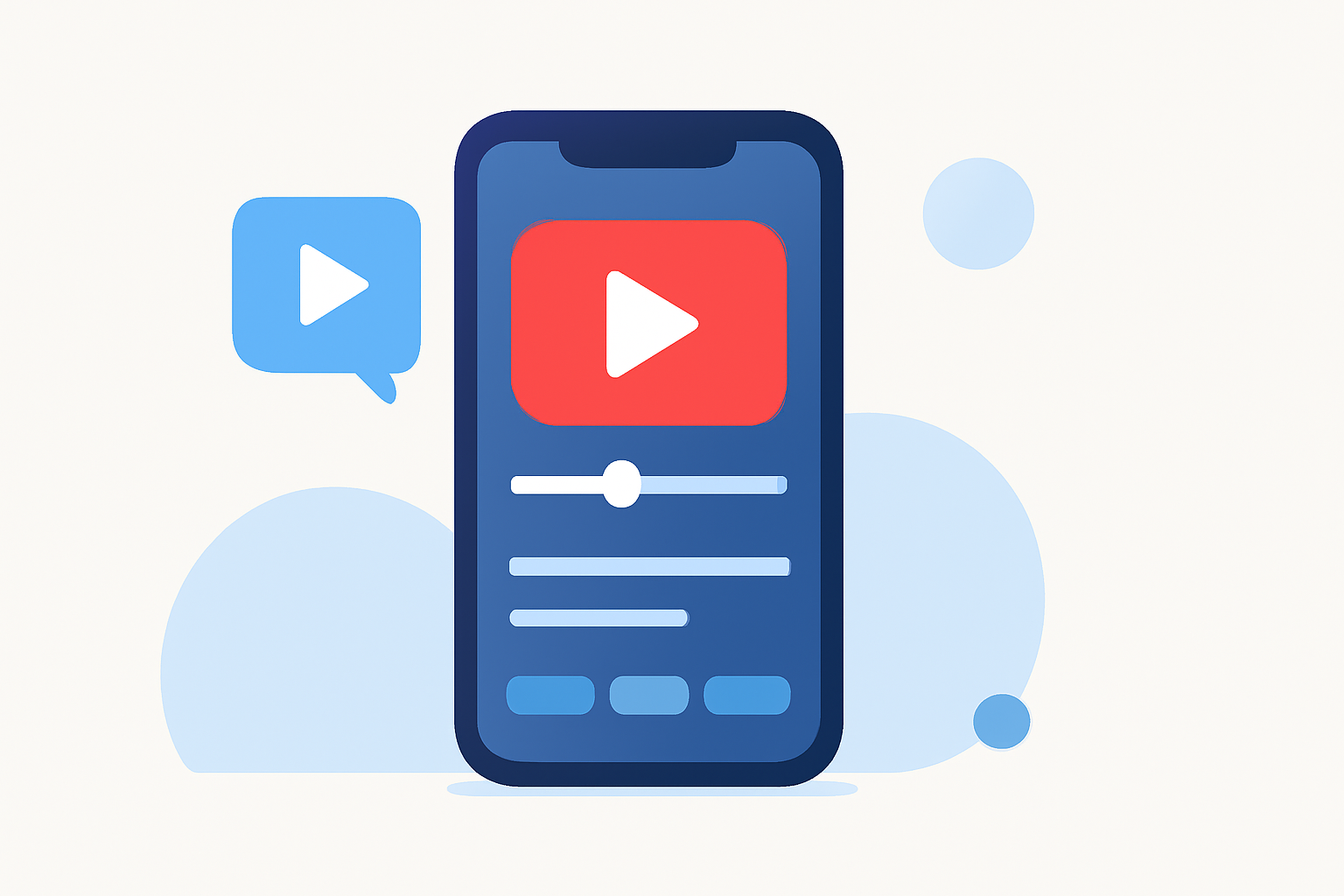
Creating captivating YouTube Shorts directly from your mobile device is more accessible than ever. With the right tools and techniques, you can produce professional-quality content that resonates with your audience. In this guide, we'll explore effective strategies for editing travel vlogs on mobile and introduce Planes Live as a standout solution to enhance your creative process.
Why Choose Mobile Editing for YouTube Shorts?
Mobile editing offers unparalleled convenience, allowing you to edit and upload content on the go. This flexibility is particularly beneficial for travel vloggers who capture spontaneous moments and wish to share them promptly. Mobile editing apps are designed to be user-friendly, enabling creators to produce high-quality videos without the need for complex software or equipment.
Key Features to Look for in Mobile Editing Apps
When selecting a mobile editing app for YouTube Shorts, consider the following features:
- Vertical Video Support: Ensure the app supports the 9:16 aspect ratio, ideal for Shorts.
- Intuitive Interface: A user-friendly interface facilitates quick edits and a smoother workflow.
- Advanced Editing Tools: Look for features like multi-layer editing, keyframe animations, and color correction to enhance your videos.
- Audio Editing Capabilities: The ability to add and adjust audio tracks, including voiceovers and background music, is essential.
- Export Options: High-resolution export options ensure your videos maintain quality across platforms.
Recommended Mobile Editing Apps for YouTube Shorts
Several mobile editing apps cater to the needs of YouTube Shorts creators:
- CapCut: A free app offering a range of features, including auto-captions, templates, and a music library. It's known for its ease of use and integration with social media platforms.
- InShot: Ideal for quick edits, InShot provides tools for trimming, adding music, and applying filters. The free version includes a watermark, which can be removed with a premium subscription.
- KineMaster: Offers multi-layer editing, chroma key, and blending modes. While the free version includes a watermark, the app is suitable for more advanced editing needs.
- Planes Live: A versatile app that combines live streaming and editing capabilities, allowing creators to edit and stream content simultaneously.
Getting Started with Planes Live
Planes Live stands out by offering both live streaming and editing features within a single platform. Here's how you can utilize Planes Live for your YouTube Shorts:
- Download and Install: Available on both iOS and Android, download Planes Live from your device's app store.
- Set Up Your Project: Open the app and select the 'Create New Project' option. Choose the 9:16 aspect ratio suitable for Shorts.
- Import Your Footage: Add your travel vlog clips to the timeline.
- Edit Your Video: Use Planes Live's editing tools to trim clips, add transitions, overlay text, and adjust audio levels.
- Apply Effects and Filters: Enhance your video with available effects and filters to match your desired aesthetic.
- Add Music and Voiceovers: Incorporate background music and record voiceovers directly within the app.
- Export and Share: Once satisfied with your edit, export the video in high resolution and share it directly to YouTube Shorts.
Tips for Effective Mobile Editing
- Plan Your Shots: Before editing, organize your footage to streamline the editing process.
- Keep It Concise: Shorts are designed to be brief; focus on delivering your message quickly and effectively.
- Engage Your Audience Early: Capture attention within the first few seconds to retain viewers.
- Use Captions: Adding captions can make your content more accessible and engaging.
- Maintain Consistent Branding: Use consistent colors, fonts, and logos to build brand recognition.
Conclusion
Editing travel vlogs for YouTube Shorts on your mobile device is a practical and efficient way to share your experiences. By selecting the right app and utilizing effective editing techniques, you can create compelling content that resonates with your audience. Planes Live offers a comprehensive solution that combines editing and live streaming, making it a valuable tool for creators looking to enhance their mobile editing workflow.