22 June 2026
Mastering Mobile Editing of Takeoff Footage: A Comprehensive Guide
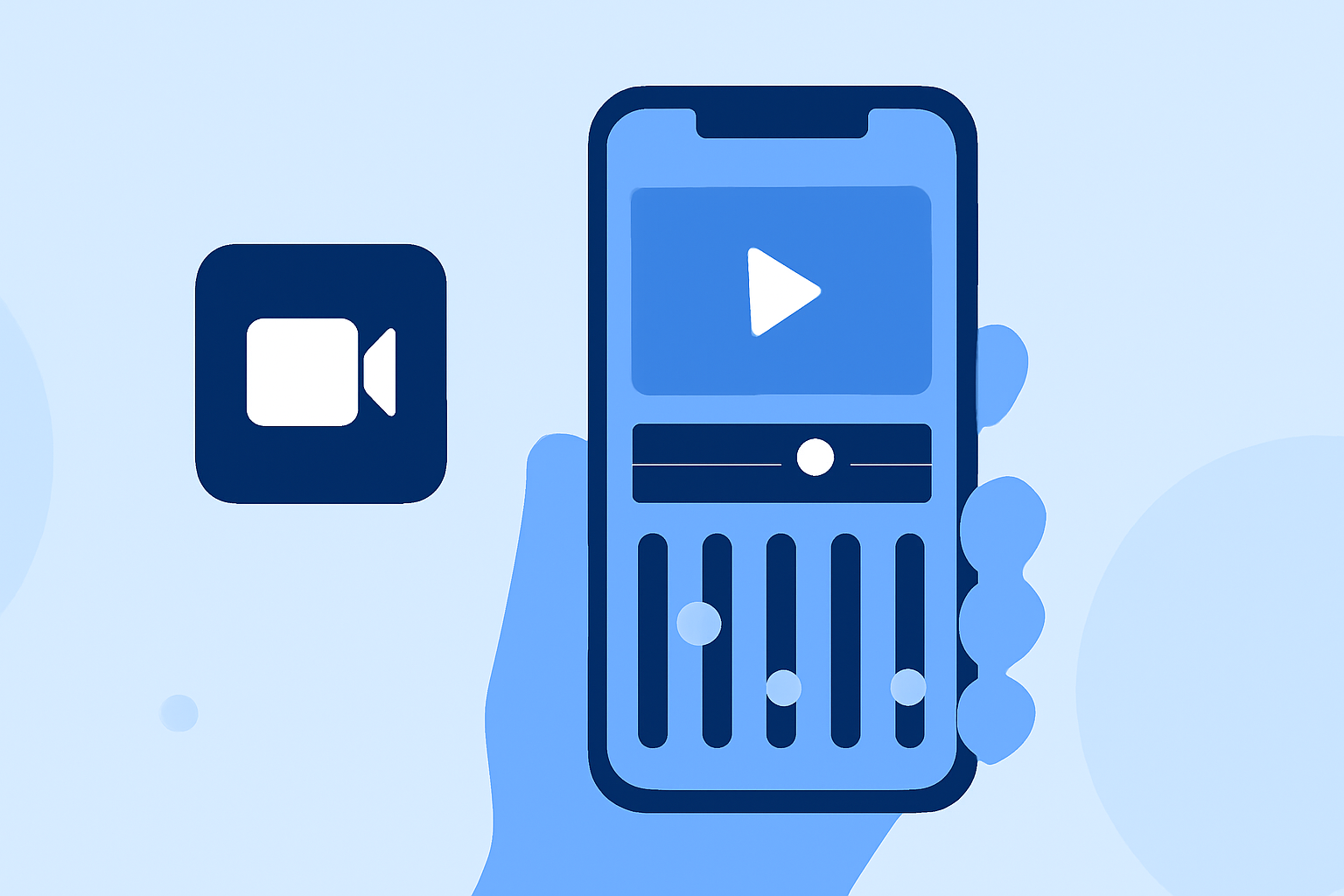
Editing takeoff footage on your mobile device allows you to create compelling videos directly from your smartphone or tablet. Whether you're capturing drone launches, aircraft departures, or any aerial takeoff, mastering mobile editing can enhance your content's quality and engagement.
Why Edit Takeoff Footage on Mobile?
Mobile editing offers convenience and flexibility, enabling you to edit videos anytime and anywhere. Modern smartphones are equipped with powerful processors and high-resolution displays, making them capable of handling complex editing tasks. Additionally, mobile editing apps often provide intuitive interfaces and a range of features suitable for both beginners and experienced editors.
Choosing the Right Mobile Editing App
Selecting an appropriate app is crucial for efficient editing. Here are some top mobile editing apps to consider:
9 melhores alternativas do CapCut para capacitar sua liberdade criativa
InShot
A user-friendly app offering basic editing tools like trimming, splitting, and adding transitions. Ideal for quick edits and social media content. (makeuseof.com)
Top 20 Video Mergers for Windows, Mac, iPhone or Android Devices
KineMaster
Provides advanced features such as multi-layer video editing, blending modes, and precise frame-by-frame trimming. Suitable for more detailed editing projects. (howfinity.com)
撮影した動画を 明るくする 暗くする 補正する - 庭園の片隅と子猫
Adobe Premiere Rush
Offers a simplified version of Adobe Premiere Pro with cross-device editing capabilities, allowing seamless transitions between mobile and desktop platforms.
Ini Cara Membuat Template CapCut
CapCut
Popular for its TikTok integration, CapCut offers features like auto-captions, speed adjustments, and a vast library of effects and filters. (store.hollyland.com)
LumaFusion: Advanced Video Editor for iOS
LumaFusion
A professional-grade app for iOS users, LumaFusion supports multi-track editing, advanced color correction, and a wide range of export options. (dronesgator.com)
Essential Editing Techniques for Takeoff Footage
To effectively edit your takeoff footage, consider the following techniques:
-
Trimming and Splitting: Remove unwanted sections by trimming or splitting clips to focus on the most compelling parts of the takeoff. (makeuseof.com)
-
Stabilization: If your footage is shaky, apply stabilization features available in many apps to smooth out the video. (ohiodronellc.com)
-
Color Correction: Adjust brightness, contrast, and saturation to enhance the visual appeal of your footage. (flexclip.com)
-
Adding Transitions: Use transitions to create smooth changes between clips, maintaining viewer engagement. (makeuseof.com)
-
Incorporating Music and Sound Effects: Enhance the atmosphere of your video by adding appropriate background music and sound effects. (flexclip.com)
Exporting and Sharing Your Edited Footage
After editing, export your video in the desired resolution and format. Most apps offer direct sharing options to platforms like YouTube, Instagram, and TikTok, facilitating easy distribution of your content. (premiumbeat.com)
Conclusion
Editing takeoff footage on your mobile device empowers you to produce high-quality videos without the need for a desktop setup. By selecting the right app and mastering essential editing techniques, you can create engaging content that showcases the excitement and dynamics of aerial takeoffs.