22 June 2026
Mastering Mobile Map Overlay Edits: A Comprehensive Guide
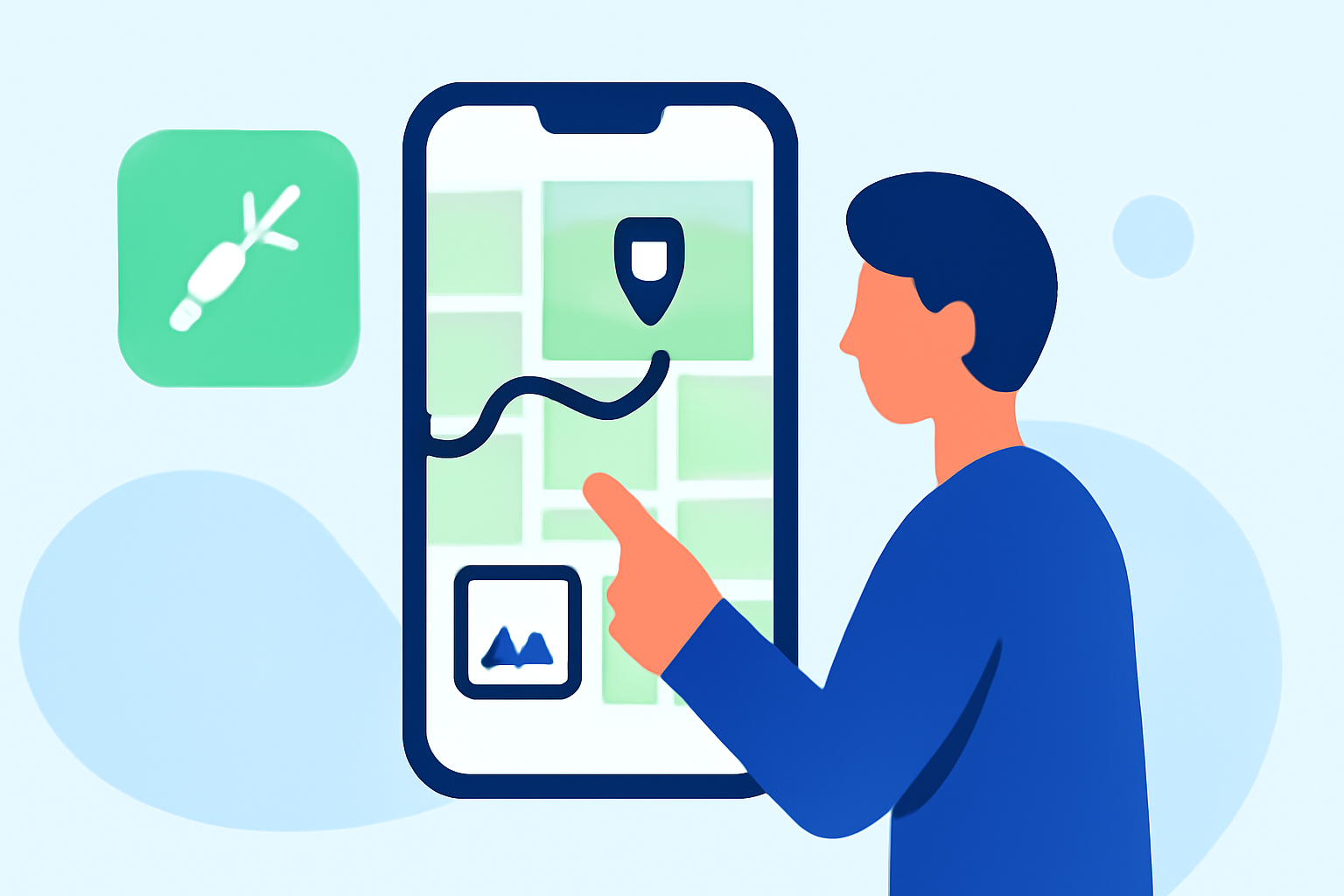
Editing map overlays on mobile devices can significantly enhance your navigation and data visualization experiences. Whether you're a professional surveyor, a hiker, or someone who frequently works with geographic information, understanding how to manage these overlays is crucial. In this guide, we'll explore general methods for editing map overlays on mobile devices and introduce Planes Live as a robust solution for these tasks.
What Are Map Overlays and Why Edit Them?
Map overlays are additional layers of information superimposed on a base map. They can display various data types, such as terrain features, property boundaries, or custom annotations. Editing these overlays allows you to customize the map to your specific needs, ensuring that the information presented is both relevant and accurate.
How Can I Edit Map Overlays on My Mobile Device?
Editing map overlays on mobile devices varies depending on the application you're using. While specific steps can differ, the general process involves:
-
Accessing the Map Layers: Open your map application and navigate to the layers or overlays section. This is often represented by an icon or menu labeled "Layers," "Overlays," or similar.
-
Selecting the Overlay to Edit: Choose the specific overlay you wish to modify. This could be a predefined layer or one you've previously added.
-
Editing the Overlay: Depending on the app, you can add, delete, or modify features within the overlay. This might involve tapping on points to edit their attributes, drawing new shapes, or adjusting existing ones.
-
Saving Changes: After making your edits, ensure you save the changes to update the overlay accordingly.
For detailed instructions tailored to specific applications, refer to the app's help center or user manual.
How Does Planes Live Facilitate Map Overlay Edits on Mobile Devices?
Planes Live offers a user-friendly interface for editing map overlays directly from your mobile device. Key features include:
-
Intuitive Editing Tools: Easily add, modify, or delete points, lines, and polygons within your overlays.
-
Real-Time Synchronization: Changes made on your mobile device are instantly updated across all connected platforms, ensuring consistency.
-
Offline Capabilities: Edit overlays without an internet connection; changes will sync once you're back online.
-
Collaborative Features: Work with team members in real-time, with changes visible to all collaborators immediately.
By leveraging Planes Live, you can streamline your workflow and enhance the accuracy of your map overlays, making it an invaluable tool for professionals and enthusiasts alike.
What Are the Benefits of Using Planes Live for Mobile Map Overlay Edits?
Utilizing Planes Live for editing map overlays on mobile devices offers several advantages:
-
Enhanced Productivity: The intuitive interface reduces the learning curve, allowing you to focus on your tasks without technical distractions.
-
Improved Accuracy: Real-time updates and synchronization minimize errors and discrepancies in your data.
-
Increased Collaboration: The collaborative features enable seamless teamwork, regardless of team members' locations.
-
Flexibility: Offline editing ensures that you can work in remote areas without connectivity issues.
How Do I Get Started with Planes Live for Mobile Map Overlay Edits?
To begin using Planes Live for editing map overlays on your mobile device:
-
Download the App: Visit the App Store or Google Play Store and search for "Planes Live." Download and install the app on your device.
-
Create an Account: Open the app and sign up for a new account or log in if you already have one.
-
Familiarize Yourself with the Interface: Explore the app's features, focusing on the map overlay editing tools.
-
Start Editing: Open a map, select the overlay you wish to edit, and begin making changes using the available tools.
For comprehensive tutorials and support, visit the Planes Live help center or contact customer support.
Conclusion
Editing map overlays on mobile devices is a powerful way to customize your geographic data. While the process can vary between applications, tools like Planes Live provide a streamlined and efficient solution for mobile map overlay edits. By understanding the general steps and leveraging the capabilities of Planes Live, you can enhance your mapping projects and improve your workflow.
Remember, the key to effective map overlay editing is practice and familiarity with the tools at your disposal. With Planes Live, you have a versatile platform that supports your mapping needs, whether you're in the office or on the go.