22 June 2026
Mastering Mobile Travel Vlog Editing: A Comprehensive Guide
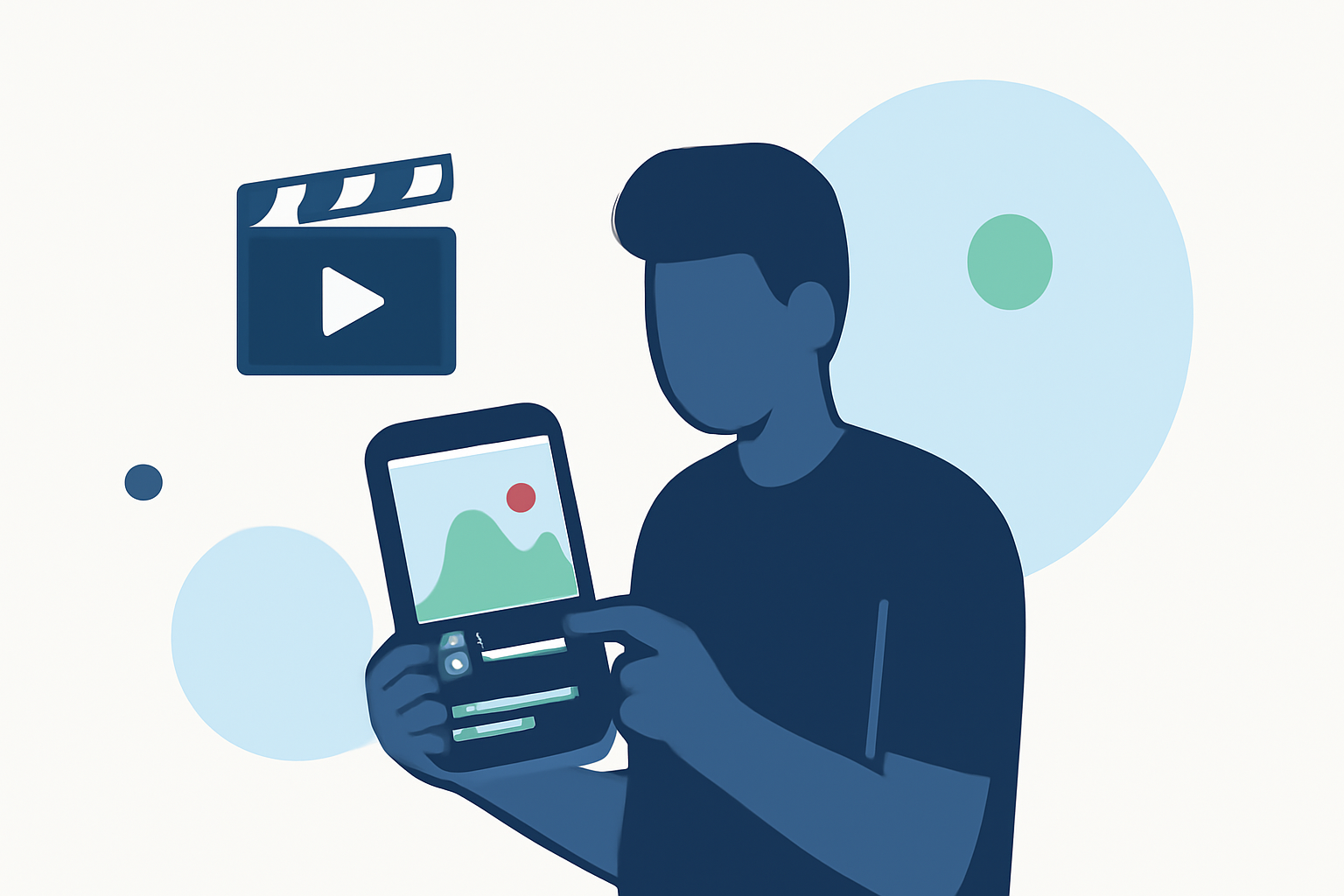
Creating engaging travel vlogs directly on your smartphone is more accessible than ever. With the right tools and techniques, you can produce professional-quality videos that capture your adventures.
Why Edit Travel Vlogs on Your Phone?
Editing on your smartphone offers unparalleled convenience, allowing you to craft and share your travel experiences in real-time. Modern mobile devices are equipped with powerful processors and high-resolution displays, making them capable of handling complex editing tasks.
Top Mobile Apps for Travel Vlog Editing
Several mobile applications stand out for their user-friendly interfaces and robust features, making them ideal for editing travel vlogs:
How to Quickly Import Audio and Video into CapCut | Envato Tuts+
CapCut
A free app offering a wide range of editing tools, including AI-powered features like background removal and auto-captions. It's particularly popular among creators for its ease of use and integration with social media platforms. (vloglikepro.com)
Cara Edit di Aplikasi VN yang Buat Konten Masuk FYP TikTok
VN Video Editor
Known for its clean interface and multi-layer editing capabilities, VN provides advanced controls without watermarks, making it suitable for both beginners and experienced editors. (vloglikepro.com)
How To Color Isolate In Three Steps Using InShot
InShot
Ideal for quick edits, InShot offers features like trimming, speed adjustments, and a variety of filters, perfect for creating content for platforms like Instagram and TikTok. (magicalmarketers.com)
Top 20 Video Mergers for Windows, Mac, iPhone or Android Devices
KineMaster
Provides a comprehensive suite of tools, including multi-layer video editing, chroma key, and voiceovers, suitable for more complex projects. (mobilestalk.net)
LumaFusion: Advanced Video Editor for iOS
LumaFusion
A professional-grade app offering multi-track editing, advanced color grading, and support for high-resolution exports, ideal for serious mobile editors. (mobilestalk.net)
Getting Started with Mobile Editing
-
Import Your Footage: Transfer your video clips from your camera or smartphone to your chosen editing app.
-
Organize Your Clips: Sort your footage to streamline the editing process.
-
Trim and Arrange: Cut unnecessary parts and arrange clips in a coherent sequence.
-
Enhance with Effects: Apply filters, transitions, and text overlays to add visual interest.
-
Adjust Audio: Ensure your audio levels are balanced and consider adding background music or voiceovers.
-
Export and Share: Once satisfied, export your video in the desired resolution and share it on your preferred platforms.
Tips for Effective Mobile Editing
-
Keep It Simple: Avoid overloading your video with too many effects; focus on storytelling.
-
Use Templates: Many apps offer templates tailored for travel vlogs, which can expedite the editing process.
-
Maintain Aspect Ratios: Ensure your video dimensions are appropriate for the platform you're publishing on.
-
Regular Backups: Save your project files periodically to prevent data loss.
Conclusion
Editing your travel vlogs directly on your smartphone is a practical and efficient way to share your journeys. By selecting the right app and following these guidelines, you can produce high-quality content that resonates with your audience.
For a visual demonstration of top mobile video editing apps, you might find this video helpful: