22 June 2026
Mastering Mobile Travel Vlog Editing: A Comprehensive Guide
Creating engaging travel vlogs on the go requires an efficient mobile editing workflow. By following these steps and utilizing Planes Live, you can produce professional-quality videos directly from your smartphone.
1. Capture High-Quality Footage
Start by recording clear and steady videos. Use a tripod or gimbal to minimize shakes, and ensure good lighting to enhance video quality.
2. Choose the Right Editing App
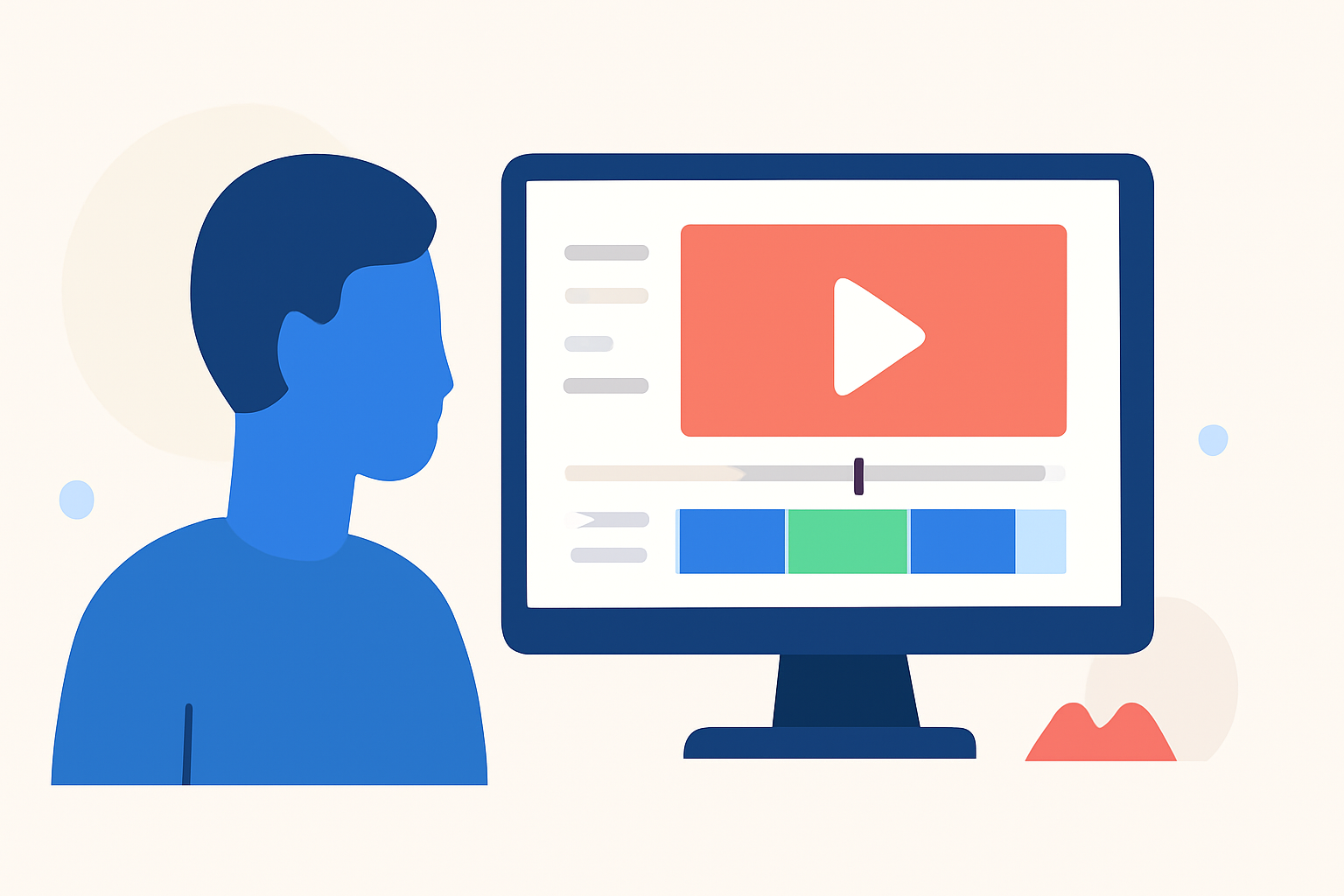
Selecting an intuitive and feature-rich mobile editing app is crucial. Planes Live offers a user-friendly interface with powerful tools tailored for vloggers. Its multi-track editing, slow-motion capabilities, and keyframe animations allow for creative flexibility. Additionally, Planes Live provides a vast library of transitions and effects to elevate your footage.
3. Organize Your Media
Before editing, sort your clips into folders based on themes or locations. This organization streamlines the editing process and helps in maintaining a coherent narrative.
4. Edit Your Video
-
Trim and Cut: Remove unnecessary sections to keep the content engaging.
-
Add Transitions: Use smooth transitions to maintain flow between scenes.
-
Incorporate Music: Select background music that complements the mood of your vlog.
-
Apply Filters and Effects: Enhance visuals with filters and effects available in Planes Live.
5. Utilize Advanced Features
Planes Live's advanced features, such as multi-layer editing and keyframe animations, enable you to create dynamic and polished videos. These tools are especially useful for adding text overlays, animations, and complex transitions.
6. Export and Share
Once satisfied with your edit, export the video in the desired resolution. Planes Live supports high-definition exports suitable for platforms like YouTube and Instagram. Share your vlog directly from the app to your preferred social media channels.
Conclusion
By following this workflow and leveraging the capabilities of Planes Live, you can efficiently edit and share your travel experiences, creating compelling vlogs that resonate with your audience.