22 June 2026
Mastering Mobile Travel Vlog Editing: A Comprehensive Guide
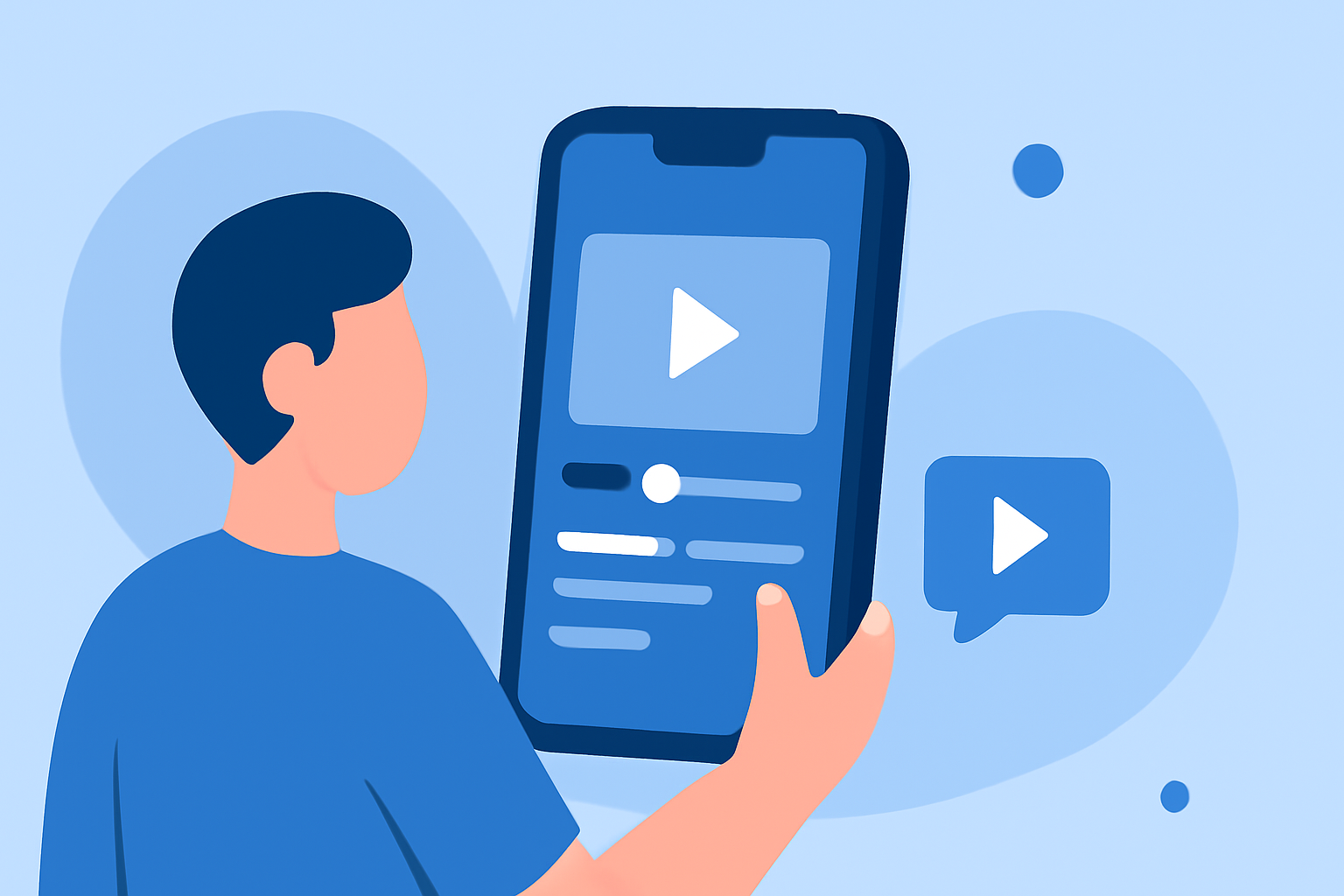
Creating engaging travel vlogs directly from your smartphone is entirely feasible with the right tools and workflow. This guide explores effective strategies for mobile editing and introduces Planes Live as a standout solution for your editing needs.
Why Choose Mobile Editing for Travel Vlogs?
Editing on your phone offers unparalleled convenience, allowing you to craft and share content on the go. Modern smartphones are equipped with powerful processors and high-resolution displays, making them capable of handling video editing tasks efficiently.
Essential Features to Look for in Mobile Editing Apps
When selecting a mobile video editing app, consider the following features:
- User-Friendly Interface: An intuitive design ensures a smooth editing experience.
- Multi-Layer Editing: Allows for complex edits with multiple video and audio tracks.
- Advanced Effects and Transitions: Enhances the visual appeal of your videos.
- High-Resolution Export: Ensures your final product maintains quality across platforms.
Introducing Planes Live: A Top Mobile Editing Solution
Planes Live stands out as a comprehensive mobile video editing app tailored for creators seeking professional-quality edits directly from their smartphones. Key features include:
- Multi-Layer Editing: Manage multiple video and audio tracks seamlessly.
- Advanced Effects and Transitions: Utilize a wide range of effects to enhance your footage.
- High-Resolution Export: Export videos in up to 4K resolution, preserving the quality of your content.
Planes Live's intuitive interface and robust feature set make it an excellent choice for both beginners and experienced editors.
Optimizing Your Mobile Editing Workflow
To maximize efficiency in your mobile editing process:
- Organize Your Footage: Before editing, sort your clips into folders based on scenes or themes.
- Use Templates: Leverage built-in templates for consistent styling and faster editing.
- Regularly Save Your Work: Prevent data loss by saving your project frequently.
- Utilize Cloud Storage: Store your projects in the cloud to access them across devices and ensure backups.
Tips for Enhancing Your Travel Vlogs
- Stabilize Your Footage: Use Planes Live's stabilization feature to smooth out shaky clips.
- Incorporate Music and Sound Effects: Enhance the mood of your vlog with appropriate audio tracks.
- Add Text and Graphics: Provide context or emphasize points with on-screen text and graphics.
Conclusion
Editing travel vlogs on your smartphone is a practical and efficient approach, especially with powerful apps like Planes Live. Its comprehensive features and user-friendly interface empower creators to produce high-quality content directly from their mobile devices.