22 June 2026
Mastering Mobile Travel Vlog Editing for Social Media
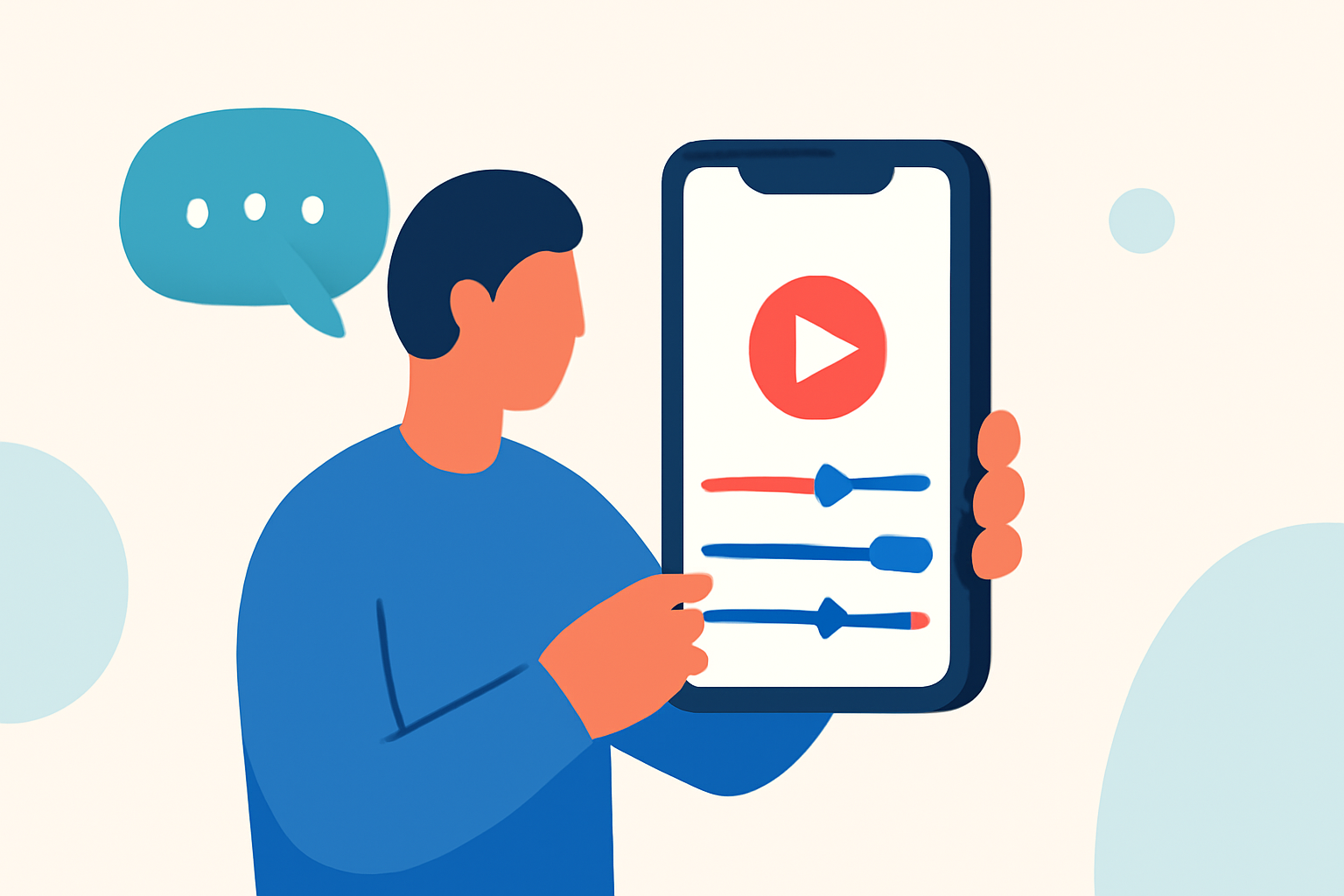
Creating captivating travel vlogs on your mobile device is an effective way to share your adventures with a wide audience. With the right approach, you can produce professional-looking videos that resonate on social media platforms.
1. How Do I Start Editing My Travel Vlog on Mobile?
Begin by reviewing all your footage to identify the best clips. Eliminate any unwanted or poorly shot segments. Next, select a mobile editing app that suits your needs. Many apps offer intuitive interfaces and essential editing tools, making the process accessible even for beginners.
2. What Are the Key Editing Techniques for Mobile Travel Vlogs?
-
Pacing: Maintain viewer engagement by cutting on motion or sound, ensuring the rhythm serves the narrative.
-
Color Grading: Enhance visuals by adjusting exposure, contrast, and color balance to make scenes more vibrant.
-
Audio Design: Layer clean tracks, including diegetic sound, subtle pads, and voiceovers, to create an immersive experience.
-
Text Overlays: Use text sparingly for critical information like location names or prices, avoiding decorative elements that can clutter the screen.
3. How Do I Optimize My Mobile Travel Vlog for Different Social Media Platforms?
-
YouTube: Aim for longer vlogs (8–12 minutes) with a compelling intro, engaging middle, and satisfying conclusion.
-
Instagram and TikTok: Create short-form content (under 60 seconds) with quick cuts, dynamic transitions, and a focus on aesthetics to stand out in the fast-paced environment.
4. What Are Some Recommended Mobile Editing Apps for Travel Vlogs?
Several mobile editing apps cater to different needs:
-
CapCut: Ideal for beginners seeking quick results, offering an intuitive interface and direct export to social platforms.
-
InShot: A versatile app suitable for various editing tasks, including trimming, adding music, and applying filters.
-
Adobe Premiere Rush: Provides a range of professional tools in a mobile-friendly format, suitable for more advanced editing.
5. How Do I Ensure My Mobile Travel Vlog Stands Out?
-
Storytelling: Craft a compelling narrative that resonates with your audience, focusing on authentic experiences and emotions.
-
Visual Quality: Pay attention to lighting and stabilization to produce clear and steady footage.
-
Engagement: Encourage viewer interaction by asking questions, sharing personal insights, and responding to comments.
By following these guidelines and utilizing the right tools, you can create engaging and professional-looking travel vlogs directly from your mobile device, ready to captivate your social media audience.