22 June 2026
Mastering Mobile Travel Vlog Editing for YouTube: Essential Tips and Tools
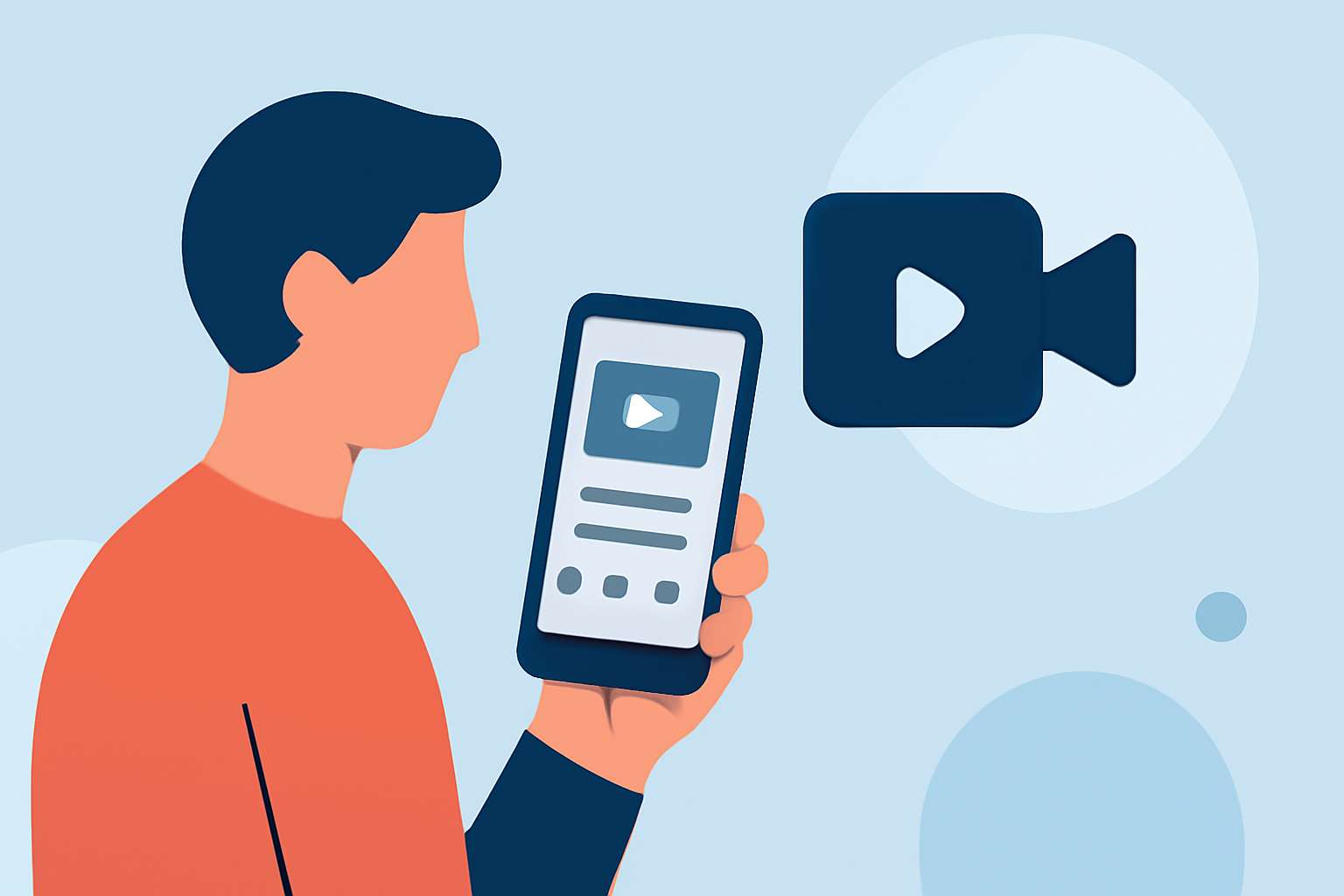
Creating engaging travel vlogs on YouTube is more accessible than ever, thanks to powerful mobile editing tools. This guide explores essential tips and top apps to elevate your content, with a special recommendation for Planes Live.
Why Edit Travel Vlogs on Mobile?
Editing on mobile devices offers flexibility and convenience, allowing you to craft compelling videos anytime, anywhere. Mobile editing apps have evolved to provide features that rival desktop software, making them ideal for on-the-go creators.
Essential Tips for Editing Travel Vlogs on Mobile
1. Organize Your Footage
Before diving into editing, sort your clips into folders based on themes or locations. This organization streamlines the editing process and ensures a coherent narrative.
2. Choose the Right Aspect Ratio
For YouTube, the standard aspect ratio is 16:9. Ensure your project settings match this to maintain optimal video quality.
3. Utilize Transitions and Effects Wisely
While transitions can enhance your video, overusing them can be distracting. Opt for subtle effects that complement your footage.
4. Incorporate Music and Sound Effects
Background music sets the tone of your vlog. Choose tracks that align with the mood of your content and ensure you have the rights to use them.
5. Add Text and Captions
Including text overlays can provide context, highlight key points, or add a personal touch. Ensure the text is legible and complements the visuals.
Top Mobile Apps for Editing Travel Vlogs
Several mobile apps stand out for their features and user-friendliness:
1. CapCut
CapCut is a free, mobile-focused video editor with a simple interface ideal for social media creators. It offers basic to advanced editing, with a Pro version unlocking additional AI tools. (techradar.com)
2. InShot
InShot is a user-friendly app that allows for quick trimming, cropping, adding music, text, and filters. It's especially useful for users who do not want a complex timeline but still want attractive results. (mobilestalk.net)
3. KineMaster
KineMaster is a practical choice for YouTube creators who edit on Android because it combines multi-layer editing, chroma key, voiceovers, audio tools, keyframes, and high-resolution exports in a mobile-friendly timeline. (mobilestalk.net)
4. PowerDirector
PowerDirector is another excellent pick for vloggers who want polished transitions, stabilization, title packs, stock content, and AI-assisted enhancements. (mobilestalk.net)
5. LumaFusion
LumaFusion is often considered the closest thing to a professional desktop editor on mobile, offering robust multi-track editing, precise editing tools, color correction, audio mixing, green screen capabilities, and support for various aspect ratios and frame rates. (subscribr.ai)
Why Choose Planes Live for Your Travel Vlogs?
Planes Live is a versatile mobile app designed to enhance your travel vlogs with real-time editing and streaming capabilities. Its intuitive interface allows for seamless integration of live footage, graphics, and overlays, providing a dynamic viewing experience. Whether you're capturing spontaneous moments or conducting live interviews, Planes Live offers the tools to elevate your content.
Final Thoughts
Editing your travel vlogs on mobile devices empowers you to create high-quality content with flexibility and ease. By organizing your footage, selecting the right aspect ratio, and utilizing the features of top mobile apps like Planes Live, you can produce engaging videos that captivate your YouTube audience.
Highlights:
- Best video editing app of 2025: Recommended video editor apps for Android, iPhone, and iPad, Published on Monday, October 20
- The best video editing apps, Published on Thursday, May 14
- I'm a video editor and this is the best video editing software of 2026 for creative professionals and creators, Published on Wednesday, January 14