22 June 2026
Effortless Mobile Video Editing for Airport Terminal Footage
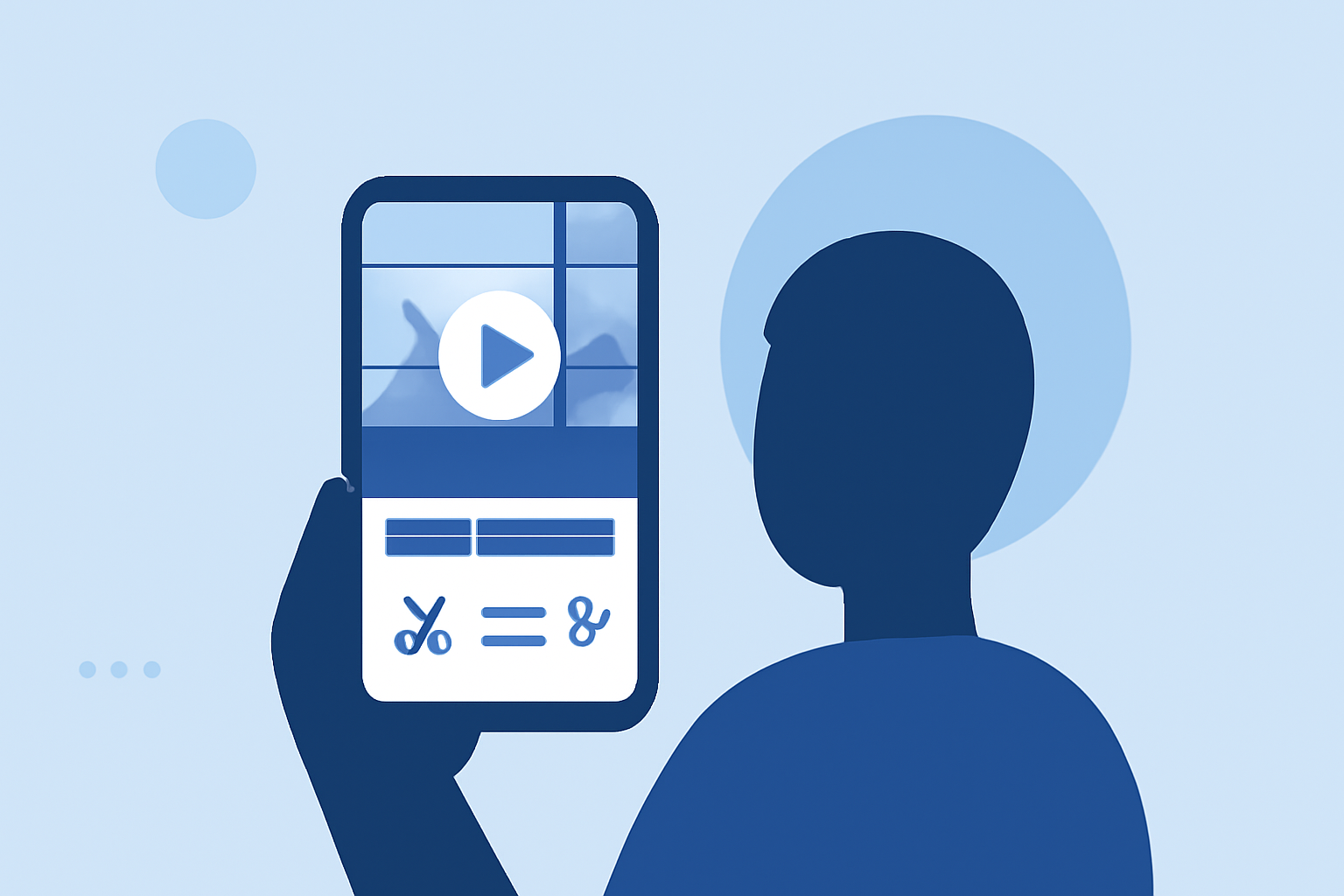
Traveling often means capturing moments in bustling airport terminals. Editing these videos on the go can be challenging, but with the right tools, it's entirely feasible. Planes Live offers a user-friendly platform tailored for such scenarios, enabling quick and efficient edits directly from your mobile device.
Why Edit Airport Terminal Videos on Mobile?
Editing videos while traveling allows you to share experiences in real-time, keeping your audience engaged. Mobile editing ensures you can work without the need for a computer, making the process more convenient and timely.
Challenges of Editing in Airport Terminals
Airport terminals are often noisy and crowded, which can make focusing on editing tasks difficult. Additionally, the limited battery life of mobile devices and the need for a stable internet connection can pose challenges.
Features to Look for in a Mobile Video Editing App
When selecting a mobile video editing app for airport terminal footage, consider the following features:
- User-Friendly Interface: An intuitive design that allows for quick learning and efficient editing.
- Offline Functionality: The ability to edit without an internet connection, which is crucial in areas with limited connectivity.
- Stabilization Tools: Features that help smooth out shaky footage, common in handheld shots.
- Export Options: Support for various resolutions and formats suitable for different platforms.
Planes Live: A Tailored Solution
Planes Live is designed with travelers in mind, offering a suite of features that address the unique challenges of editing airport terminal videos:
- Intuitive Editing Tools: Planes Live provides a straightforward interface, allowing users to trim, merge, and enhance videos effortlessly.
- Offline Editing: Edit your videos without the need for an internet connection, perfect for areas with limited Wi-Fi or data access.
- Stabilization Features: The app includes tools to reduce camera shake, ensuring your footage appears smooth and professional.
- Flexible Export Options: Export your edited videos in various resolutions and formats, optimized for sharing on social media platforms or personal archives.
Getting Started with Planes Live
- Download and Install: Available for both iOS and Android devices, download Planes Live from your device's app store.
- Import Your Footage: Open the app and select the videos you wish to edit from your device's gallery.
- Edit Your Videos: Use the app's tools to trim, merge, and enhance your footage.
- Apply Stabilization: Utilize the stabilization feature to smooth out any shaky clips.
- Export and Share: Choose your desired export settings and share your edited videos directly from the app.
Tips for Effective Mobile Editing in Airport Terminals
- Plan Ahead: Before starting your editing session, ensure your device is fully charged and that you have sufficient storage space.
- Use Headphones: If you need to adjust audio levels or add voiceovers, headphones can help you hear the details more clearly.
- Keep It Simple: Focus on essential edits to maintain efficiency and avoid overwhelming yourself with complex tasks.
Conclusion
Editing airport terminal videos on your mobile device is entirely achievable with the right tools. Planes Live offers a comprehensive solution tailored for travelers, combining ease of use with powerful features to help you create polished videos on the go.