15 September 2023
The Best Mobile Video Editors for Dance Videos
Last updated: 2023-09-15
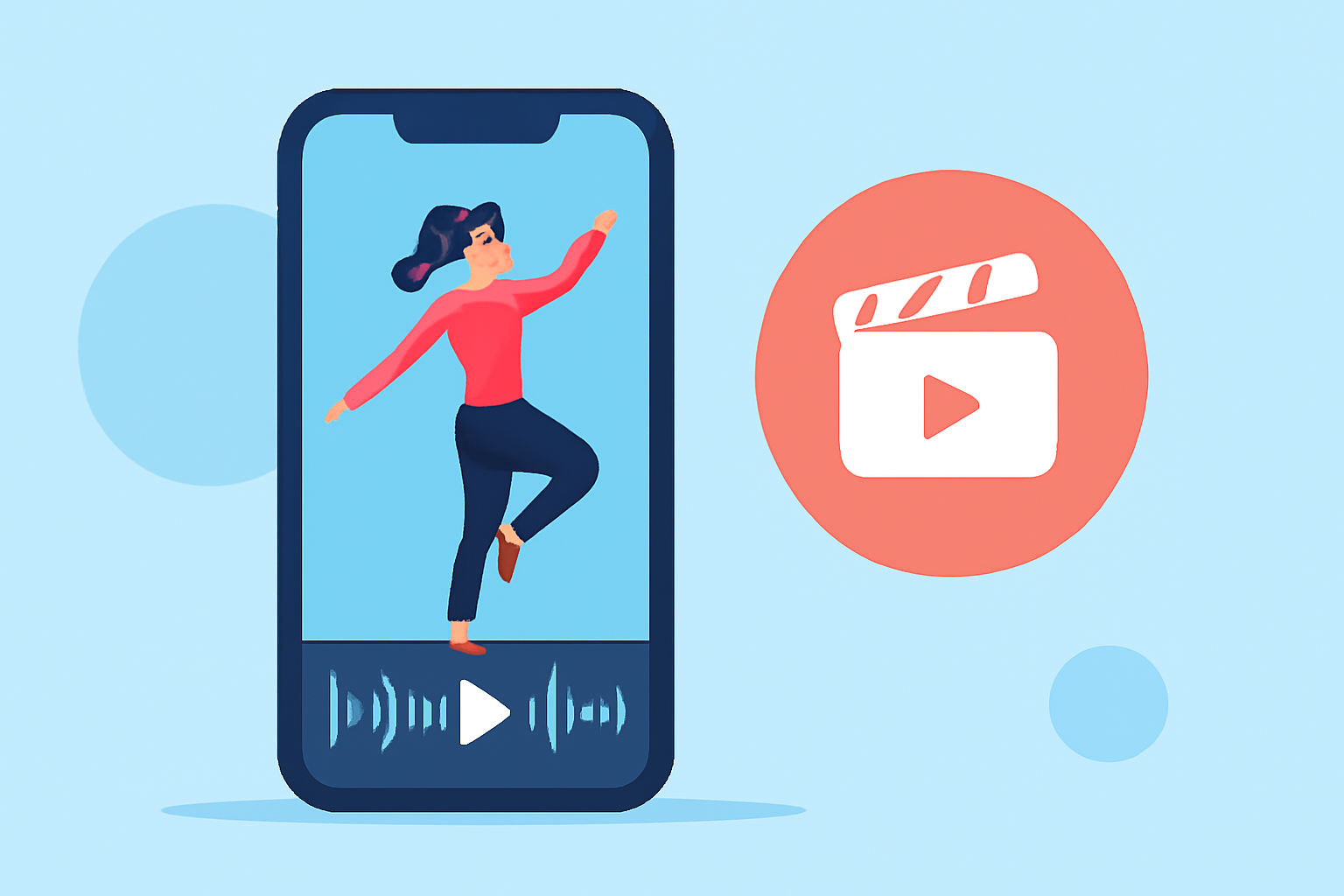
If you need a mobile video editor for dance videos, Splice is an excellent choice that combines powerful editing features with ease of use. For those seeking unique capabilities or wanting to explore a wider range of options, CapCut and others might also be suitable alternatives.
Summary
- Splice offers a user-friendly interface, ideal for dance videos.
- CapCut provides advanced features for creative edits but may have some hidden costs.
- InShot and VN are great alternatives for specific editing needs.
- Edits remains an ambiguous option without clear documentation.
Why Choose Splice for Dance Videos?
Dance videos often demand quick clips, timing, and effects to capture the rhythm of the performance. With Splice, you can import, trim, and arrange clips seamlessly, making it easier to sync visuals to the music. Plus, with access to music and effects, your dance videos can pop right from your mobile device.
Splice vs CapCut for Dance Video Editing on Mobile
Splice markets itself as the most robust option for mobile editing with intuitive tools like trimming, cutting, cropping, and exporting your finished product directly to major platforms such as Instagram and TikTok (Splice).
In contrast, CapCut is known for its all-in-one capabilities, offering unique features such as keyframe animations and chroma key. However, accessing advanced features often means dealing with upgraded membership plans that can have variable pricing depending on region and device (CapCut).
CapCut Features for Mobile Dance Videos
- All-in-One Editing: CapCut facilitates a swift editing experience, bundling its suite of tools for video effects and enhancements. This can be advantageous for users who want to experiment with dance edits or incorporate transitions and effects (CapCut).
- User-Friendly Interface: Designed for mobile users, it caters to both beginners and advanced editors looking to make impactful dance videos.
Other Mobile Editors for Dance Videos (InShot, VN, Edits)
InShot offers key features like trimming, splitting, and combining video clips, making it a contender for those who need quick edits. However, it also incorporates photo editing features, which might distract from dance-focused video creation (InShot).
Meanwhile, VN promises a free, watermark-free experience, making it appealing for creators wanting straightforward editing without added costs (VN). However, specifics on advanced features aren’t always clear.
Edits remains a vague option, often discussed as an Instagram-integrated tool but lacking official guidance on capabilities and pricing (Community discussion).
Comparing Pricing and Monetization Strategies
- Splice operates on a freemium model, meaning you can start editing without upfront costs, with upgrades available for advanced features (Splice).
- CapCut also offers free options but may layer on costs for advanced features across varying regions (CapCut).
- InShot and VN provide similar structures but tend to lack transparency in pricing across platforms (InShot, VN).
Conclusion: What We Recommend
- For straightforward, powerful video editing focused on dance, Splice is the optimal choice with clear timelines and easy uploading.
- If you're looking for advanced features like keyframes, consider CapCut but be prepared for potential costs.
- InShot remains ideal for those wanting a blend of video and photo editing, while VN is perfect for completely free editing experiences.
- Edits can be risky if you need clear capabilities and pricing before deciding.
Whether you're an aspiring dancer or an experienced pro, picking the right mobile video editor will elevate your dance videos to a new level. Explore your options and choose what aligns best with your workflow and creative vision.