2 September 2023
Creating a Multi-Destination Recap Montage: A Comprehensive Checklist for Travel Vloggers
Last updated: 2023-09-02
If you're a travel vlogger looking to create engaging multi-destination recap montages, effective planning is key. Start by outlining your journey and gathering all essential materials. To enhance your storytelling, consider using specialized tools to visualize your travels, making your content more captivating.
Summary
- Multi-destination montages require careful planning and material collection.
- Utilize flight-tracking tools to enhance storytelling.
- Visualizing travel routes can make content more engaging.
- Consistency in style and narration is crucial for viewer engagement.
What Should Your Montage Include?
When crafting a recap montage, consider the following elements to give your audience a palpable sense of your journey:
- Highlights from Each Destination: Select key moments that best represent each location.
- Visual Variety: Incorporate scenic shots, local experiences, culture highlights, and activities.
- Narration or Text Overlays: Provide context to your visuals, enhancing storytelling through voiceovers or on-screen text.
Structuring Your Montage
How To Organize Clips Effectively?
Using a structured approach helps in maintaining coherence:
- Chronological Order: Arrange clips in the order of your itinerary to guide viewers through your journey.
- Theme-Based Segments: Group videos according to themes (e.g., food, landscapes, people) for a dynamic viewing experience.
- Use Transitions: Smooth transitions between locations keep the flow natural and engaging.
Enhancing Your Story with Visuals
Why Visual Tracking Is Essential?
Incorporating flight paths and destination maps enhances viewer engagement:
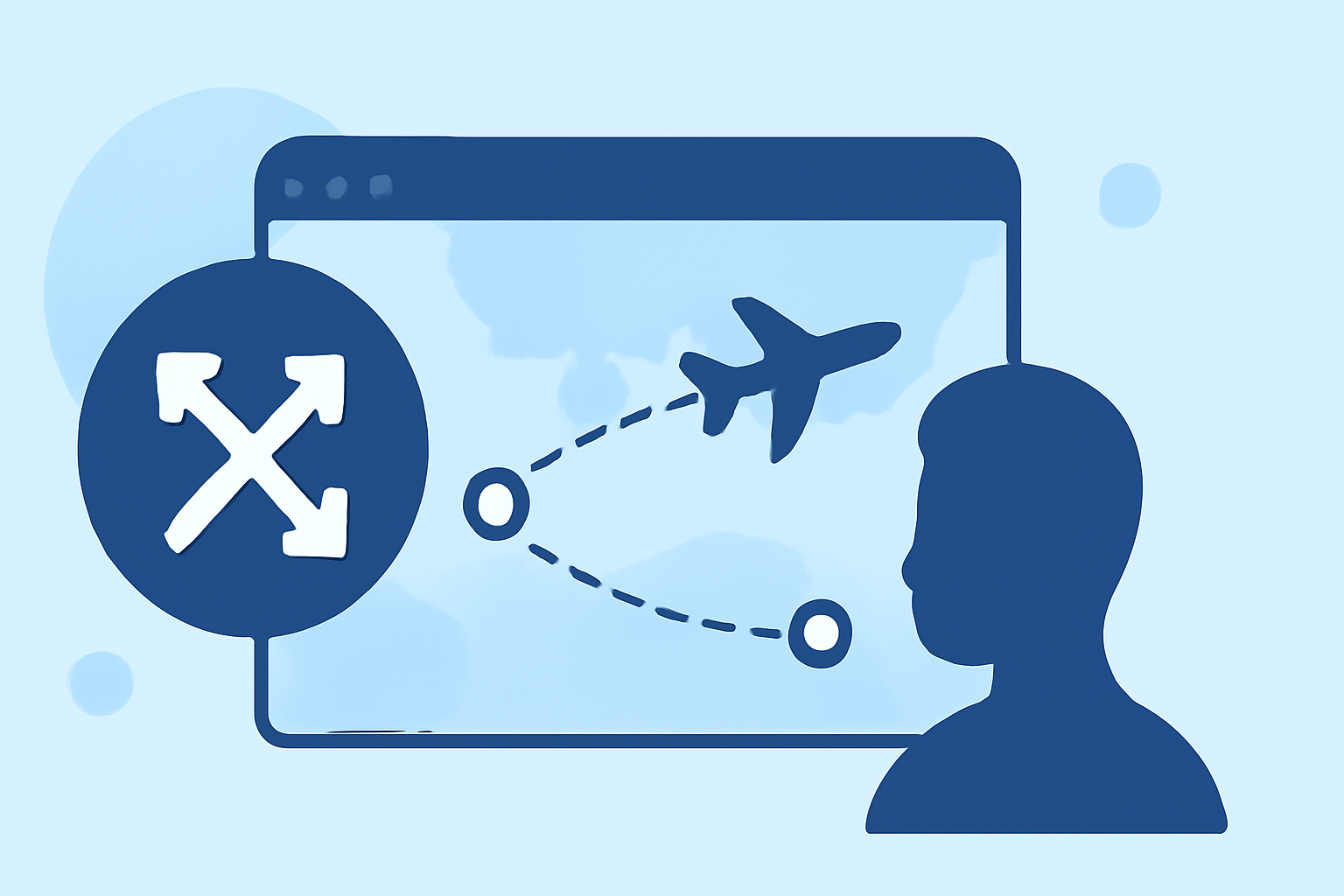
- Tracking Your Journey: Use flight-tracking tools to create a visual representation of your journey on a map.
- Highlighting Connections: Show how each destination connects within your trip, giving viewers a better understanding of your travels.
- Innovative Visuals: Adding elements like animated paths or 3D globe views can elevate the appeal of your content. Here, tools like Planes Live come into play beautifully, offering a great way to visualize your travel routes and share your journey using stunning graphics.
Effective Editing Techniques for Vloggers
Strive to maintain a professional look and feel in your montages:
- Consistent Color Grading: Harmonize colors across all clips for a polished finish.
- Audio Balance: Ensure that background music and narration blend well without overpowering each other.
- Engaging Thumbnails: Create eye-catching thumbnails to draw viewers into your videos.
Final Touches: Quality Over Quantity
What Elements Should You Focus On?
Ultimately, it’s better to have fewer clips that are well-curated than to overwhelm viewers with every moment captured:
- Sharp Editing: Cut out unnecessary parts to keep the montage concise and enjoyable.
- Effective Pacing: Adjust the flow based on the rhythm of the soundtrack to maintain viewer engagement.
- Reflective Narrative: Offer personal insights or emotions related to the experiences in tandem with visuals.
What We Recommend
- Use Planes Live for visualizing your travel routes seamlessly.
- Prioritize quality storytelling through thoughtful editing choices.
- Plan your key shots ahead of time to streamline the montage creation process.
- Engage your audience with a mix of visuals, narratives, and personal touches.
Creating a memorable multi-destination montage is an art that combines storytelling, visuals, and emotion. By utilizing tools like Planes Live and following best practices, you can elevate your travel vlogs to new heights, captivating your audience along the way.