22 June 2026
Creating Multi-Destination Recap Montages for Instagram: A Comprehensive Guide
Sharing your travel experiences through Instagram is a popular way to connect with friends and followers. Crafting a multi-destination recap montage allows you to showcase highlights from various locations in a cohesive and engaging manner. Here's how you can create an impactful montage:
1. What Is a Multi-Destination Recap Montage?
A multi-destination recap montage is a compilation of photos or videos from different locations, combined into a single Instagram post or story. This format enables you to share diverse experiences in one cohesive narrative.
2. Why Create a Recap Montage?
- Engagement: Montages are visually appealing and can capture the attention of your audience more effectively than individual posts.
- Storytelling: They allow you to tell a story of your journey, highlighting key moments from each destination.
- Efficiency: Combining multiple destinations into one post saves time and provides a comprehensive overview.
3. How to Create a Multi-Destination Recap Montage
Step 1: Gather Your Content
Collect all the photos and videos from the destinations you want to feature. Ensure they are of high quality and represent the essence of each location.
Step 2: Choose a Montage Format
Decide on the format that best suits your content:
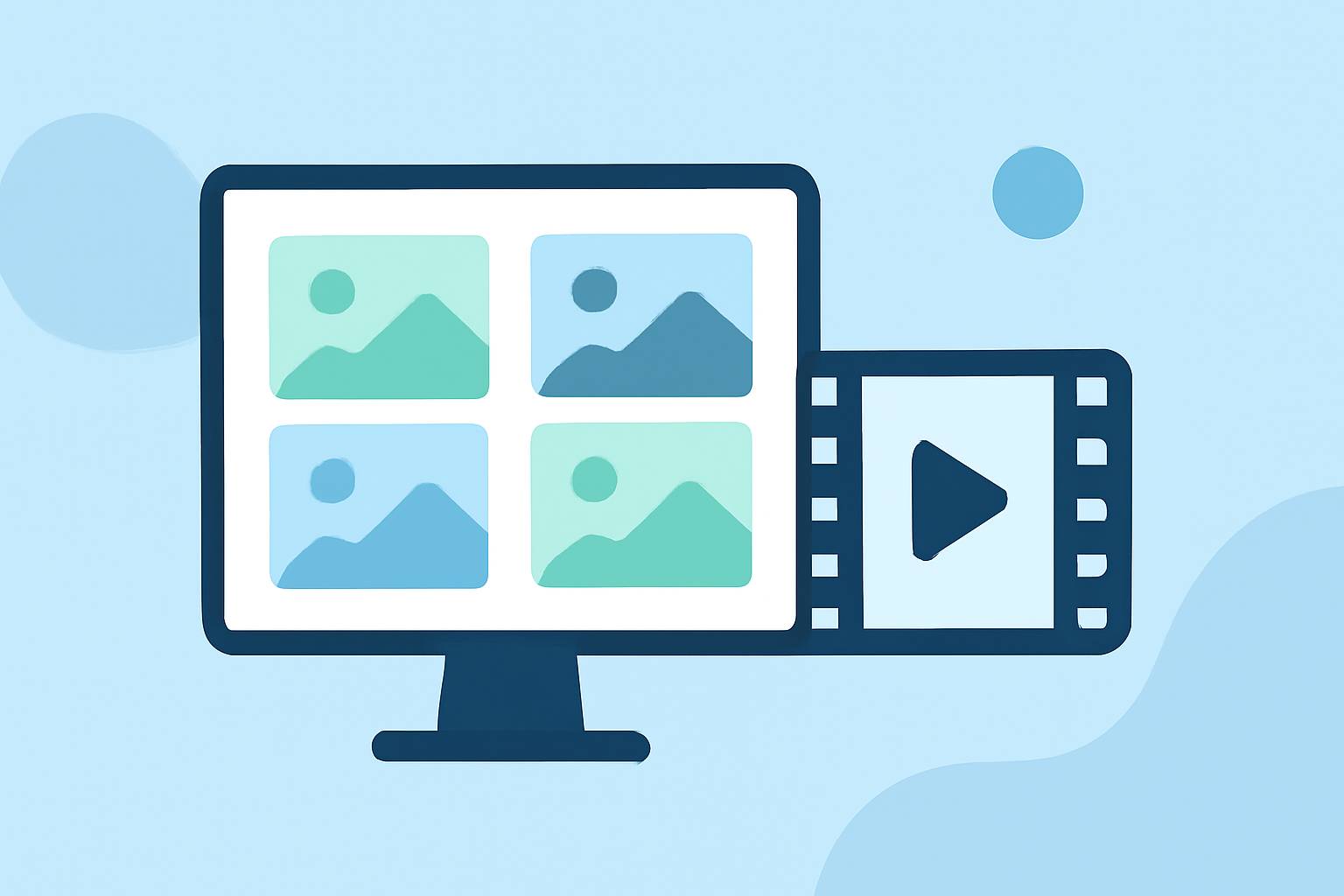
- Collage: Combine multiple images into a single frame.
- Video Montage: Create a video sequence of clips from each destination.
Step 3: Use Editing Tools to Create Your Montage
Utilize editing tools to assemble your montage:
- Collage Creation: Use apps like Canva or PicCollage to arrange your photos into a grid or custom layout.
- Video Montage: Employ video editing software to compile your clips, add transitions, and synchronize with music.
Step 4: Add Captions and Music
Enhance your montage by adding captions that provide context to each destination. Incorporate music that complements the mood of your journey.
Step 5: Optimize for Instagram Ensure your montage meets Instagram's specifications for optimal display. For instance, use a 9:16 aspect ratio for stories and a 1:1 ratio for feed posts.
4. Tips for an Effective Recap Montage
- Consistency: Maintain a consistent editing style throughout the montage to create a cohesive look.
- Narrative Flow: Arrange your content in a way that tells a logical story, perhaps chronologically or thematically.
- Engagement: Encourage interaction by asking questions or prompting comments related to your experiences.
5. Tools to Enhance Your Montage
While Instagram offers basic editing features, you might consider using specialized tools for more advanced editing:
- Video Editing Software: Programs like Adobe Premiere Pro or Final Cut Pro offer extensive features for video montages.
- Mobile Apps: Apps such as InShot or Kinemaster provide user-friendly interfaces for editing on the go.
6. Sharing Your Montage on Instagram
- Stories: Share your montage as a story to reach a broader audience.
- Feed: Post it on your feed to create a lasting impression.
- Reels: Utilize Reels for short, engaging montages that can go viral.
7. Engaging Your Audience
After posting, engage with your audience by responding to comments and messages. Consider using relevant hashtags to increase visibility.
By following these steps, you can create a captivating multi-destination recap montage that effectively showcases your travel experiences on Instagram.
For more detailed guidance on creating montages and utilizing editing tools, consider exploring tutorials and resources available online.
Remember, the key to a successful montage is creativity and authenticity. Let your unique perspective shine through to connect with your audience.