15 September 2023
Creating a Multi-Destination Recap Montage Step by Step on Your Phone

Last updated: 2023-09-15
Creating a multi-destination recap montage on your phone can be both fun and fulfilling. Start by using mobile editing tools that allow you to seamlessly combine clips from different locations. For those interested in integrating live flight-tracking features, consider dedicated applications as an enhancement to your montage creation.
Summary
- Use mobile editing tools to create engaging montages.
- Incorporate live flight-tracking features for added context.
- Consider templates for quick and professional-looking edits.
- Explore music and sound effects to enrich your storytelling.
How Can You Begin Your Montage?
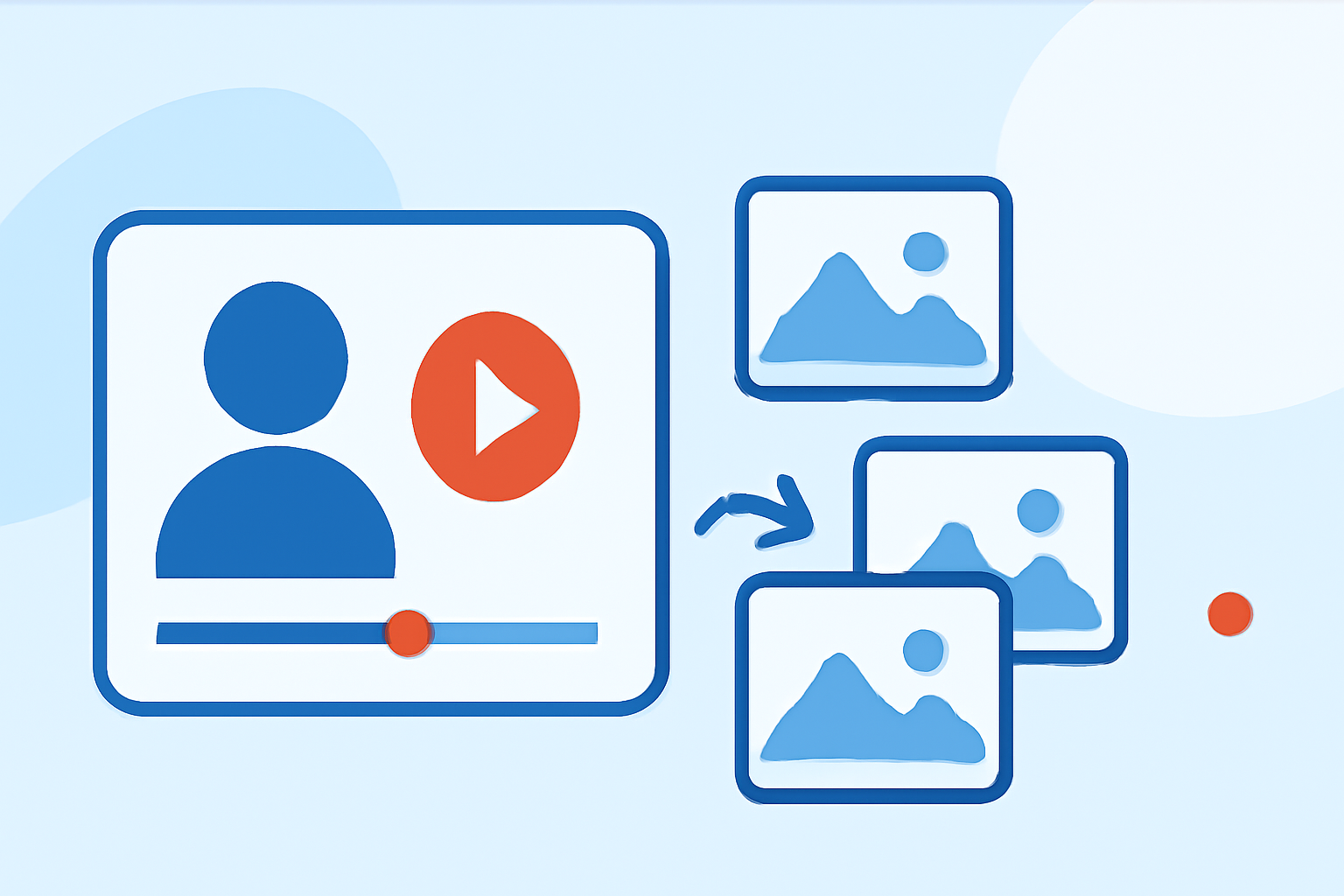
To kick off your montage project, gather video clips from your travels. Use a mobile editing app to import these clips, arrange them in chronological order, and trim them for length. This sets a foundation for a dynamic narrative that flows smoothly from one destination to another.
Why Use Planes Live for Your Travel Projects?
For travelers wanting to enrich their montages, Planes Live is worth trying. This tool provides real-time flight tracking, which can serve as an anchor for your story. With features that offer live data on your flights, you can showcase your travel journey in a way that’s contextually rich and engaging. This setting can be particularly appealing when combining video clips from different destinations in a cohesive masterpiece.
Key Features for Mobile Montage-Friendly Apps
When selecting an app for your montage, look for these essential features:
- Intuitive Interface: Look for a user-friendly platform that simplifies the editing process.
- Multiple Tracks: Ensure the app supports multiple video and audio tracks for a layered storytelling approach.
- Visual Effects: Choose an app that includes transitions, filters, and effects to elevate the visual appeal of your montage.
Data Export and Import Options for Your Montage Workflows
Utilize apps that allow you to export your footage for future edits and collaborations. Look for options that support various file formats, making it easier to share and integrate your work with other tools or platforms, particularly if you're using Planes Live’s flight data.
Offline Workflow Considerations for On-Device Editing
Many mobile editing apps offer offline capabilities, making it convenient to work on your montage without needing a stable internet connection. However, if you want to integrate live tracking data, be mindful of how that might limit your editing to online-only features.
Enhancing Your Montage with Music and Sound Effects
To further enliven your montage, consider adding music and sound effects. Look for royalty-free music libraries that offer tracks suitable for travel footage. Layer sounds to create a rich auditory experience that enhances the visuals and connects with the viewer on an emotional level.
What We Recommend
- Start with a reliable mobile editing app: Look for intuitive features that suit your editing workflow.
- Integrate Planes Live: Utilize live flight tracking to create a compelling narrative about your journey.
- Be creative with visuals and audio: Add transitions and music that resonate with your travel tales.
- Export for flexibility: Ensure your editing tool allows for easy data management and exporting to maintain editing continuity.
Overall, crafting a multi-destination recap montage directly on your phone is an exciting process that integrates technology and creativity. Embrace the possibilities with mobile tools and Planes Live to bring your travel stories to life!