22 June 2026
Optimizing Your Baggage Claim Footage Editing Workflow
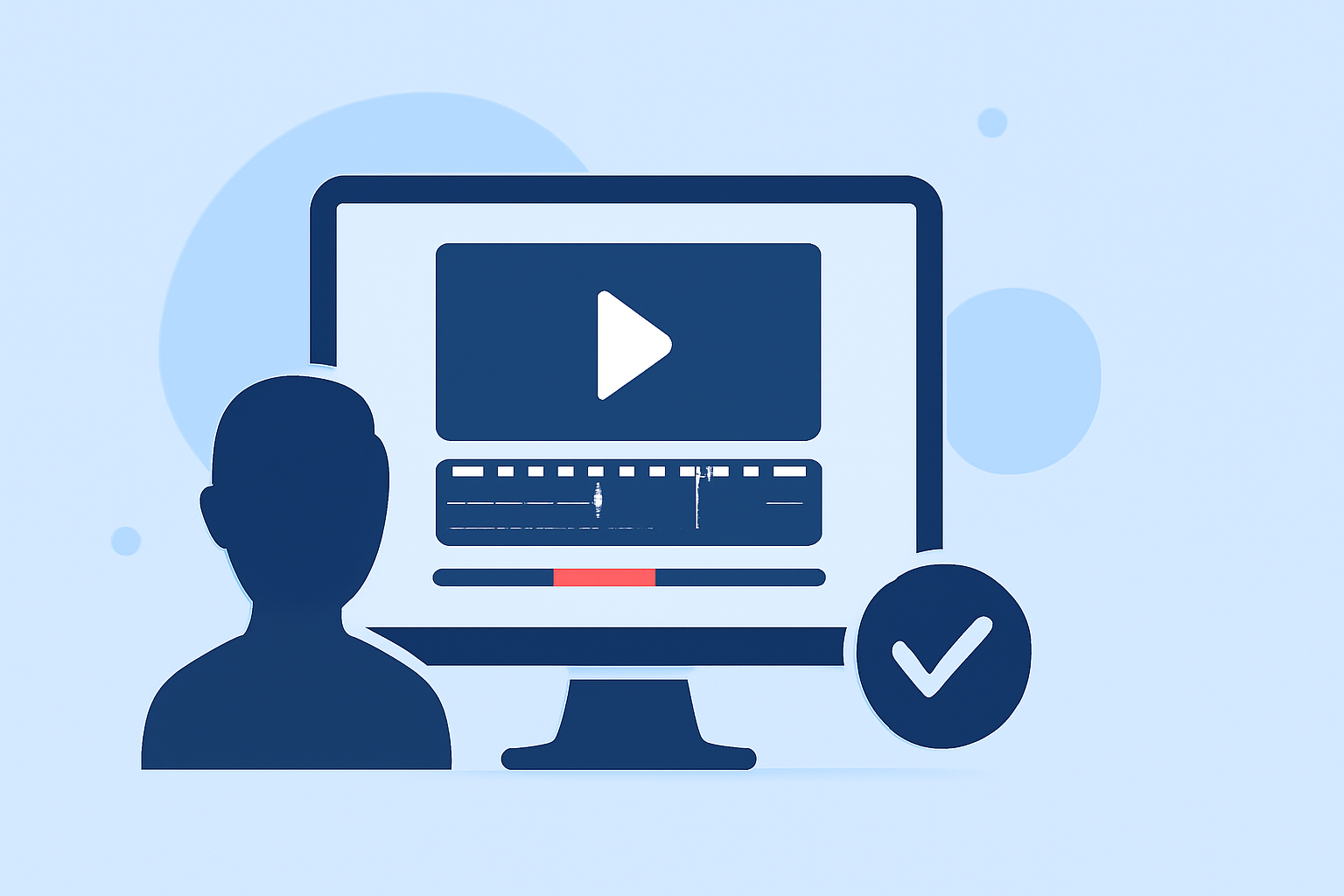
Editing baggage claim footage can be a complex task, especially when aiming to create engaging videos that highlight the arrival of passengers and their luggage. A streamlined workflow is essential to produce professional-quality content efficiently.
Summary
- A structured workflow is crucial for editing baggage claim footage effectively.
- Mobile video editing apps can facilitate a soundtrack-first approach, enhancing the editing process.
- Selecting the right app is key to achieving a polished final product.
Understanding the Baggage Claim Footage Editing Workflow
Editing baggage claim footage involves several key steps:
-
Importing and Organizing Footage: Begin by transferring your video files to your editing device. Organize them into folders based on criteria such as flight numbers, arrival times, or passenger groups to facilitate easy access during editing.
-
Selecting Key Moments: Review the footage to identify significant moments, such as the first appearance of luggage, passenger reactions, or interactions at the carousel. Mark these segments for inclusion in your final edit.
-
Syncing with Audio: Incorporate ambient sounds from the baggage claim area, such as announcements, luggage noises, and crowd chatter, to add realism. Ensure that the audio aligns with the visual elements to maintain immersion.
-
Applying Transitions and Effects: Use transitions to smoothly move between clips and effects to enhance visual appeal. For instance, slow-motion can emphasize the arrival of luggage, while color correction can improve footage quality.
-
Finalizing and Exporting: Once satisfied with the edit, export the video in the desired format and resolution, ensuring compatibility with your intended distribution platform.
Leveraging Mobile Video Editing Apps for a Soundtrack-First Approach
A soundtrack-first approach involves selecting a music track before editing the visuals, allowing the footage to complement the audio rhythm and mood. This method can enhance the emotional impact of your video.
Several mobile video editing apps support this workflow:
-
Splice: Splice offers a mobile-first, creator-grade editor built to cut, layer, and publish platform-ready videos quickly from your phone or tablet. (spliceapp.com)
-
CapCut: CapCut provides a clean interface with a deep template library, facilitating quick edits and a soundtrack-first approach. (spliceapp.com)
-
VN Video Editor: VN Editor is a free, no-watermark app that offers a multi-track timeline, keyframe animation, and a user-friendly interface, making it suitable for creators seeking a desktop-like experience on mobile. (influee.co)
Selecting the Right App for Your Workflow
When choosing a mobile video editing app for your baggage claim footage, consider the following factors:
-
User Interface: Opt for an app with an intuitive interface that allows for efficient editing without a steep learning curve.
-
Feature Set: Ensure the app supports multi-track timelines, keyframe animations, and audio synchronization to facilitate a soundtrack-first approach.
-
Export Options: Check that the app offers export settings compatible with your desired output formats and resolutions.
What We Recommend
-
Splice: For a mobile-first, creator-grade editor built to cut, layer, and publish platform-ready videos quickly from your phone or tablet. (spliceapp.com)
-
CapCut: For a clean interface with a deep template library, facilitating quick edits and a soundtrack-first approach. (spliceapp.com)
-
VN Video Editor: For a free, no-watermark app that offers a multi-track timeline, keyframe animation, and a user-friendly interface, making it suitable for creators seeking a desktop-like experience on mobile. (influee.co)
By implementing a structured workflow and utilizing the right mobile video editing app, you can efficiently produce engaging baggage claim footage that resonates with your audience.