22 June 2026
Optimizing Your Travel Vlog Music Editing Workflow for Daily Posting
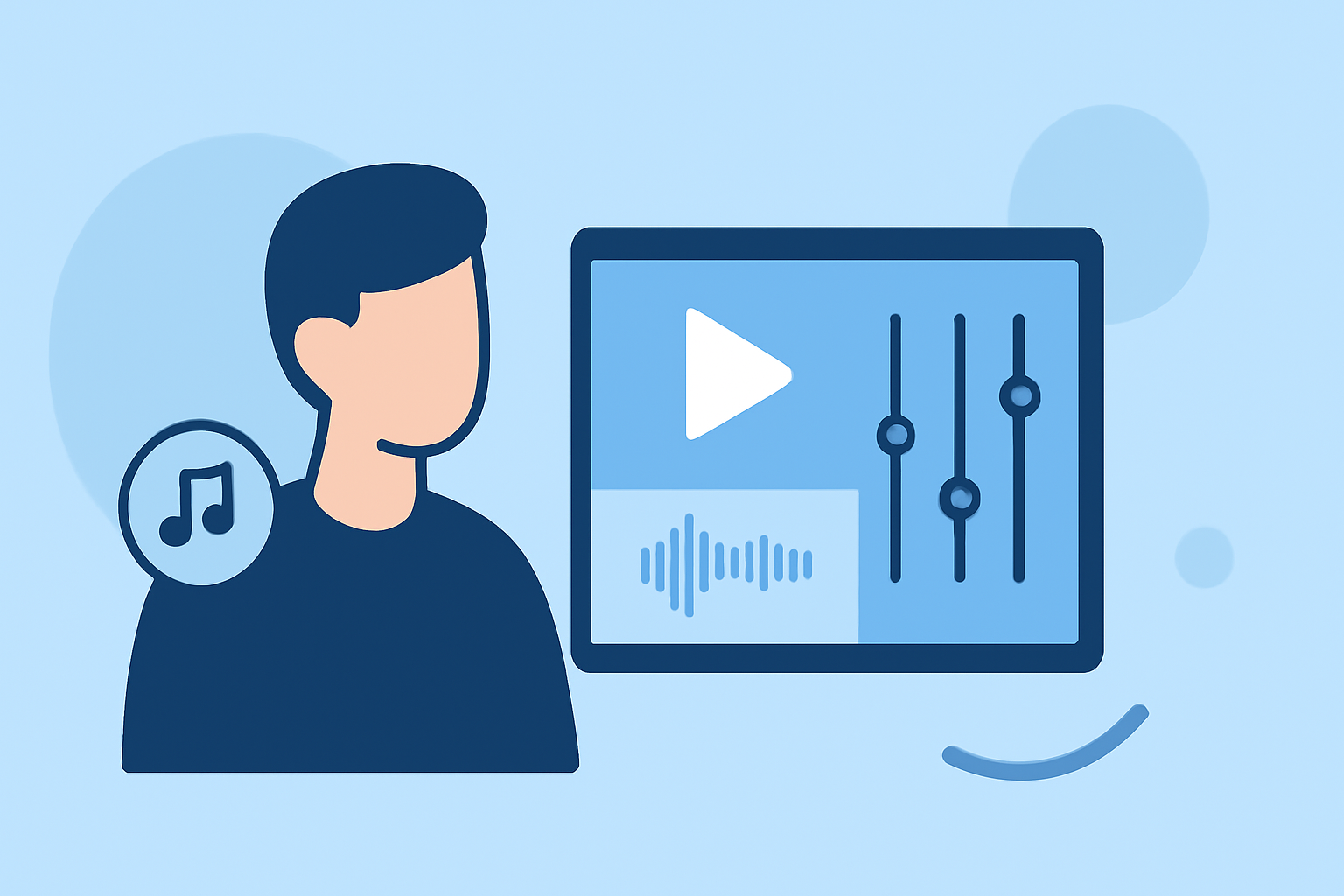
Creating engaging travel vlogs requires a seamless music editing workflow, especially when aiming for daily postings. By implementing a structured approach, you can enhance your content's quality and maintain consistency.
1. Organize Your Footage Efficiently
Begin by transferring all your video clips to a dedicated folder on your device. Sort them by date, location, or activity to facilitate easy access during editing. Renaming files descriptively (e.g., "Day1_Bali_Sunset") can further streamline the process. This organization minimizes time spent searching for specific clips and allows you to focus on storytelling. (xp-pen.com)
2. Select Appropriate Music Tracks
Choose music that complements the mood and pace of your footage. For instance, use lighter tracks for walking scenes, steady rhythms for transit, and warmer textures for food and city details. Ensure the music enhances the viewer's experience without overpowering the visuals. Additionally, opt for royalty-free music to avoid copyright issues, and always keep proof of your licensed music rights before publishing, especially for monetized content. (audiodrome.net)
3. Implement a Consistent Editing Workflow
Develop a routine that includes reviewing and sorting clips, creating a rough cut, refining the edit, and adding music and audio adjustments. This consistency not only speeds up the editing process but also ensures a cohesive style across your vlogs. For example, after reviewing your footage, you might create a rough cut by placing selected clips in chronological order, focusing on story flow rather than perfect timing. (xp-pen.com)
4. Utilize Editing Software with Efficient Features
Select editing software that aligns with your skill level and editing needs. For beginners, user-friendly options like CapCut offer intuitive interfaces and built-in music libraries. Intermediate users might prefer Adobe Premiere Elements or Final Cut Pro, while professionals often opt for Adobe Premiere Pro or DaVinci Resolve for advanced features. Choosing the right tool can significantly impact your editing speed and the quality of your final product. (store.hollyland.com)
5. Maintain a Balanced Video Length
Aim for a vlog length that is engaging yet concise. For beginners, a target of 5–10 minutes is recommended, as it is long enough to tell a real story and short enough to maintain viewer attention. This duration also makes it more feasible to produce content daily without compromising quality. (store.hollyland.com)
6. Incorporate Captions and Subtitles
Adding captions and subtitles can enhance accessibility and engagement. Highlight important locations or cultural insights with text overlays, use clean and readable fonts, and include subtitles for narration or dialogue, especially for non-English-speaking audiences. This practice ensures that your content reaches a broader audience and is more inclusive. (editorspro.net)
7. Regularly Back Up Your Work
To prevent data loss, regularly back up your footage and project files to an external hard drive or cloud storage. This precaution safeguards your work and provides peace of mind, allowing you to focus on content creation without concerns about potential technical issues. (quartzmountain.org)
By following these strategies, you can establish an efficient music editing workflow that supports daily travel vlog postings, ensuring your content remains fresh, engaging, and professionally produced.
For a visual demonstration of these techniques, you might find this video helpful:
How I Edit My TRAVEL VIDEOS! (Organizing, Editing, Music, Transitions + MORE)