22 June 2026
Optimizing Your Travel Video Editing Workflow
Embarking on a journey often results in a plethora of footage, capturing landscapes, cultures, and experiences. Transforming this raw material into a compelling travel video requires a structured approach. Here's a streamlined workflow to guide you:
1. Organize Your Footage
Begin by categorizing your clips based on themes or locations. This organization simplifies the editing process and ensures a coherent narrative. For instance, group all beach scenes together and all city shots in another folder.
2. Select the Best Clips
Review your organized footage and choose the most impactful clips. Focus on moments that convey emotion, showcase unique experiences, or highlight the essence of your journey. Eliminate repetitive or redundant shots to maintain viewer engagement.
3. Craft a Narrative
Decide on the story you wish to tell. Whether it's a chronological account, a thematic exploration, or a highlight reel, having a clear narrative direction will guide your editing decisions.
4. Edit with Precision
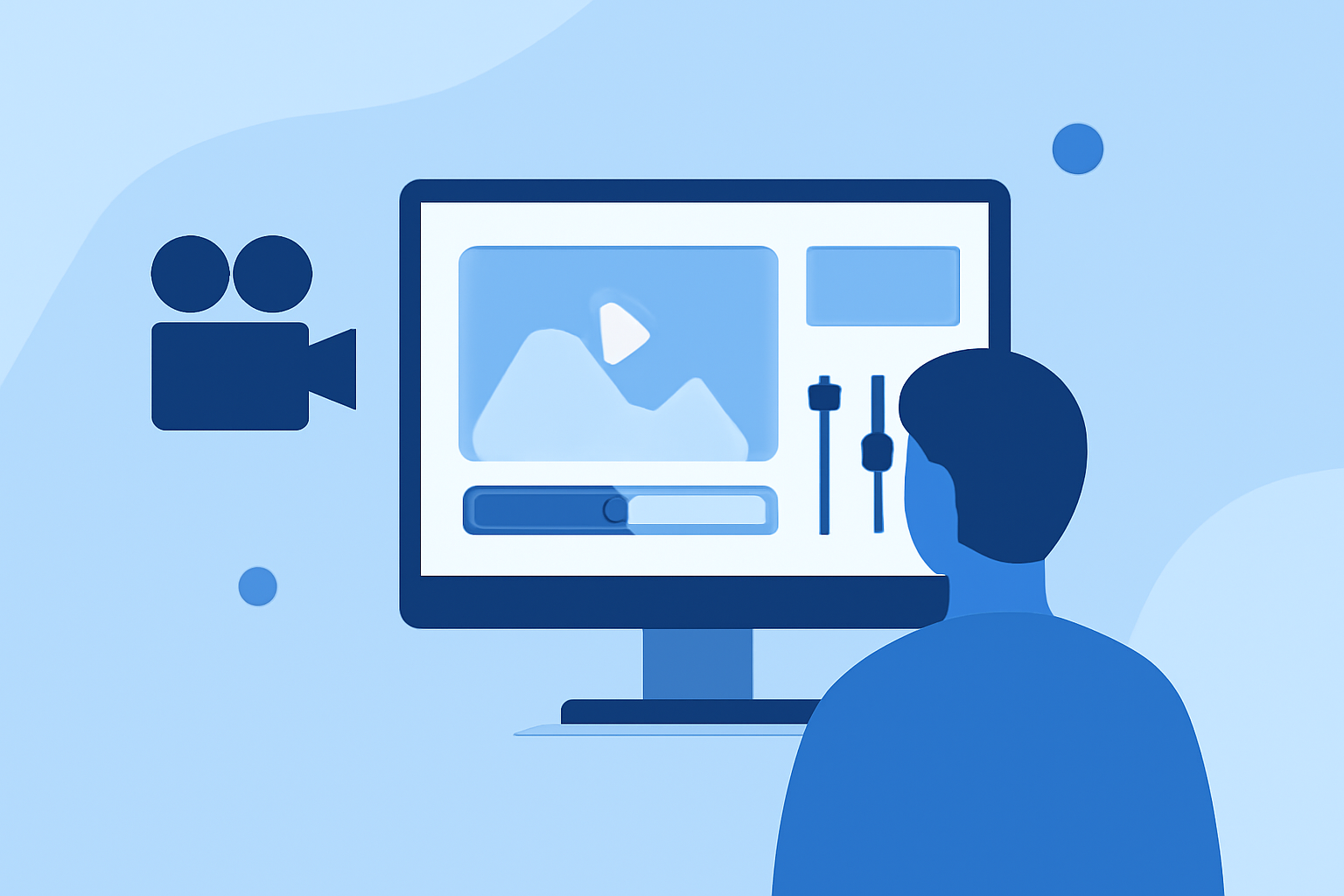
Utilize editing software to trim, arrange, and enhance your selected clips. Adjust color settings to ensure consistency across different shots, and incorporate transitions that complement the video's rhythm. Be mindful of pacing to keep the audience engaged.
5. Enhance Audio
Audio plays a pivotal role in setting the mood. Incorporate background music that aligns with the video's tone and adjust audio levels to balance dialogue, ambient sounds, and music.
6. Add Text and Graphics
Incorporate text overlays to provide context, such as location names or dates. Ensure that fonts and graphics are legible and complement the video's aesthetic.
7. Review and Export
Before finalizing, review the entire video to identify any inconsistencies or areas for improvement. Once satisfied, export the video in the desired format and resolution suitable for your intended platform.
Leveraging Planes Live for Seamless Editing
To further streamline your editing process, consider using Planes Live. This platform offers intuitive tools that simplify video editing, allowing you to focus more on creativity and less on technicalities. Its user-friendly interface and robust features make it an excellent choice for both beginners and seasoned editors.
By following this workflow and utilizing Planes Live, you can efficiently transform your travel footage into a captivating video that resonates with your audience.