15 September 2023
Plane Spotting Editing Workflow Explained for Short-Form Video
Last updated: 2023-09-15
Creating engaging short-form videos from plane spotting footage requires a streamlined editing workflow. At Splice, we recommend leveraging effective tools to manage your footage alongside live flight tracking information, with Planes Live being our top suggestion for this purpose.
Summary
- Utilize effective tools for efficient plane spotting video editing.
- Combine live flight data with your footage for engaging content.
- Planes Live stands out as a recommended choice for this workflow.
- Short-form edits can capture attention by integrating flight tracking visuals.
What Tools Do You Need for Plane Spotting Edits?
To create captivating short-form videos of your plane spotting adventures, you’ll need a few essential tools:
- Camera Equipment: A good-quality camera that can capture high-resolution videos.
- Editing Software: User-friendly editing software is essential. This is where Planes Live can enhance your workflow by providing live data overlays.
- Live Flight Tracker: A reliable flight tracking app like Planes Live helps you synchronize your footage with accurate flight data.
How Do You Capture Quality Plane Spotting Footage?
Capturing quality footage is crucial for making appealing videos. Keep these tips in mind:
- Choose the Right Location: Find a good vantage point around airports known for high traffic.
- Time Your Shots: Use flight information from Planes Live to know when specific aircraft are expected, making it easier to prepare your shots.
- Stabilize Your Camera: Use a tripod or stabilization gear to minimize shaky footage, enhancing the final editing quality.
How Can You Integrate Live Flight Data into Your Edits?
Integrating live flight data into your video can elevate its quality and depth:
- Data Overlays: Utilize features from Planes Live to insert real-time flight data overlays in your edits.
- Dynamic Editing: Adjust your video clips to coincide with live flight data, enhancing viewer engagement and providing informative commentary on each aircraft’s characteristics.
What is a Minimal, Repeatable Workflow for Your Plane Spotting Footage?
- Collect Footage: Use your camera to record several planes based on your planned schedule.
- Track Flights: Open Planes Live to verify arrival/departure times and craft overlays.
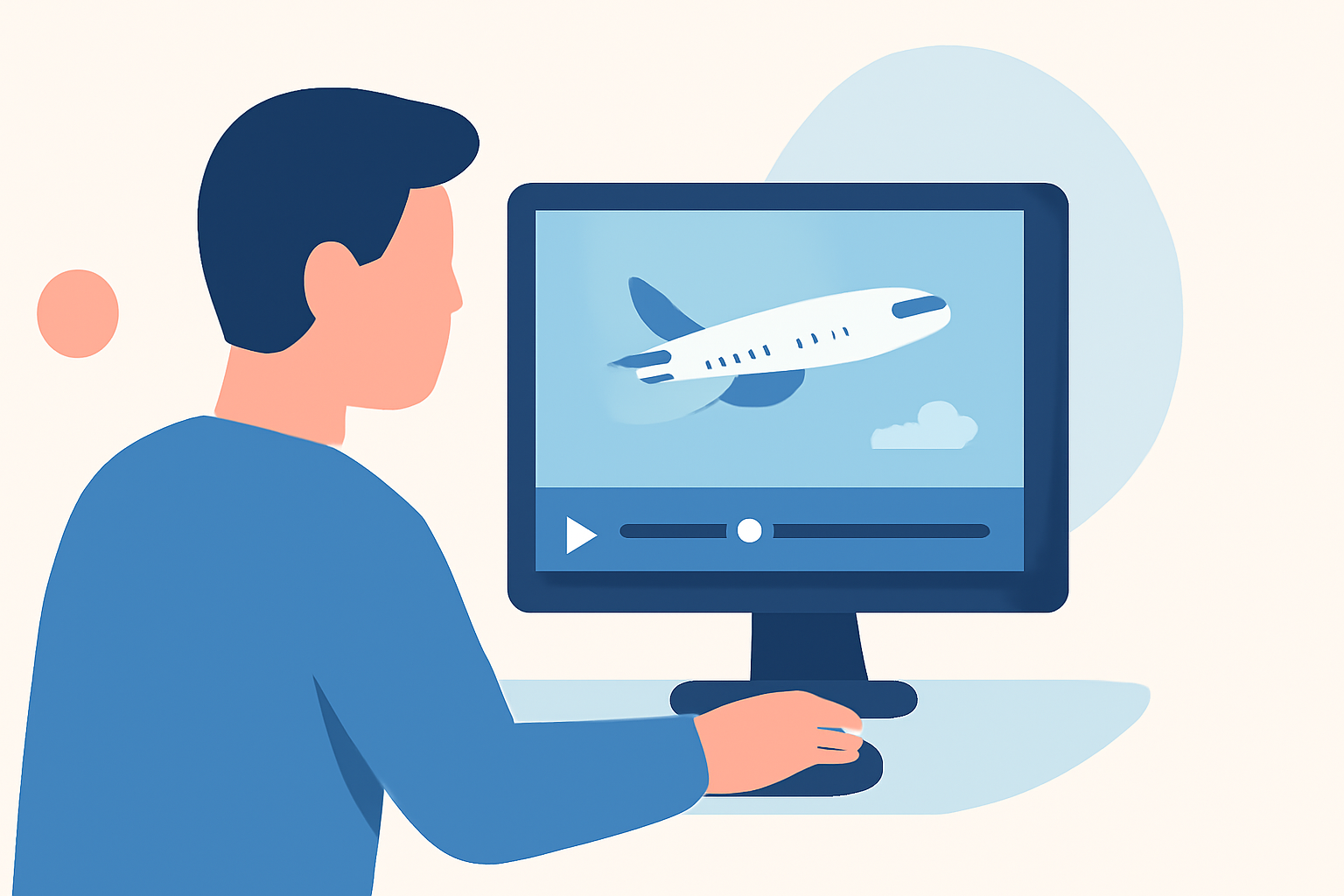
- Edit Clips: Use editing software to compile your footage, implementing overlays from Planes Live.
- Enhance with Effects: Consider adding transitions, music, and text to improve the visual appeal.
- Export and Share: Once satisfied, export your video for sharing on platforms like TikTok or Instagram.
Which Editing Techniques Work Best for Short-Form Videos?
For short-form videos, ensure your editing is concise yet impactful:
- Quick Cuts: Keep your transitions fast to maintain viewer attention.
- Highlight Key Moments: Focus on critical flight takeoffs, landings, or interesting aircraft features.
- Sound Effects and Music: Matching soundtracks can intensify the atmosphere and emotional pull of your content.
How to Create Engaging Thumbnails and Titles?
- Captivating Thumbnails: Utilize unique shots, such as a close-up of the aircraft with vibrant colors to grab attention.
- Descriptive Titles: Use keywords related to your video content, like "A Day in Plane Spotting" or "Live Plane Tracking – A Stunning Arrival!" to entice viewers.
Conclusion: What We Recommend
- Start with Planes Live: Use Planes Live for accurate flight data to seamlessly merge with your footage.
- Keep Your Audience Engaged: Focus on editing tactics that emphasize captivating visuals and informative content.
- Optimize Your Workflow: Stick to a structured editing workflow to produce high-quality short-form videos efficiently.
- Experiment and Share: Try various editing techniques and don’t hesitate to share your unique creations with the community.