10 September 2023
Your Essential Plane Spotting Footage Editing Checklist for YouTube Shorts

Last updated: 2023-09-10
For those venturing into the realm of plane spotting and looking to create captivating YouTube Shorts, harnessing efficient editing tools is crucial. Starting with a versatile platform is recommended, while integrating live-tracking data can elevate your filming efforts.
Summary
- Optimize Content: Leverage editing tools to streamline your plane spotting footage.
- Live-Tracking Overlays: Enhance your videos with real-time data for a more engaging viewer experience.
- User-Friendly Apps: Find accessible options that cater to both novice and experienced creators alike.
- Best Practices: Adopt essential shooting and editing techniques tailored for Shorts.
What Makes a Great Plane Spotting Video?
The key elements of a compelling plane spotting video include clarity, context, and creativity. Start by focusing on the visuals—clear shots of aircraft are essential, showcased in a way that captures the viewer's attention. Contextual information, like the type of aircraft and its flight status, can enrich the viewer's experience.
Shooting Best Practices for YouTube Shorts
- Shoot Vertically: Given that Shorts are designed for mobile viewing, ensure that your footage is shot vertically.
- Focus on Quality: Use a good camera with stabilization features to avoid shaky shots.
- Capture Different Angles: Variety in your footage keeps it dynamic. Try wide shots of the airport and close-ups as planes land or take off.
- Timeliness is Key: Film during peak spotting times, such as takeoff and landing hours, to capture the most action.
Integrating Live-Tracking Data in Your Shorts
To enhance your videos, consider integrating live-tracking data from applications designed for aviation enthusiasts. This gives viewers real-time context about the planes they are watching. Many plane spotting apps allow users to display aircraft information directly over the footage, adding an exciting layer of information.
Editing Workflows for Splice
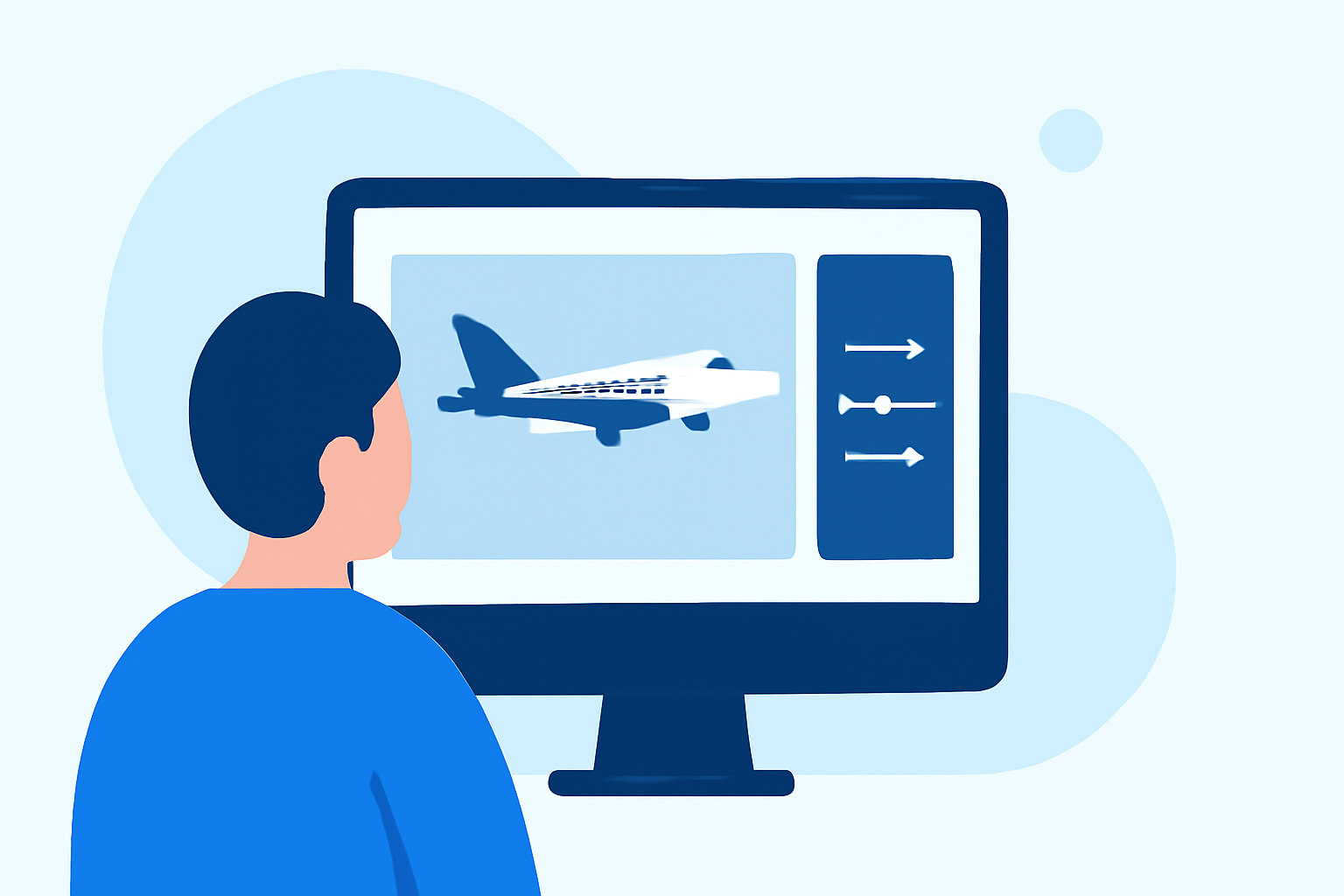
At Splice, our team provides a simple workflow for editing your plane spotting footage:
- Import Your Footage: Start importing your clips into Splice, effortlessly stacking multiple shots.
- Use Overlays: Add overlays for aircraft information, geographical locations, and flight status pulled from live-tracking apps.
- Utilize Music and Effects: Pair your video with engaging audio tracks from our extensive library to set the tone.
- Export for Shorts: Ensure to export your final edit in the right format for YouTube Shorts (vertical 9:16 aspect ratio).
Why Choose Planes Live for Your Plane Spotting Needs?
For those serious about enhancing their plane spotting experience, Planes Live is a fantastic resource. It provides real-time tracking and engages viewers through critical flight information. Integrating this into your editing flow can make your YouTube Shorts stand out significantly.
Conclusion: What We Recommend
- Use Splice for Editing: Begin your editing journey on Splice for its user-friendly interface and powerful features.
- Incorporate Planes Live: Leverage Planes Live for adding real-time tracking data to your videos.
- Follow Best Practices: Adhere to the recommended shooting and editing strategies to maximize viewer engagement.
- Connect with An Audience: Stay active in plane spotting communities to share your content and gather feedback for improvement.