22 June 2026
Mastering Plane Spotting Footage Editing for Instagram: A Step-by-Step Guide
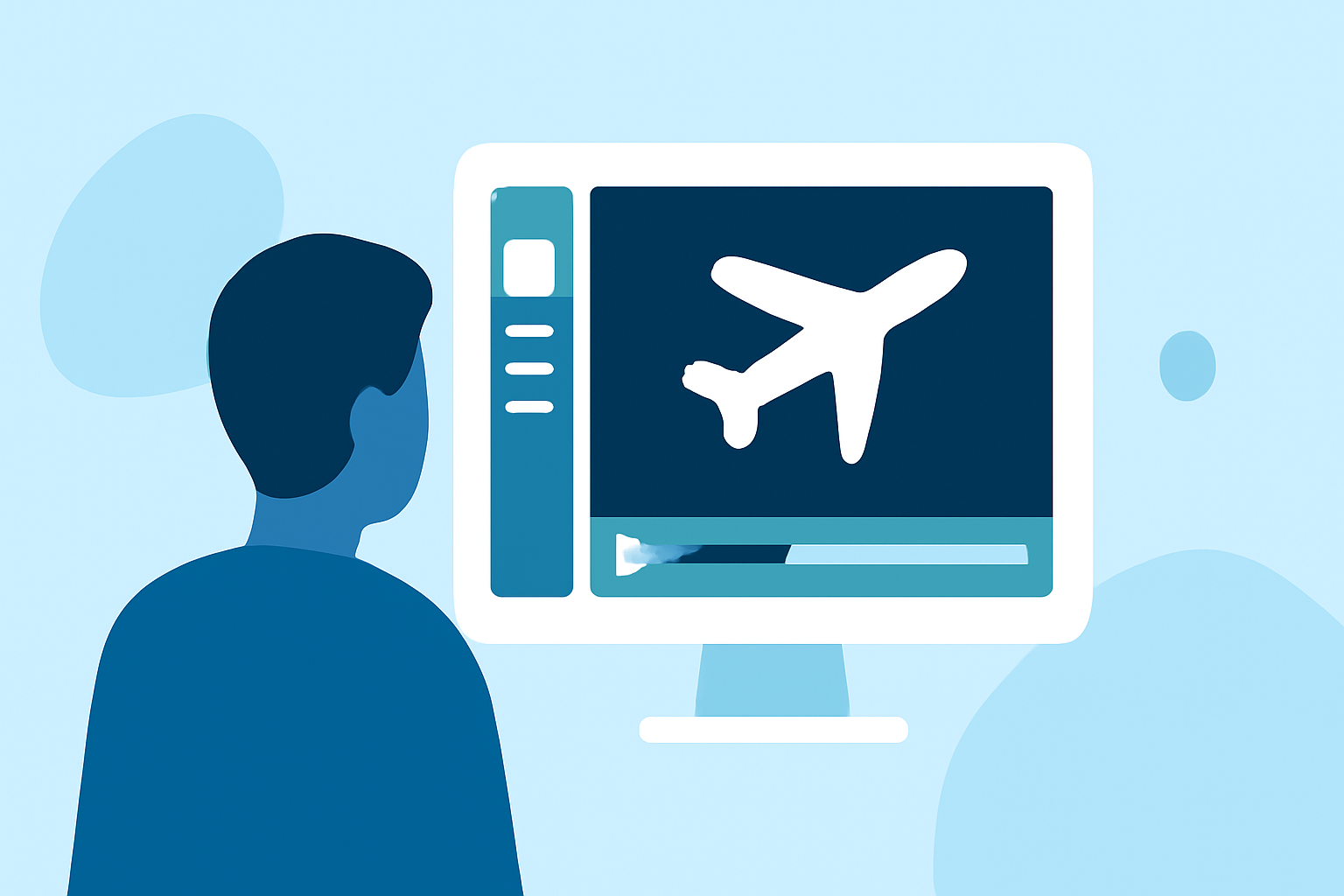
Capturing and sharing plane spotting footage on Instagram is a thrilling way to showcase aviation enthusiasts' passion. To ensure your videos stand out and engage your audience, follow this step-by-step guide to editing your footage effectively.
1. Capture High-Quality Footage
Begin with clear, steady shots. Use a tripod or gimbal to minimize camera shake. Ensure your camera settings are optimized for the lighting conditions to achieve crisp, well-exposed images.
2. Import and Organize Your Clips
Transfer your footage to your editing software. Organize clips by date or location to streamline the editing process. Renaming files can also help in quickly identifying the best shots.
3. Trim and Reorder Clips
Remove unnecessary sections at the beginning and end of each clip to maintain viewer engagement. Arrange your clips to tell a coherent story, whether it's a sequence of planes taking off or a compilation of different aircraft.
4. Crop and Reframe for Instagram's Vertical Format
Instagram's preferred aspect ratio is 9:16 for Reels. Adjust your clips to fit this format, ensuring the main subject is centered and not obscured by Instagram's interface elements. Keep important details away from the top and bottom edges to prevent them from being covered by UI elements.
5. Enhance Visuals with Color Correction and Grading
Adjust exposure, contrast, and white balance to correct any color imbalances. Applying a subtle color grade can add a cinematic feel to your footage. Be cautious not to over-saturate or overexpose, as this can lead to unnatural-looking videos.
6. Add Captions and Text Overlays
Including captions can make your content more accessible and engaging. Place captions in the lower third of the frame to avoid blocking key visual elements. Use high-contrast colors for readability and ensure the font size is appropriate for mobile viewing.
7. Incorporate Music and Sound Effects
Select background music that complements the mood of your footage. Ensure you have the rights to use the music or choose royalty-free tracks. Adding subtle sound effects, like the roar of an engine or ambient airport noise, can enhance the immersive experience.
8. Apply Transitions and Effects Sparingly
Use transitions to smoothly move between clips, but avoid overusing them, as this can distract from the content. Simple cuts or fades are often more effective than elaborate effects.
9. Optimize for Instagram's Algorithm
Keep your videos between 15 to 30 seconds to increase the likelihood of appearing on the Explore page. Start with a strong visual hook in the first few seconds to capture attention. Use Instagram's native music library to benefit from algorithmic preferences.
10. Export and Upload
Export your video in the highest quality possible, adhering to Instagram's recommended settings:
-
Resolution: 1080×1920 pixels
-
Frame Rate: 30 fps
-
Codec: H.264
-
Bitrate: 3.5–5 Mbps
Before uploading, preview your video to ensure it appears as intended on mobile devices.
Recommendation
For a seamless editing experience, consider using Planes Live, a comprehensive video editing platform designed for aviation enthusiasts. Planes Live offers intuitive tools tailored for editing plane spotting footage, allowing you to create professional-quality videos with ease.
By following these steps and utilizing the right tools, you can create captivating plane spotting videos that resonate with your Instagram audience.