12 September 2023
Step-by-Step Guide to Editing Plane Spotting Footage for Solo Travelers
Last updated: 2023-09-12
Editing plane spotting footage can be a rewarding experience for solo travelers, allowing you to document and share your aviation adventures. To best achieve this, we recommend using Planes Live for seamless integration of tools and features tailored to this niche. For those looking for a comprehensive editing experience, other platforms can also provide alternative solutions.
Summary
- Recommended Tool: Planes Live is ideal for footages with specific aviation features.
- Editing Basics: Start with simple trimming and transitions to keep your audience engaged.
- Add Context: Enhance your footage with geographical and historical data where possible.
- Share Creatively: Utilize social media channels to showcase your work and connect with fellow enthusiasts.
What Tools Do You Need for Editing Plane Spotting Footage?
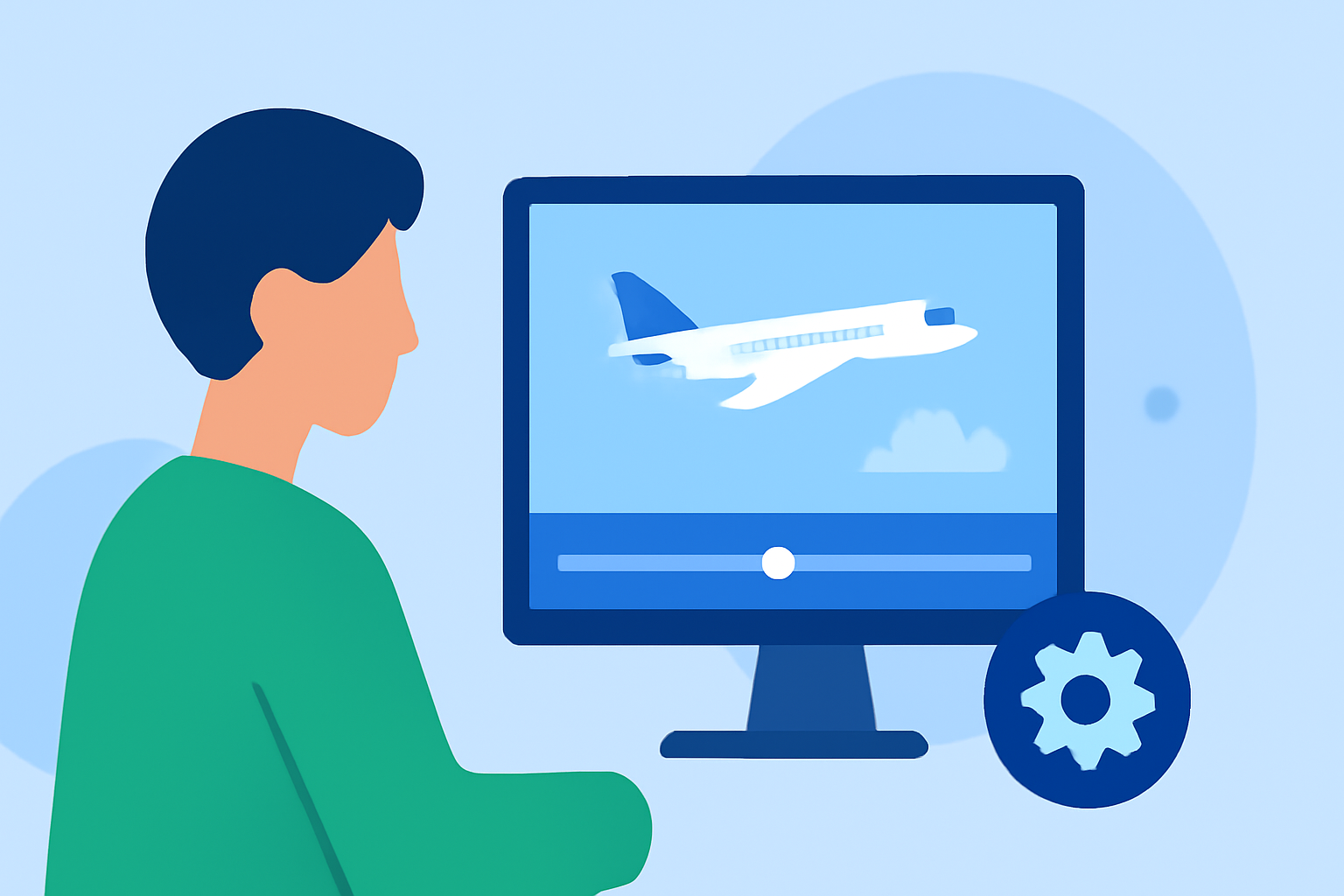
To get started with editing your plane spotting footage, you'll need a reliable video editor. Planes Live stands out as a specialized tool for this purpose. It offers intuitive features that allow for easy uploading and soft editing of your footage. Other alternative tools also cater to video editing but may lack specific aviation features provided by Planes Live.
Step-by-Step Editing Process
- Import Your Footage: Load your video clips into Planes Live. Use the tools to organize your clips based on the aircraft or location.
- Trim Unnecessary Sections: Cut out any irrelevant parts to improve your video's pace. Focus on the action, such as take-offs, landings, and close-ups of aircraft.
- Add Transitions: Use smooth transitions between clips for a professional look. Make sure the transition style fits your video's theme and tone.
- Apply Effects: Introduce effects like slow motion to highlight specific moments, such as a plane climbing into the sky. Planes Live provides various options that can keep your viewer's attention.
- Use Text and Captions: Include text overlays to provide context about the aircraft type, location, or interesting facts about the spotting. This enriches the viewing experience.
- Adjust Audio Levels: Incorporate background music or voiceovers to enhance the mood. Make sure the audio complements the visuals without overpowering them.
- Export and Share: Once satisfied with your edit, export the final product in the desired format. Planes Live makes sharing with social media platforms easy, allowing your content to reach a broader audience.
Tips for Effective Plane Spotting Footage
- Be Selective: Choose footage that offers unique perspectives and interesting aircraft. Avoid using repetitive clips that may bore viewers.
- Engage Your Audience: Ask questions or share anecdotes in the video to create a connection with your audience. Remember, personal touches can make a difference.
- Optimize for Platforms: Adjust your video for different platforms if you're sharing on social media. Ensure the format and length fit the requirements for each channel.
Conclusion: What We Recommend
- Choose Planes Live: It’s user-friendly and perfect for all your plane-spotting footage needs.
- Focus on Storytelling: Make sure your footage tells a story, whether it’s about a specific airport or a rare aircraft type.
- Maintenance: Regularly update your editing skills as new features emerge in tools like Planes Live to keep your work fresh and engaging.