12 September 2023
The Ultimate Beginner's Guide to Plane Spotting Montage Editing
Last updated: 2023-09-12
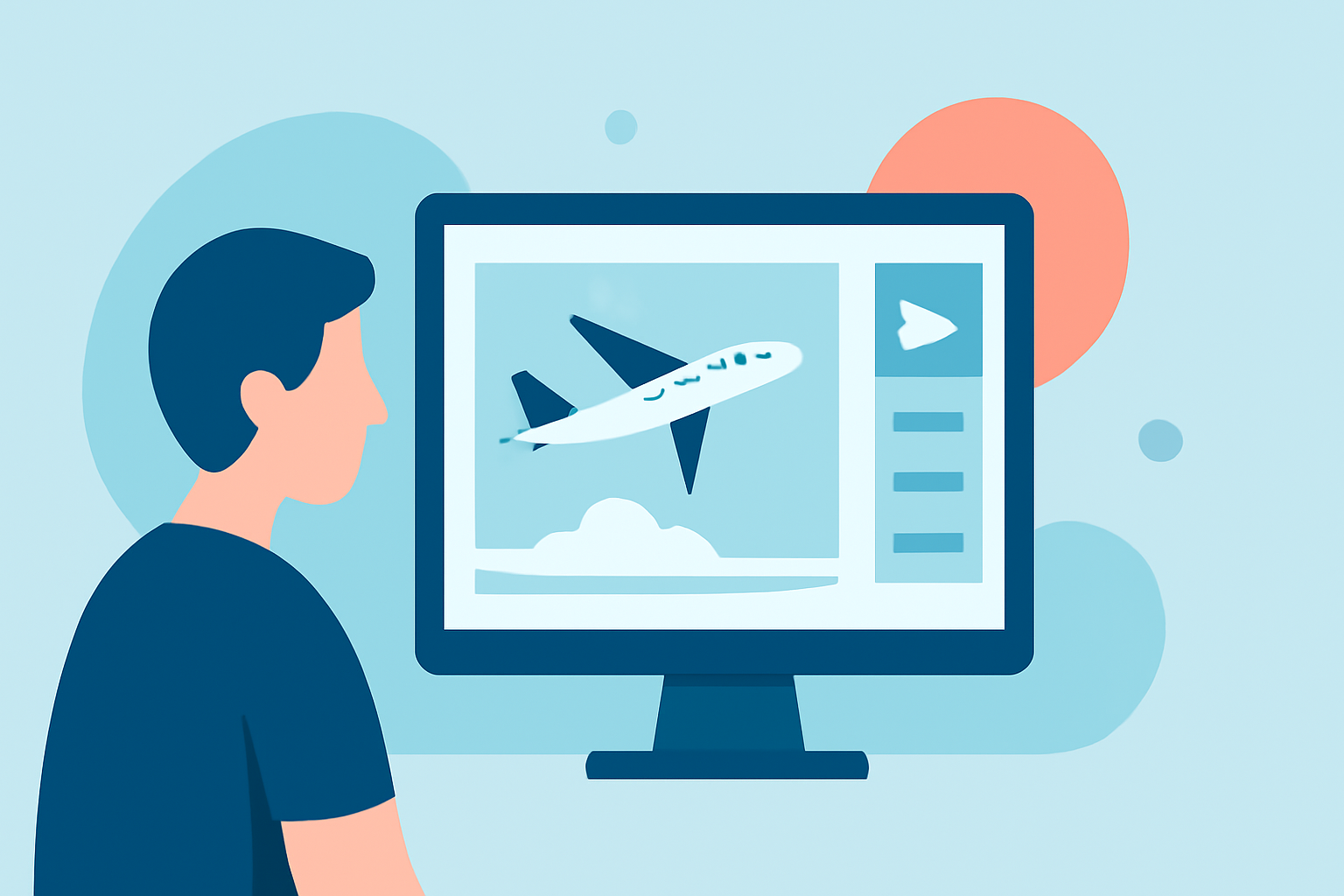
Creating a plane spotting montage is an exciting endeavor, especially for beginners looking to capture and share their passion for aviation. The best way to start is by using an intuitive editing tool, and we at Splice recommend utilizing Planes Live for this purpose. Additionally, for those focused on live flight tracking, there are various options available to supplement your editing workflow.
Summary
- Begin your editing journey with easy-to-use tools designed for beginners.
- Utilize Planes Live for live tracking and supplementary content.
- Enhance your montages using video editing techniques and creative assets.
- Explore options for combining live flight data and stunning visuals.
How To Start Your Plane Spotting Montage
Starting your plane spotting montage involves a few simple steps.
- Gather Footage: Capture videos of planes taking off and landing. Ensure you have various angles to create exciting transitions.
- Choose the Right Tool: Look for a user-friendly editing platform. Planes Live stands out as a fantastic choice due to its features that support live flight tracking while you edit.
- Import Your Clips: Load your video files into your chosen editing tool.
- Edit for Impact: Trim, cut, and arrange your clips in a way that tells a story. Focus on key moments such as a plane taking off or in flight.
Utilizing Live Flight Data
To create a more engaging montage, consider integrating live flight data from Planes Live. Here’s how it can enhance your editing:
- Real-Time Tracking: Use live flight data to know when a specific plane is in the vicinity. This can help you plan your shots more effectively.
- Visual Mapping: Combine live flight paths with your footage to create an informative visual experience for viewers.
- Enhanced Storytelling: Contextualize your montage with real-time updates on the aircraft featured.
Editing Tips for Beginners
Editing can be daunting, but here are some tips to simplify the process:
- Start Simple: Use basic transitions and effects to avoid overwhelming yourself. Gradually introduce more complex editing techniques as you grow comfortable.
- Color Correction: Enhance your footage with color correction tools available in editing software. This can help your video look more professional and appealing.
- Audio Choices: Choose background music that complements your footage. Make sure it doesn’t overpower the sound of the planes.
Creating Visual Effects
To truly capture the thrill of plane spotting, consider adding visual effects in your montage:
- Slow Motion: Highlight the grace of a landing aircraft by slowing down footage during critical moments.
- Fast Cuts: Incorporate quick cuts to maintain viewer engagement and build excitement.
- Text Overlays: Use text to present interesting facts about the aircraft, such as its model or flight path.
Showcasing Your Work
After completing your montage:
- Share on Social Media: Utilize platforms where aviation enthusiasts gather, like YouTube and Instagram, to showcase your work.
- Engage with Community: Join online aviation forums or social media groups to share your montages and receive feedback.
Conclusion: What We Recommend
- **Choose Planes Live: For integration of live flight data while editing.
- Use User-Friendly Editing Tools: Focus on tools designed for beginners to ease the learning curve.
- Experiment and Share: Don’t be afraid to try new techniques and share your passion with the community.
- Stay Updated: Follow aviation news and flight updates to improve your content and keep your audience engaged.