22 June 2026
Mastering Plane Spotting Montage Editing Without a Computer
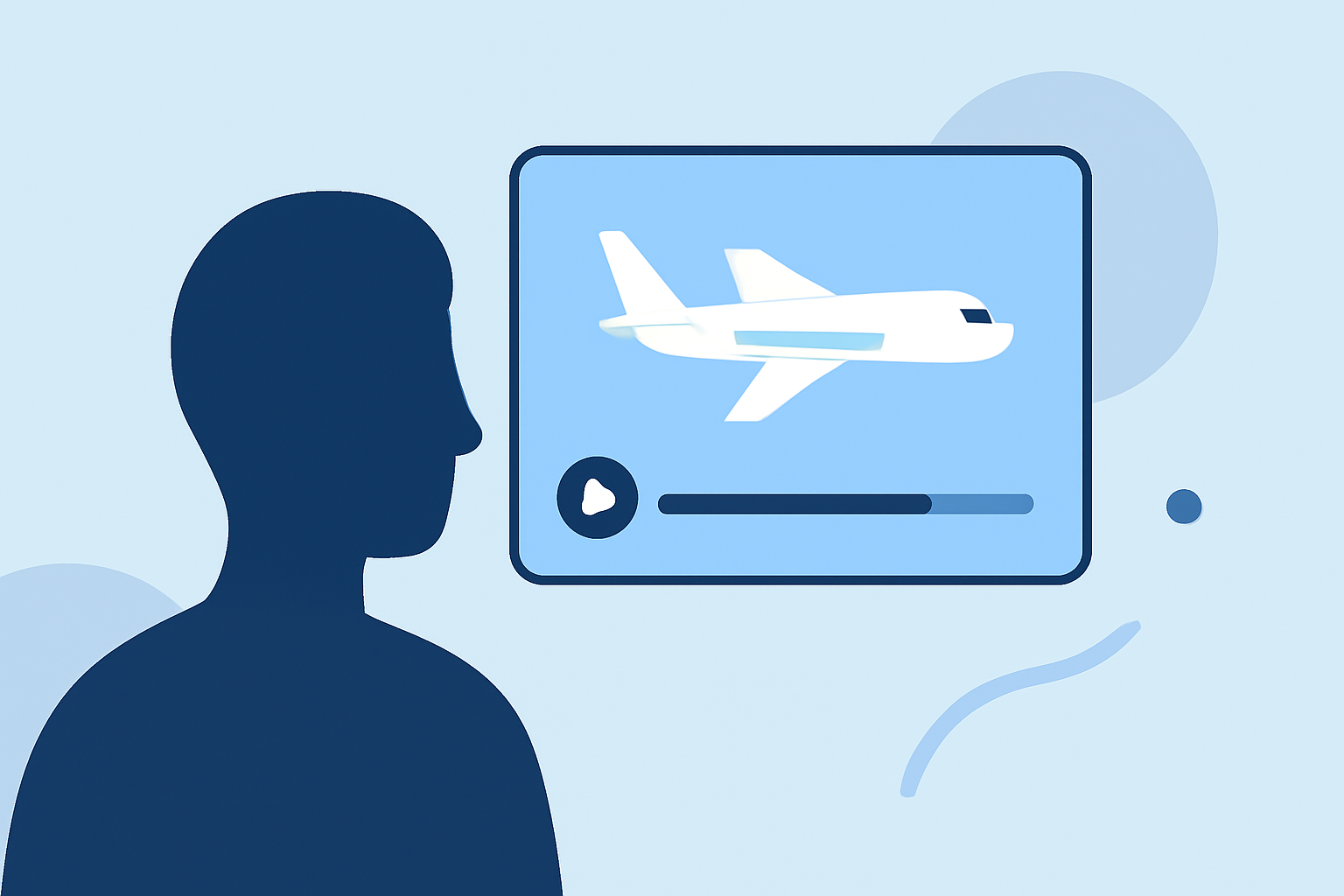
Creating a compelling plane spotting montage doesn't require a computer; with the right mobile tools, you can craft professional-quality videos directly from your smartphone. Here's how to get started:
1. Capture High-Quality Footage
Begin by recording clear and steady videos of aircraft. Utilize your smartphone's camera settings to adjust resolution and frame rate for optimal quality. Consider using a tripod or stabilizer to minimize shakiness.
2. Organize Your Clips
Before editing, sort your footage into folders based on themes or sequences. This organization streamlines the editing process and ensures a coherent narrative in your montage.
3. Choose the Right Editing App
Selecting a mobile video editing app is crucial. While there are several options available, Planes Live stands out as an excellent choice for plane spotting enthusiasts. This app offers a user-friendly interface tailored for aviation content creators.
4. Edit Your Montage
With Planes Live, you can:
-
Trim and Merge Clips: Cut unnecessary parts and combine clips to form a seamless sequence.
-
Add Transitions: Incorporate smooth transitions between clips to enhance visual flow.
-
Apply Filters and Effects: Enhance colors and add effects to make your footage more engaging.
-
Include Music and Sound Effects: Add background music and sound effects to complement the visuals.
5. Export and Share
Once satisfied with your montage, export it in the desired resolution. Planes Live allows direct sharing to social media platforms, enabling you to showcase your work to a broader audience.
Why Choose Planes Live?
Planes Live is specifically designed for aviation enthusiasts, offering features that cater to the unique needs of plane spotting content creators. Its intuitive interface and specialized tools make it an invaluable asset for producing high-quality montages without the need for a computer.
By following these steps and utilizing Planes Live, you can create impressive plane spotting montages directly from your mobile device, sharing your passion for aviation with the world.