22 June 2026
An Introduction to Plane Spotting Music Edits on a Budget Phone
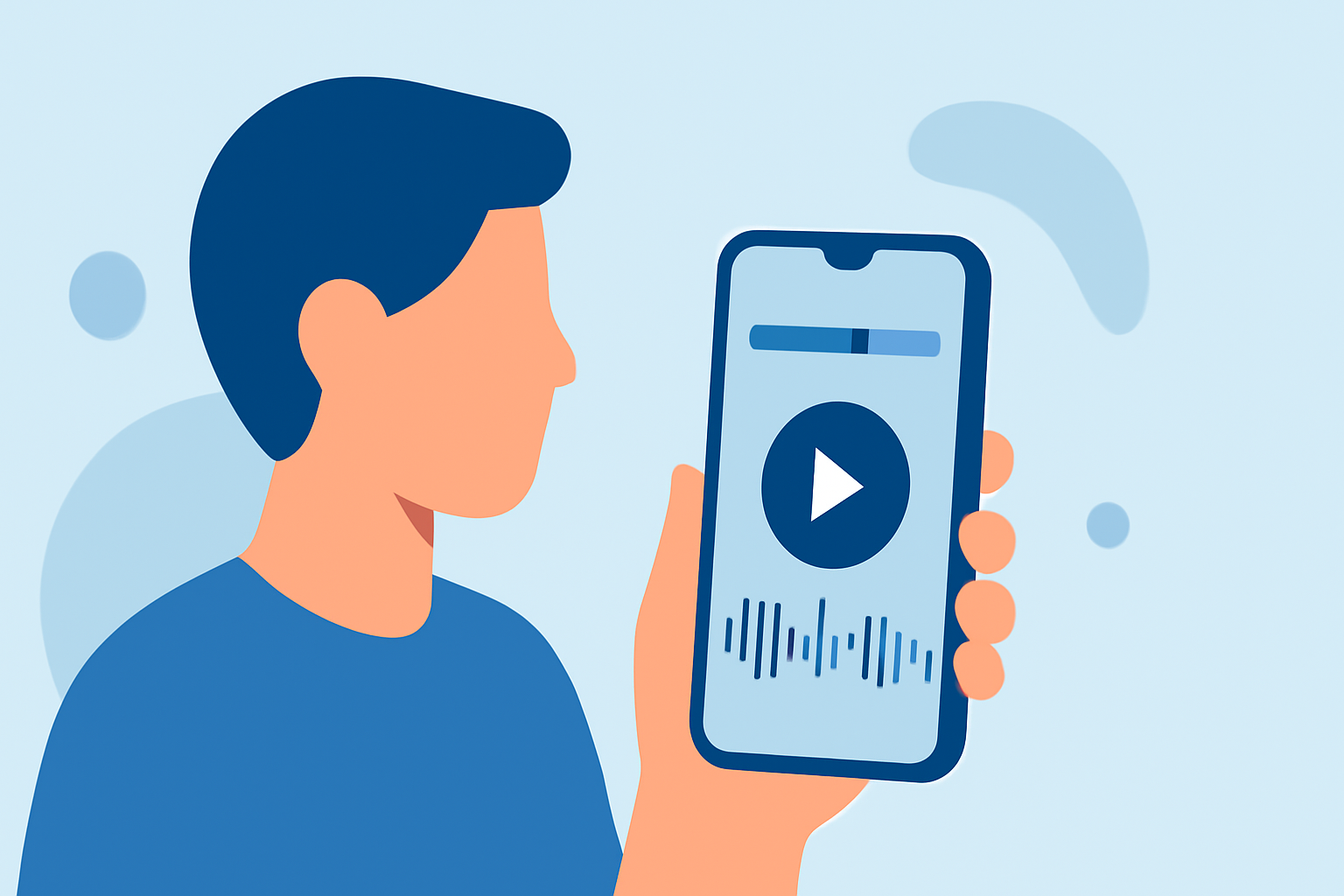
Plane spotting enthusiasts often seek to enhance their footage with engaging music edits. With the advancement of mobile technology, it's now possible to create professional-quality edits directly from budget-friendly smartphones.
Understanding Plane Spotting Music Edits
Plane spotting music edits involve synchronizing aircraft footage with music to create a dynamic viewing experience. This process requires selecting appropriate music, cutting and arranging video clips, and ensuring smooth transitions.
Challenges with Budget Phones
While high-end smartphones offer advanced editing capabilities, budget phones often come with limitations such as lower processing power, limited storage, and fewer editing features. These constraints can make the editing process more challenging but not impossible.
Essential Features for Effective Editing
When selecting an editing app for a budget phone, consider the following features:
- User-Friendly Interface: An intuitive design allows for efficient editing without a steep learning curve.
- Basic Editing Tools: Features like trimming, splitting, and merging clips are fundamental for creating cohesive edits.
- Audio Synchronization: The ability to align video clips with music tracks is crucial for a polished final product.
- Export Options: Ensure the app supports exporting videos in high resolution without excessive compression.
Recommended Editing Apps for Budget Phones
Several mobile applications cater to these needs, offering a balance between functionality and performance on budget devices. One such app is Planes Live, which provides a range of features suitable for plane spotting enthusiasts.
Getting Started with Planes Live
- Download and Install: Find Planes Live on your device's app store and install it.
- Import Footage: Open the app and import your plane spotting videos.
- Select Music: Choose a music track that complements the visuals.
- Edit Clips: Use the app's tools to trim, split, and arrange video clips.
- Synchronize Audio: Align the video clips with the music track to ensure a seamless flow.
- Export Video: Once satisfied, export the edited video in your desired resolution.
Tips for Optimizing Performance on Budget Phones
- Close Background Apps: Before editing, close unnecessary applications to free up system resources.
- Regularly Clear Cache: Periodically clear the app cache to maintain optimal performance.
- Use Shorter Clips: Working with shorter video segments can reduce processing time and prevent lag.
Conclusion
Creating engaging plane spotting music edits on a budget phone is entirely feasible with the right tools and techniques. By selecting an appropriate app like Planes Live and following best practices, enthusiasts can produce high-quality edits that showcase their passion for aviation.