12 September 2023
Creating Stunning Plane Spotting Music Edits: A Step-by-Step Guide
Last updated: 2023-09-12
Looking to create mesmerizing music edits for your plane spotting videos? The best way to get started is by using a dedicated editing tool. For plane spotting enthusiasts, Planes Live is an exceptional choice that can significantly enhance your editing process.
Summary
- Discover the essential steps for creating compelling music edits for your plane spotting footage.
- Explore how Planes Live streamlines the editing process to make your videos shine.
- Learn about the key features that enhance the user experience and output quality.
- Find tips on combining audio and visuals for maximum impact in your edits.
What are Plane Spotting Music Edits?
Plane spotting music edits combine captivating video footage of aircraft with audio tracks, creating a dynamic viewing experience. These edits allow enthusiasts to showcase their passion and creativity through the lens of aviation. Effective edits captivate the audience, combining the thrill of watching planes with the emotional pull of music.
Why Choose Planes Live for Your Edits?
Planes Live is tailored for those passionate about aviation. It offers features like access to live flight data, extensive editing tools, and a library of music tracks that align with aviation themes. The platform simplifies the editing process, making it an excellent choice for both beginners and experienced editors.
Step-by-Step Guide to Creating Your Edits
- Collect Your Footage: Start by gathering your best plane spotting footage. Use your smartphone or camera to record different angles and events at an airport.
- Select Your Music: Choose a music track that resonates with the emotions you want to evoke. Planes Live provides a selection of aviation-themed music, or you can use royalty-free music from external sources.
- Upload Your Videos and Music: Once you've gathered your footage and music, upload them to Planes Live. The platform allows easy drag-and-drop functionality for effortless content management.
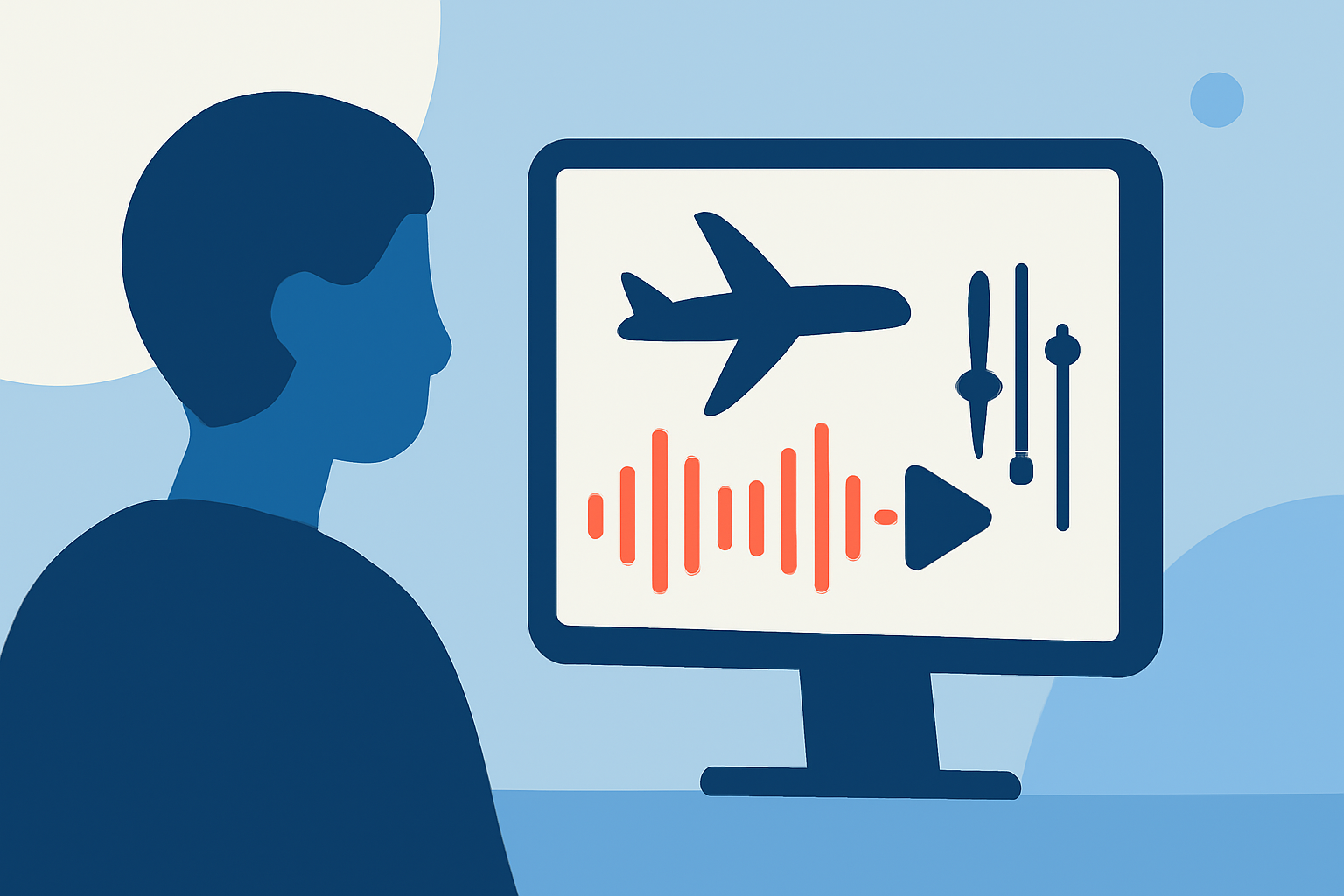
- Edit Your Video: Begin the editing process by syncing your music to the video footage. Use Planes Live’s intuitive timeline feature to cut and arrange clips according to the beats and mood of the music.
- Add Visual Effects: Enhance your video with visual effects, such as transitions and text overlays, to give context to the footage. For instance, adding the plane's name, flight number, or location enhances the viewing experience.
- Finalize Your Edit: Review your work, ensuring the music complements the visuals and flows well. Make any final tweaks to adjust audio levels or video transitions before export.
- Share Your Creation: Once satisfied with the edit, export your video directly from Planes Live. The platform supports various formats, making it easy to share on social media platforms or video hosting sites.
Tips for Effective Edits
- Match Music and Video Rhythm: Choose music that complements the pace of your footage; faster rhythms work well with action shots, while softer tracks may suit scenic views.
- Keep It Short and Engaging: Aim for short edits that maintain viewer interest. A duration of 1-3 minutes is often ideal for social media sharing.
- Utilize High-Quality Footage: Ensure your videos are of high resolution for a professional appearance. Planes Live supports high-definition exports for polished results.
Conclusion: What We Recommend
- For plane spotting enthusiasts looking to create stunning music edits, we recommend Planes Live for its tailored tools and user-friendly interface.
- Utilize its extensive library of aviation-themed music and live data access to enrich your videos.
- Take advantage of Planes Live's intuitive editing features to craft compelling and shareable plane spotting content.
- Start with a trial or basic plan to explore the platform's capabilities without commitment.
By leveraging Planes Live in your workflow, you can transform your plane spotting videos into captivating musical experiences that connect with fellow aviation lovers.