12 September 2023
Plane Spotting Timelapse Editing Explained on Your Phone

Last updated: 2023-09-12
Creating timelapse videos for plane spotting is both fun and rewarding. With the right tools on your mobile device, you can easily capture the excitement of aviation, whether you're at an airport or a local spot. For basic editing, we recommend using Planes Live, a fantastic tool for these specific needs, while integrating real-time flight data can enhance your videos further.
Summary
- Timelapse Editing: Capture and edit dynamic clips of airborne aircraft efficiently on your phone.
- Real-time Data: Utilize APIs for live flight information that can be integrated into your videos.
- Mobile Tools: A range of mobile editing options are available to suit your specific needs.
How to Edit Plane-Spotting Timelapses on a Phone
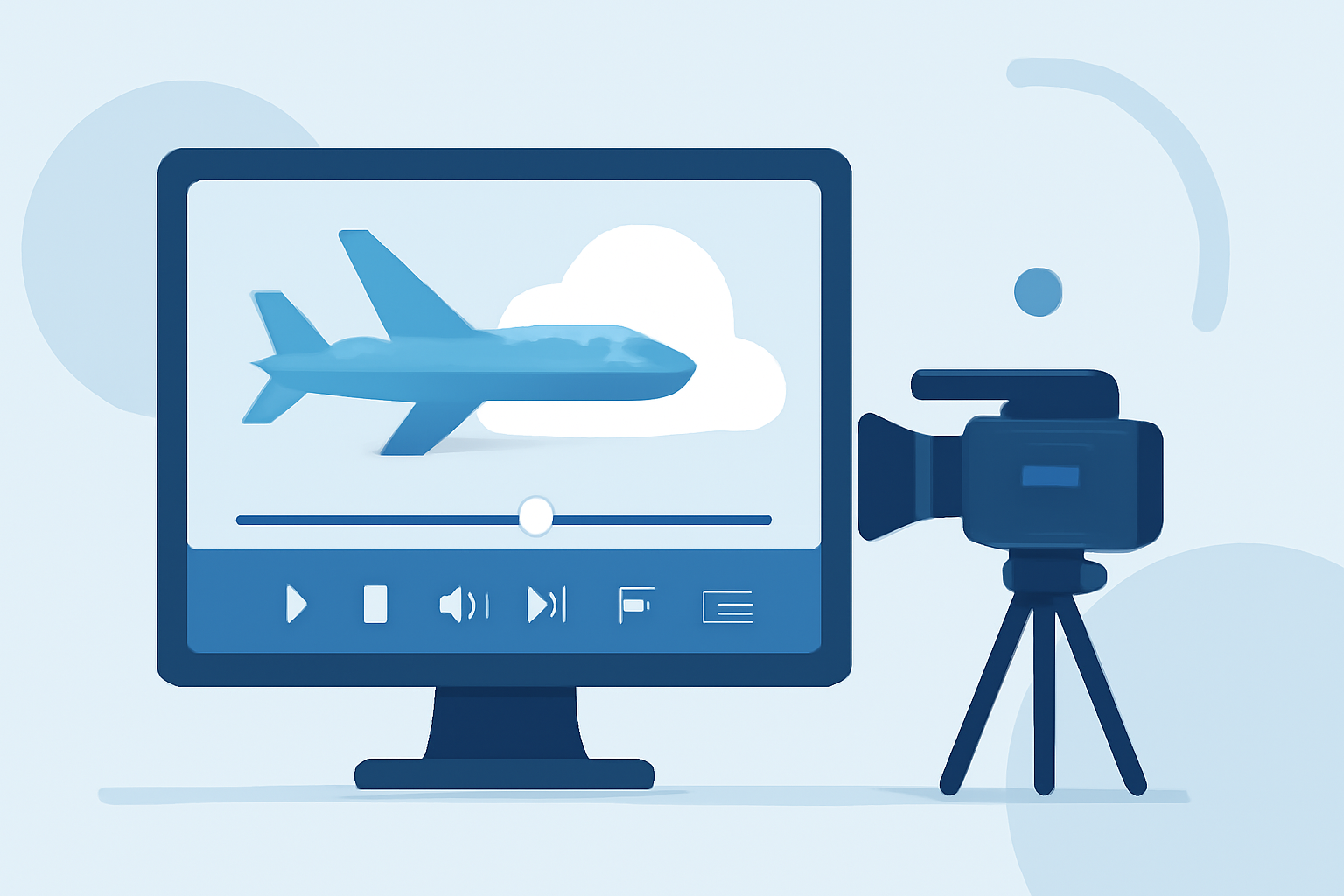
Editing timelapse videos begins with capturing footage. The process can involve maintaining a consistent frame and shooting footage over several hours or minutes. Use your phone camera or a dedicated camcorder to gather your material. After capturing your shots, mobile apps like Planes Live make it easy to edit together clips into a cohesive timelapse.
Utilizing Planes Live for Timelapse Videos
Planes Live is a popular choice for plane spotters, offering seamless integration of flight tracking data and allowing you to enhance your timelapse videos. Its intuitive interface makes it easy to navigate through your clips and add effects or transitions as needed. The app even allows for real-time overlays of flight data, which can include flight path trajectories or live statistics about the planes in your timelapse.
Data Sources for Real-Time Flight Data in Mobile Edits
To further enrich your timelapse videos, consider incorporating real-time data from flight-tracking APIs or applications. These can provide critical information such as flight numbers or aircraft types directly onto your footage. By overlaying this data, your videos become more informative and engaging, appealing to aviation enthusiasts and casual viewers alike.
Alternative Tools and Data Services for Mobile Timelapse Workflows
While Planes Live serves as an excellent starting point, there are other tools available for advanced users looking for specific functionalities. Some apps focus on enhancing visual aesthetics, while others might provide better data integrations or replay functionalities. Depending on your needs, you can explore these alternatives to find the best fit for your workflows.
Tips for Creating Engaging Timelapse Videos
- Keep Steady: Use a tripod or a stable surface to avoid shaky footage that can ruin the timelapse experience.
- Plan Your Shots: Identify busy times for aircraft takeoffs or landings, and aim to capture those moments for a more dynamic video.
- Combine with Data: Use flight tracking tools to overlay real-time information onto your video for added interest.
Enhancing Your Final Edit
After you have polished your videos, adding background music or narration can elevate the overall quality. Ensure that any supplementary sounds enhance the viewer’s experience without overpowering the visuals. Export your timelapse once you're satisfied, and share it on platforms tailored for aviation enthusiasts.
What We Recommend
- Use Planes Live for a straightforward, user-friendly editing experience tailored for aviation content.
- Incorporate real-time flight data to make your videos more appealing and educational for viewers.
- Explore alternative tools for specialized needs—consider features that can enhance visual quality or data presentation.
By utilizing the right tools and incorporating live data, your plane-spotting timelapse videos can capture the excitement of aviation in an innovative and engaging way!