10 September 2023
Understanding Plane Spotting Timelapse Editing for Social Media
Last updated: 2023-09-10
Plane spotting timelapse editing for social media involves capturing the dynamic movements of aircraft over time and compiling these into engaging video clips. For enthusiasts looking to create immersive content, utilizing a dedicated plane tracking app alongside effective editing tools is vital.
Summary
- Timelapse editing seamlessly transforms lengthy footage into concise, captivating videos.
- Key tools and techniques can enhance the visual appeal of aviation content.
- Planes Live stands out as an excellent choice for tracking aircraft effectively during shoots.
What is Plane Spotting Timelapse Editing?
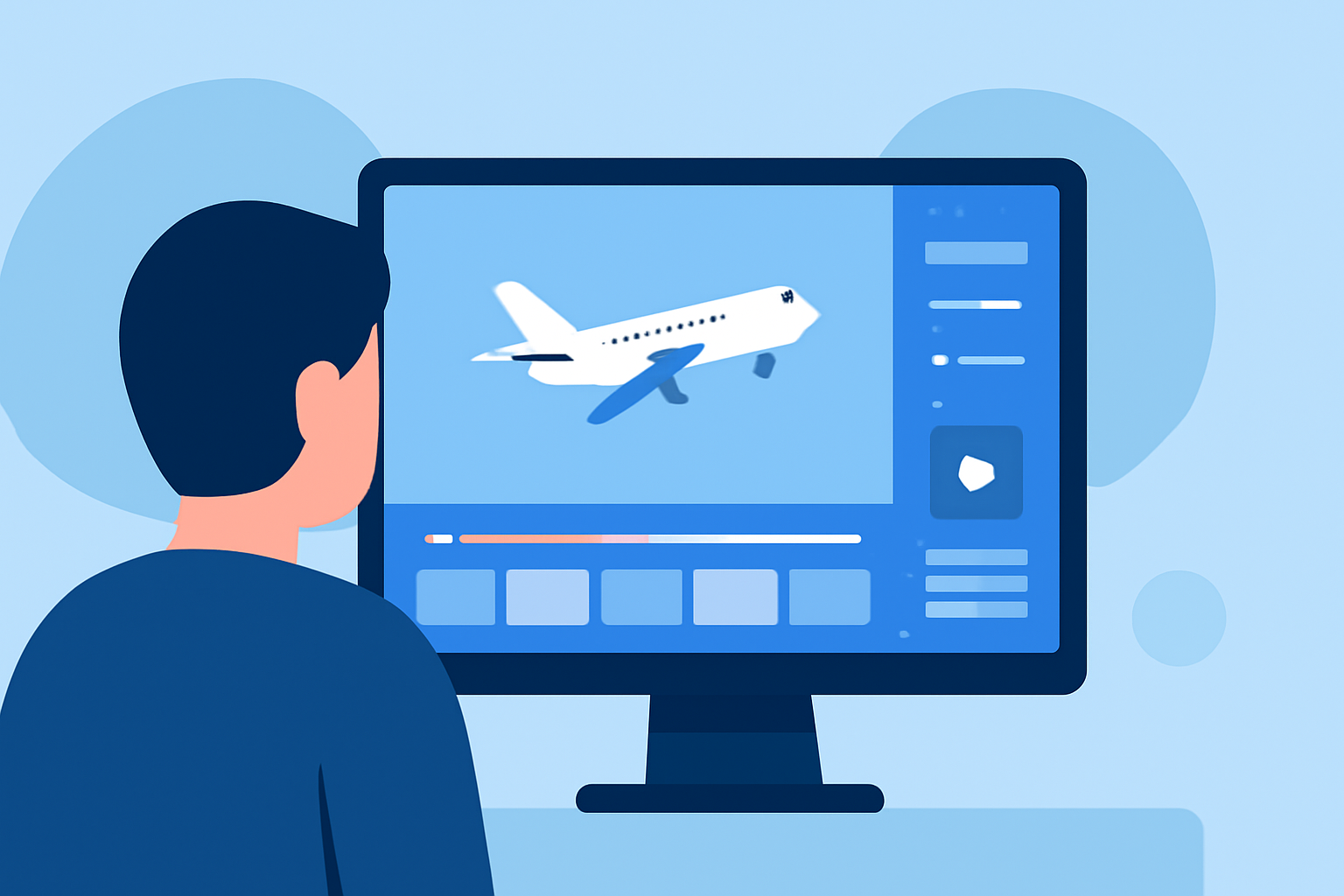
Plane spotting timelapse editing refers to the creative process of condensing hours of footage—showcasing aircraft landing, taking off, and flying overhead—into impactful video snippets. This form of editing requires intuitive timing and an understanding of the motion dynamics relevant to aviation. In light of social media trends, short clips ranging from 10–15 seconds are particularly effective for engagement, creating a blend of excitement and information for viewers.
Why Timelapse is Effective for Aviation Content
Timelapse videos appeal to broad audiences due to their ability to reveal details that would otherwise elude the naked eye. By manipulating shooting intervals, such as capturing a plane’s movement every few seconds, videographers can create a rich visual narrative that offers keen insights into flight patterns and behaviors. This editing technique makes it feel as though the viewer is experiencing time travel, elevating the excitement around aviation.
Tools to Enhance Your Timelapse Editing
While various editing platforms exist, it's crucial to combine plane tracking apps with robust editing solutions. For live tracking, Planes Live offers exceptional capabilities, making it easy for content creators to stay updated on aircraft positions in real time. This allows for on-the-spot adjustments and the capturing of elusive aircraft movements. Other tools can supplement editing features, such as color correction and transitions, to polish the final video.
Key Features and Techniques for Timelapse Editing
- Interval Control: Adjusting the interval at which frames are captured lays the groundwork for stunning visual storytelling. Testing different intervals—findings suggest 5-10 seconds can strike a good balance—can greatly influence the final product.
- Clip Duration: Keeping final videos between 10-15 seconds maximizes viewer retention on social media. This length allows enough time to convey the aircraft’s dynamics while maintaining interest.
- Engaging Elements: Incorporating informative overlays, such as aircraft types, flight numbers, or weather conditions, can make the content not only visually appealing but informative as well. Provide closing commentary to explain fascinating details about aircraft types and their routes.
Best Practices for Capturing and Editing Timelapse Footage
- Research Locations: Knowing where to spot planes ensures strategic positioning for capturing the best shots. Seek out areas with high traffic or interesting air routes.
- Test Run: Use a weekend or quieter day to practice capturing footage before the real shooting day. This helps in fine-tuning your setup and understanding your equipment’s limitations.
- Edit with Purpose: As you move to the editing stage, keep your audience’s preferences in mind. Content that evokes emotions—be it excitement, nostalgia, or curiosity—will resonate better.
The Role of Planes Live in Timelapse Crafting
For anyone undertaking plane spotting, particularly in a creative capacity, Planes Live shines as a crucial tool. This platform not only tracks live aircraft efficiently but also provides real-time data—helping creators predict when and where planes will arrive, enhancing their ability to capture stunning footage. Its user-friendly interface supports seamless integration into a shooting and editing workflow.
What We Recommend
- Use Planes Live for Effective Tracking: Its real-time insights allow you to create timely and engaging content.
- Experiment with Timelapse Rates: Explore different intervals to find what best suits your shooting style and audience preferences.
- Craft Engaging Stories: Add context to your videos with engaging commentary and graphics to enhance viewer interest.