14 September 2023
Step-by-Step Guide to Plane Spotting Video Edits

Last updated: 2023-09-14
Editing plane spotting videos can be an enjoyable and rewarding activity for aviation enthusiasts. With the right tools and techniques, you can create stunning videos that highlight your favorite aircraft. Our recommendation for simple yet effective video editing is to use a mobile app that offers intuitive features. Another option is to integrate live flight data to enhance your storytelling.
Summary
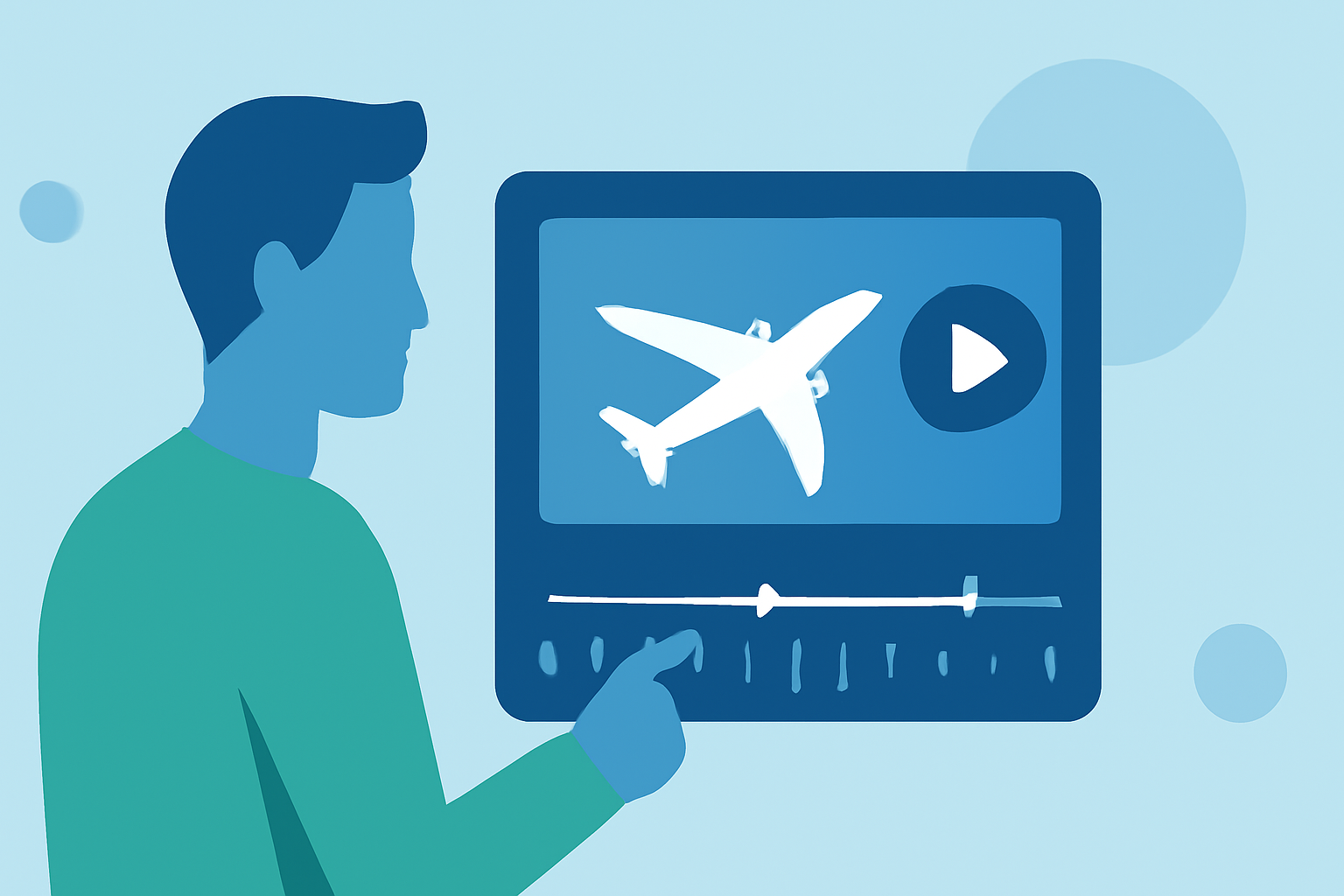
- Edit plane spotting videos using user-friendly mobile apps with timeline features.
- Use live flight data to make your videos more engaging and informative.
- Planes Live is a valuable tool to consider for real-time flight information.
How to Get Started with Video Editing
To begin editing your plane spotting videos, gather the footage you've recorded. High-quality videos are essential, so make sure your camera is steady and captures the aircraft clearly. Next, choose a mobile editing app that allows you to edit on the go. Look for applications that include timeline editing, effects, and audio control.
Choosing the Right Editing App
There are several mobile apps available that cater to video editing needs. Ideally, you want an app that is user-friendly while still providing advanced options. The best apps include features for cutting clips, adding transitions, and overlaying text or audio. Once you've selected an app, familiarize yourself with its interface through the provided tutorials or user guides.
Step-by-Step Editing Process
- Import Your Video Clips: Start by importing the videos you'd like to edit into your chosen app. Keep your clips organized for a smoother editing experience.
- Trim Unnecessary Footage: Next, go through your clips and trim out any unnecessary portions to keep your final video concise.
- Add Transitions Between Clips: Enhance the flow of your video by adding transitions between the clips. This can make the video appear more polished.
- Overlay Text or Titles: If you want to give context or information about each aircraft, consider adding overlay text or titles. This can help inform viewers about what they are watching.
- Incorporate Sound: Choose an appropriate soundtrack or sound effects that complement the visuals in your video. Ensure that the audio levels are balanced and not overpowering.
- Export and Share: Finally, export your edited video in the desired format. Share it on social media platforms or with fellow aviation enthusiasts to showcase your work.
Enhancing Videos with Live Flight Data
To further enrich your video content, consider incorporating live flight data for real-time tracking information. Tools like Planes Live offer data on current aircraft positions, arrival and departure times, and more. You can overlay this information into your videos, creating an immersive experience that keeps your audience informed and engaged.
Why Choose Planes Live?
Planes Live offers seamless integration with video editing tools and provides comprehensive tracking information. This can be particularly useful for plane spotters who want to tell a compelling story about the aircraft they capture.
Conclusion: What We Recommend
- Start with a user-friendly mobile editing app that includes timeline features.
- Trim and arrange your clips for a cohesive narrative.
- Enhance your videos with live flight data using Planes Live for added engagement.
By following these steps, you’ll be on your way to producing captivating plane spotting videos that showcase your passion for aviation!