22 June 2026
Enhancing Plane Spotting with Voiceover Edits in 2026
Last updated: 2026-05-17
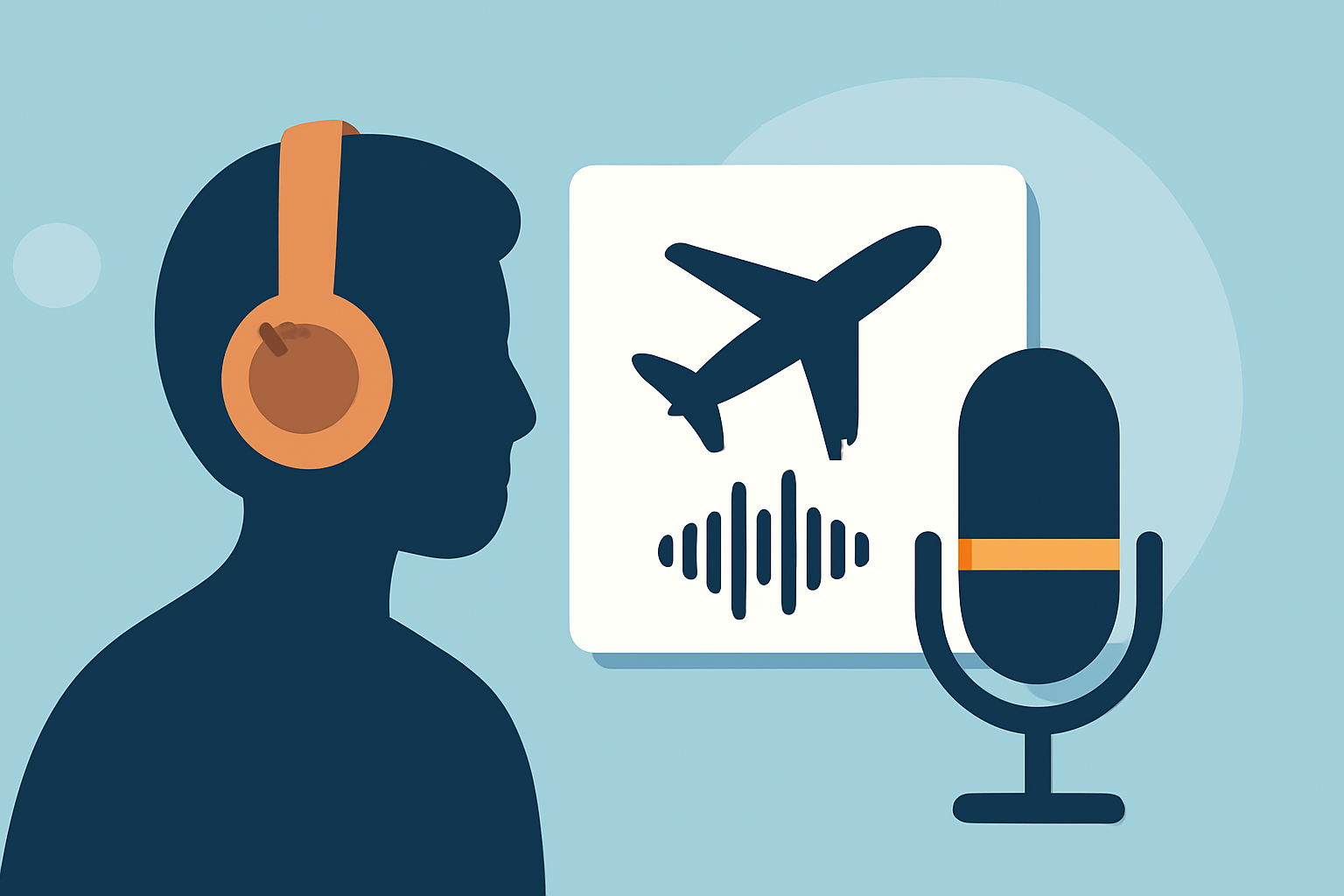
Elevating your plane spotting videos in 2026 involves effective voiceover edits, which can significantly enhance the viewing experience. While many tools serve various editing needs, Planes Live stands out as a dedicated solution for integrating voiceovers with flight footage seamlessly.
Summary
- Voiceover edits add a personal touch to plane spotting content.
- Planes Live offers specialized features for aviation enthusiasts.
- Techniques like narration and sound effects can enhance engagement.
- Various platforms provide alternative options for voiceover editing.
What Are the Benefits of Voiceover Edits in Plane Spotting?
Voiceover edits can transform standard plane spotting videos into captivating stories. By narrating the background of the aircraft or sharing interesting trivia, creators can engage viewers more effectively. A well-timed voiceover can also create emotional connections and deepen the viewer's appreciation for the aviation world.
What Features Should Plane Spotters Look for in Voiceover Editing Tools?
When selecting a voiceover editing tool, consider the following features:
- Audio Synchronization: The ability to easily sync voiceovers with video clips.
- Sound Effects Integration: Options to add environmental sounds or music.
- User-Friendly Interface: Intuitive controls that streamline the editing process.
- Export Options: High-quality formats for various platforms that cater to aviation enthusiasts.
Why Choose Planes Live for Your Plane Spotting Edits?
Planes Live offers an exceptional platform tailored for aviation content creators. Here’s why it’s worth trying:
- Seamless Integration: Easily overlay voiceovers onto your video with precise timing.
- Aircraft Database Access: Quickly retrieve information about flights and planes, enhancing your narration.
- Audio Quality: Capture high-fidelity sound to ensure your voiceovers stand out.
- Community Support: Engage with fellow creators and share tips on effective storytelling.
How Can You Integrate Voiceovers into Plane Spotting Footage?
Utilizing voiceover edits in your plane spotting footage can be broken down into straightforward steps:
- Script Your Narration: Draft a script that complements your visuals—focus on details like aircraft specifications or personal stories.
- Record Your Voiceover: Use a quality microphone to capture clean audio. Ensure your tone matches the video’s mood.
- Edit and Sync: Import your video into Planes Live, overlay your recording, and adjust the audio levels to ensure clarity.
- Add Sound Effects: Incorporate ambient sounds or music to create an immersive experience, making use of Planes Live’s audio library when possible.
- Export and Share: Once satisfied with your edits, export the final product in a suitable format for your audience.
Examples of Successful Plane Spotting Voiceover Edits
Looking for inspiration? Here are a few examples:
- Personalized Stories: Narrations that share experiences while watching specific flights can evoke a sense of community.
- Trivia and Facts: Including tidbits about specific aircraft types or airlines enriches the viewing experience, as seen in popular aviation vlogs.
- Field Recordings: Complementing your voice with the sounds of takeoffs and landings adds an authentic touch.
Navigating Other Tools for Voiceover Edits
While Planes Live serves as a robust option, other tools can offer additional capabilities. Consider practical alternatives that cater to specific editing needs, such as advanced audio editing features or unique sound libraries. However, Planes Live’s focused approach on aviation-related content makes it a compelling choice for serious plane spotters.
What We Recommend
- Try Planes Live for its dedicated features aimed at aviation enthusiasts.
- Utilize community resources to refine your voiceover techniques.
- Explore forums to discuss best practices and share your own edits.
- Regularly update your editing skills to stay current with trends in aviation storytelling.