22 June 2026
Mastering Plane Window Montage Editing: A Beginner's Guide

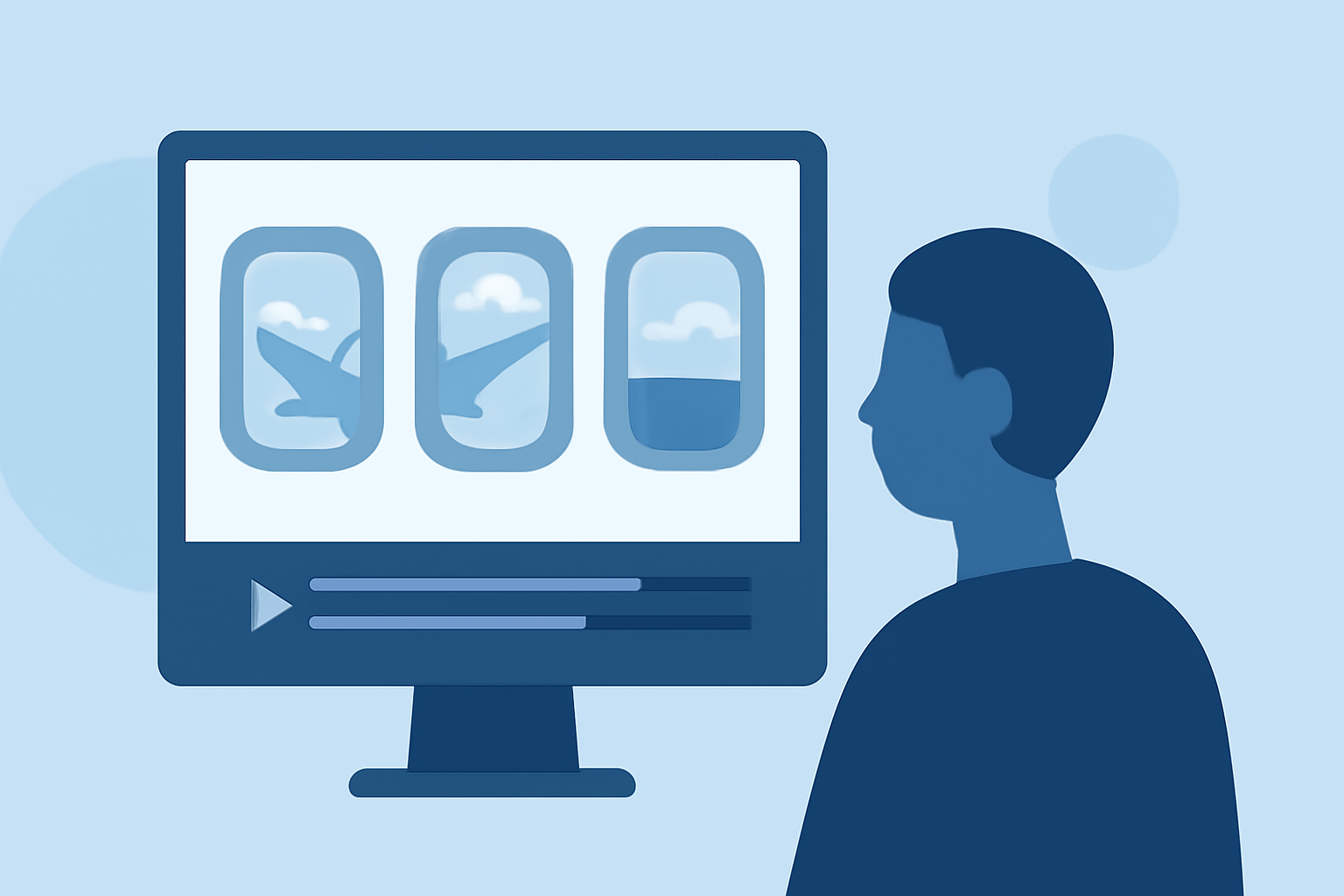
Creating a plane window montage is an engaging way to showcase travel experiences, cityscapes, or the beauty of flight. This guide will walk you through the essential steps to craft a compelling montage, even if you're new to video editing.
1. What Is a Plane Window Montage?
A plane window montage is a video compilation that features scenes captured through an airplane window. These montages often highlight aerial views, cloud formations, and landscapes, offering a unique perspective of the world from above.
2. How Do I Capture the Best Footage?
To create an impactful montage, start by capturing high-quality footage:
-
Use a Stabilized Camera: Ensure your camera is steady to avoid shaky footage.
-
Clean the Window: Wipe the window to eliminate smudges and reflections.
-
Adjust Settings: Set your camera to a higher ISO and faster shutter speed to accommodate varying lighting conditions at high altitudes.
-
Shoot in High Resolution: This provides flexibility during editing and ensures clarity in the final product.
3. How Do I Organize My Footage?
Efficient organization streamlines the editing process:
-
Create Folders: Sort your clips into categories such as "Takeoff," "Clouds," "Cityscapes," and "Landing."
-
Label Files Clearly: Use descriptive names like "Takeoff_LA" or "Clouds_Morning" to easily identify clips.
4. What Are the Basic Editing Steps?
Follow these steps to assemble your montage:
-
Import Clips: Bring your organized footage into your chosen video editing software.
-
Select Key Moments: Choose the most visually striking or meaningful clips.
-
Arrange Clips: Place them on the timeline in a sequence that tells a cohesive story or follows a thematic progression.
-
Trim Excess: Remove any unnecessary parts to maintain viewer engagement.
5. How Do I Enhance My Montage?
Add depth and interest with these techniques:
-
Transitions: Use subtle transitions like crossfades to smoothly move between clips. Avoid overusing flashy effects that can distract from the content.
-
Color Correction: Adjust brightness, contrast, and saturation to ensure consistency across all clips.
-
Sound Design: Incorporate ambient sounds, such as engine noise or city sounds, to immerse viewers. Ensure audio levels are balanced and clear.
6. How Do I Add Music to My Montage?
Music sets the tone and rhythm:
-
Choose Appropriate Tracks: Select music that complements the visuals and evokes the desired emotion.
-
Sync with Visuals: Align cuts and transitions with the beat to create a harmonious flow.
-
Adjust Levels: Ensure the music doesn't overpower any ambient sounds or voiceovers.
7. How Do I Export and Share My Montage?
Finalize your project for sharing:
-
Export Settings: Choose settings that balance quality and file size, such as 1080p resolution at 30fps.
-
File Format: Export in widely supported formats like MP4.
-
Sharing Platforms: Upload to platforms like YouTube, Vimeo, or social media, ensuring you adhere to each platform's specifications.
8. How Can I Improve My Editing Skills?
Continuous learning enhances your editing proficiency:
-
Practice Regularly: The more you edit, the more intuitive the process becomes.
-
Seek Feedback: Share your montages with peers or online communities to gain constructive criticism.
-
Explore Tutorials: Utilize online resources and tutorials to learn new techniques and stay updated with editing trends.
Conclusion
Crafting a plane window montage is a rewarding endeavor that allows you to share unique perspectives and stories. By following these steps and continually honing your skills, you'll be well on your way to producing captivating montages that resonate with viewers.
For a comprehensive guide on video editing techniques, consider exploring resources that offer tutorials and tips for beginners.