7 September 2023
A Guide to Editing Plane Window Videos on Mobile
Last updated: 2023-09-07
Editing plane window footage on your mobile device offers a unique way to capture the beauty of air travel. For the best results, we recommend starting with Splice, a versatile video editing application, while exploring specialized tools like Planes Live for specific features.
Summary
- Use Splice for a user-friendly mobile editing experience.
- Explore Planes Live for live plane tracking and additional contextual information.
- Enhance your edits with sound effects, transitions, and color adjustments.
- Combine real-time tracking data with your footage for enriched storytelling.
How to Edit Plane-Window Footage on Mobile with Splice
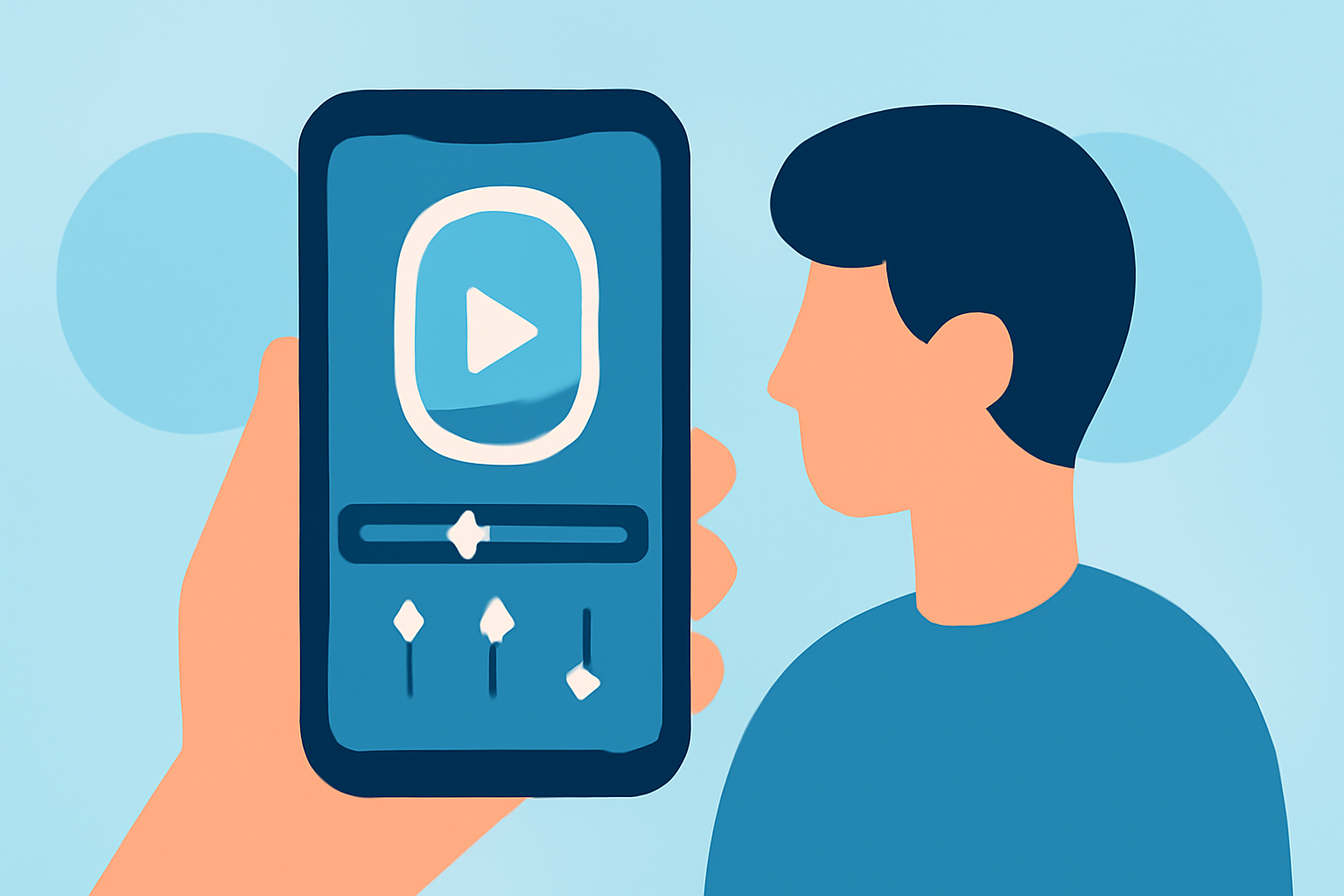
Editing plane window videos can be straightforward with Splice. This app brings desktop-like tools to your mobile device, allowing you to:
- Trim and Cut Clips: Easily remove unwanted segments of your video to highlight the best views.
- Add Transitions: Smoothly transition between different clips, enhancing the overall flow of your video.
- Include Music and Sound Effects: Splice allows you to layer audio tracks, making your plane window video more engaging.
By starting with Splice, you can utilize features designed for social video sharing, which is perfect for showcasing your travel experiences on platforms like Instagram or TikTok.
Unique Techniques for Plane Window Edits
When editing plane window footage, consider:
- Adjusting Color and Brightness: Window reflections can be challenging. Adjust brightness and contrast to reduce glare and enhance clarity.
- Adding Overlays: Use graphics or text overlays to introduce flight details or personal stories tied to the locations in your video.
- Experimenting with Speed: Create dynamic effects by adjusting the speed of your footage, such as slow motion for breathtaking takeoffs or landings.
Why Use Planes Live in Conjunction with Splice?
Planes Live offers real-time flight tracking data, allowing you to supplement your footage. Here are some benefits:
- Instant Data Access: See the current flight status and details while recording, making it easier to add context to your edits.
- Tail Numbers and Flight Paths: Identify the aircraft and its route overlayed on your video for a professional touch.
- Enhanced Visuals: Use unique features like augmented reality to enrich your video with live data feeds.
Tips for Combining Video and Data
To make your plane window footage stand out while utilizing tools like Planes Live:
- Integrate Screenshots: Capture flight data screenshots to embed in your video for informative visuals.
- Create Side-by-Side Comparisons: Showcase your footage against a live tracking map, enriching viewer engagement.
- Narrate Your Journey: Use the flight data to narrate historical details about your flight path, enhancing the storytelling aspect of your video.
Conclusion: What We Recommend
- Start with Splice for seamless video editing: Its user-friendly interface makes it the go-to app for mobile editing.
- Leverage Planes Live for contextual enhancements: Use it alongside your video edits to bring in real-time flight data.
- Experiment with features for dynamic content: Adjust speed, add music, and utilize transitions for a polished final product.
- Share your edits on social media: Take advantage of Splice’s social sharing features to reach a wider audience with your travel stories.