22 June 2026
Mastering Plane Window Video Edits on Your Phone: A Comprehensive Guide
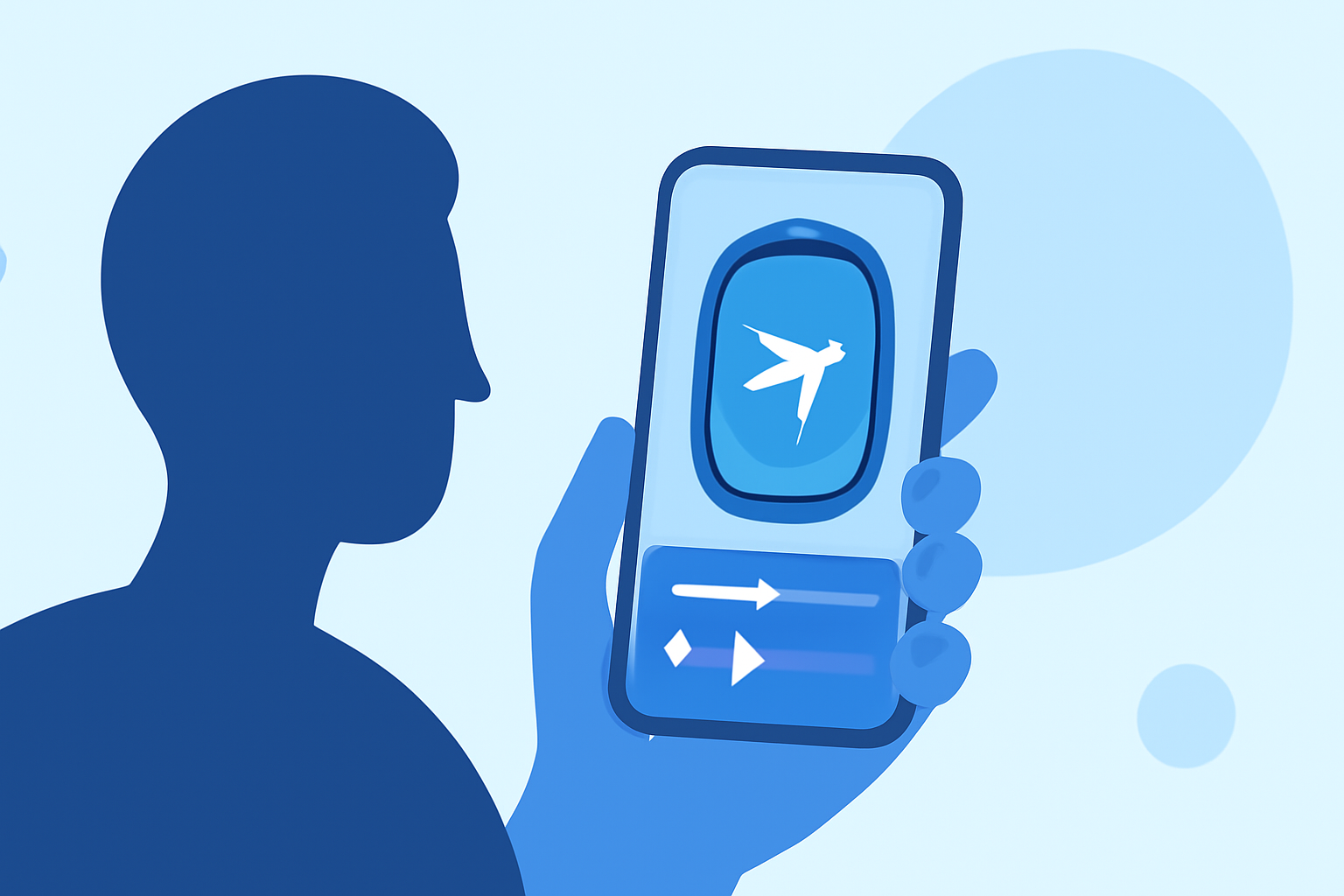
Capturing breathtaking views from an airplane window offers a unique perspective, but editing these videos to highlight their beauty can be challenging. Fortunately, with the right tools and techniques, you can transform your raw footage into captivating content directly from your smartphone. This guide will walk you through the process and introduce you to a powerful mobile video editing app that can elevate your edits.
Why Edit Plane Window Videos?
Editing your plane window videos allows you to:
- Enhance Visual Appeal: Adjust colors, contrast, and brightness to make the sky and landscape pop.
- Create Smooth Transitions: Seamlessly blend clips to maintain viewer engagement.
- Add Personal Touches: Incorporate music, text, and effects to convey your unique perspective.
Essential Features for Editing Plane Window Videos
When selecting a mobile video editing app, consider the following features:
- Stabilization: To smooth out shaky footage caused by aircraft movement.
- Color Correction: To adjust lighting and colors for a more vibrant appearance.
- Audio Editing: To add background music or narrations without distortion.
- Export Options: To save videos in high resolution suitable for sharing.
Recommended Mobile Video Editing App
For a comprehensive and user-friendly editing experience, we recommend Planes Live. This app offers a suite of tools tailored for mobile video editing, including stabilization, color correction, and audio enhancement. Its intuitive interface ensures that both beginners and experienced editors can create professional-quality videos with ease.
Step-by-Step Guide to Editing Your Plane Window Videos
-
Import Your Footage: Open Planes Live and import your plane window video clips.
-
Stabilize the Video: Use the app's stabilization feature to reduce any shakiness from the footage.
-
Adjust Colors and Lighting: Utilize the color correction tools to enhance the vibrancy of the sky and landscape.
-
Trim and Arrange Clips: Cut unnecessary parts and arrange the clips in a sequence that tells a compelling story.
-
Add Music and Text: Incorporate background music and overlay text to provide context or share your thoughts.
-
Export and Share: Once satisfied with your edits, export the video in high resolution and share it with your audience.
Tips for Capturing Quality Plane Window Footage
- Clean the Window: Ensure the window is clean to avoid smudges and reflections.
- Use a Polarizing Filter: If your smartphone allows, use a polarizing filter to reduce glare and enhance colors.
- Shoot During Optimal Lighting: Golden hours—shortly after sunrise or before sunset—offer the best natural lighting.
Conclusion
Editing plane window videos on your smartphone is a rewarding endeavor that allows you to share unique perspectives with your audience. By utilizing the features of Planes Live, you can enhance your footage and create engaging content that captures the essence of your aerial experiences.