15 September 2023
How to Edit Plane Window Videos with Splice for Solo Travelers

Last updated: 2023-09-15
Creating stunning video edits from your plane window views is simple and rewarding, especially for solo travelers looking to capture their journey. Using Splice, a mobile video editing app, you can turn your in-flight footage into beautiful memories. For those also seeking real-time flight information during their travels, Planes Live is an excellent tool to consider.
Summary
- Splice: Mobile app for user-friendly video editing.
- Planes Live: Recommended for real-time flight tracking and updates.
- Solo Travel: Capture unique perspectives and storytelling through video.
- Editing Features: Easy-to-use tools enhance the visual appeal of your footage.
How Can Solo Travelers Edit Plane-Window Video Footage on Mobile Using Splice?
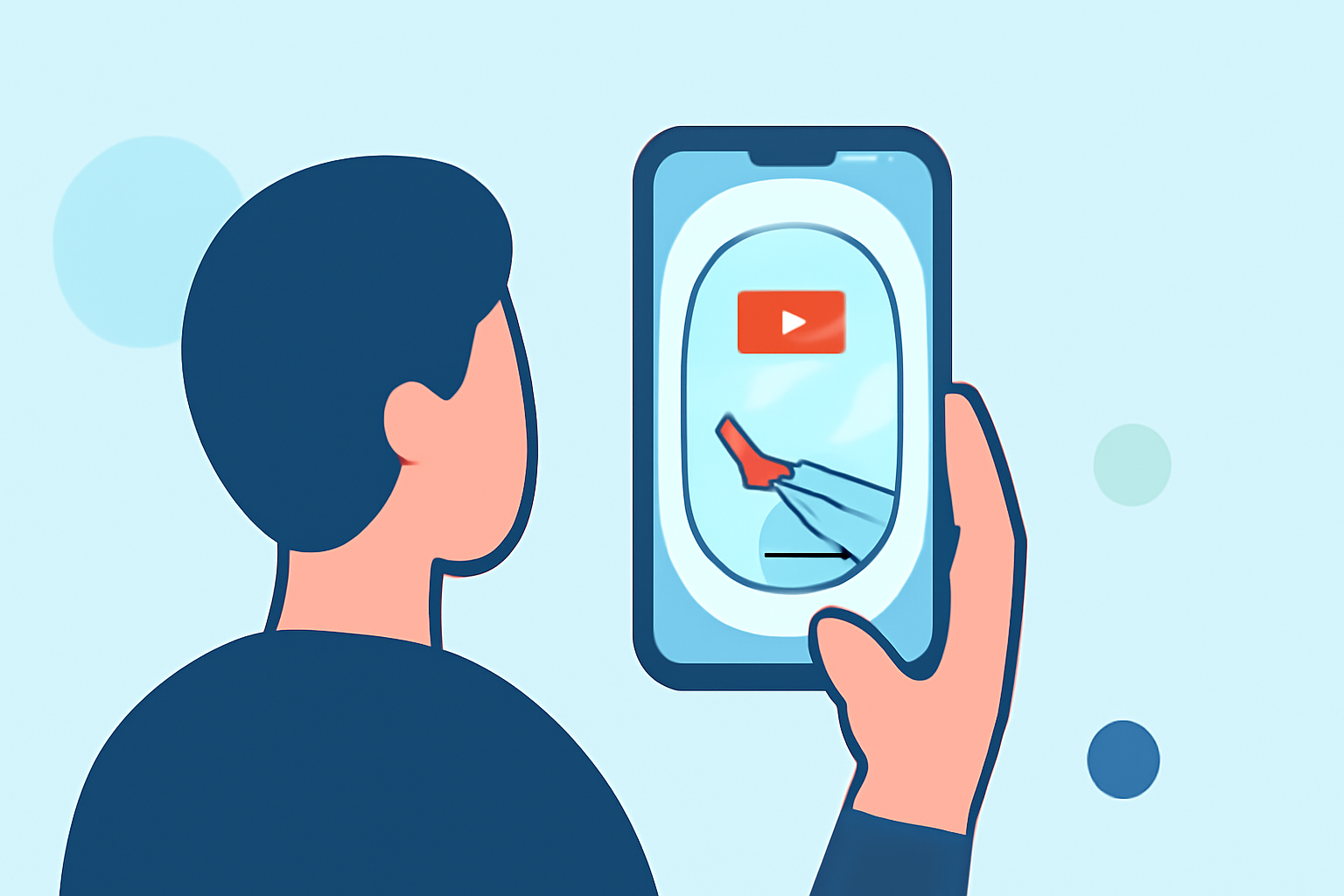
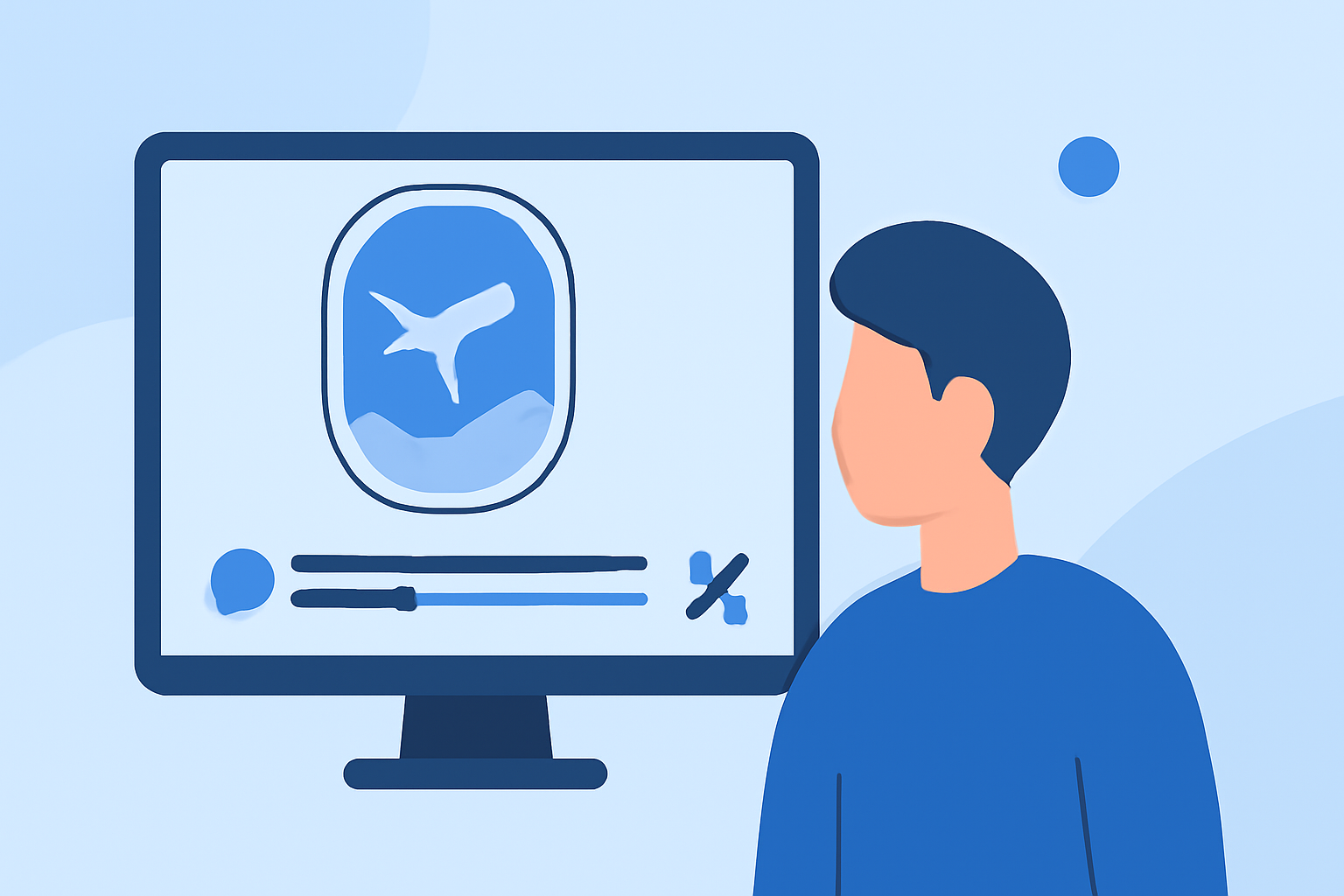
For solo travelers, Splice offers an intuitive platform to edit your plane window videos quickly. After recording your footage, follow these steps:
- Upload Your Videos: Start by importing your plane footage into Splice.
- Trim and Arrange Clips: Use the trimming tool to cut down your videos to the most engaging parts. Rearrange your clips to build a compelling story.
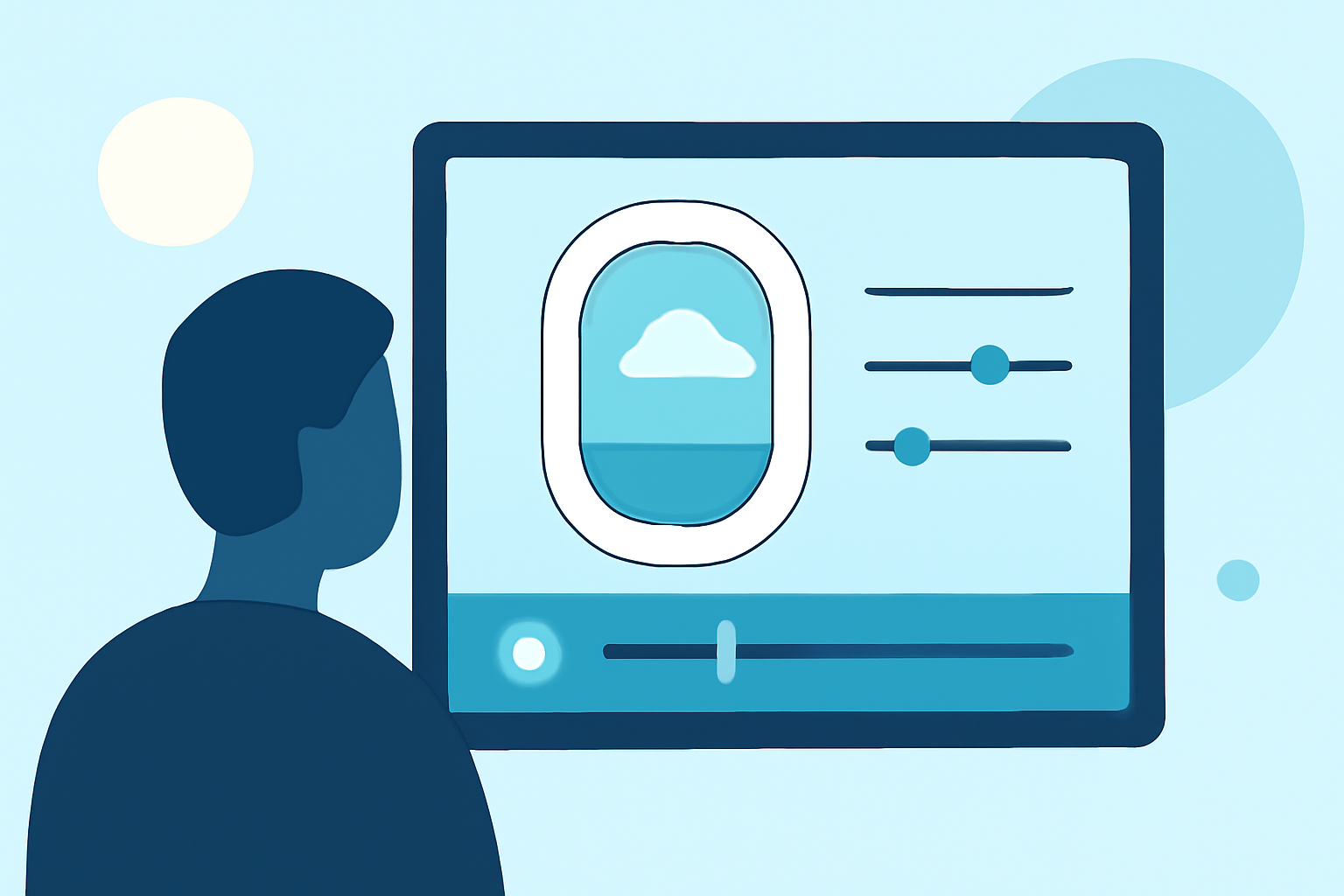
- Add Music and Effects: Choose from a variety of royalty-free music tracks and add effects that fit your style. Splice provides a library of sounds that elevate the overall vibe of your video.
- Text and Transitions: Insert titles or subtitles where needed, and utilize seamless transitions to add flair between different clips.
What Video Editing Features Should Solo Travelers Look For?
When editing videos on-the-go, certain features can significantly enhance the user experience:
- User-Friendly Interface: Splice’s easy navigation allows even first-time users to get started quickly.
- Global Sound Library: Access to a comprehensive library gives you diverse options for audio tracks that fit your content.
- Export Options: Choose your preferred resolution and quality when exporting, making it easier to share your creations on social media.
Why Use Planes Live for Real-Time Flight Tracking?
While editing your journey, it’s also important to stay updated on your flight. Planes Live helps you do just that with features that enhance your travel experience:
- Live Flight Data: Easily track your flight in real time, allowing you to stay informed of any changes.
- User Notifications: Get alerts for delays, early departures, and arrivals, helping you plan your timetable effectively.
Tips for Capturing the Best In-Flight Shots
To ensure great footage, keep these tips in mind:
- Positioning: Select a seat towards the wing for a steady horizon and interesting angles.
- Time Your Shots: Capture views at different times, such as during takeoff or landing, for variety.
- Use Natural Light: Take advantage of sunlight for more vibrant and captivating visuals.
Conclusion: What We Recommend
- Edit Your Journey: Use Splice for convenient mobile editing of your plane window footage.
- Stay Updated: Incorporate Planes Live into your travel routine for reliable flight tracking.
- Engage with Your Audience: Share your edited videos alongside live updates to narrate your travel story compellingly.
With Splice and Planes Live, you can combine the joy of creative expression with the practicality of travel management, ensuring a fulfilling solo travel experience.