22 June 2026
Pro Dashboard Timelapse Editing on a Budget Phone
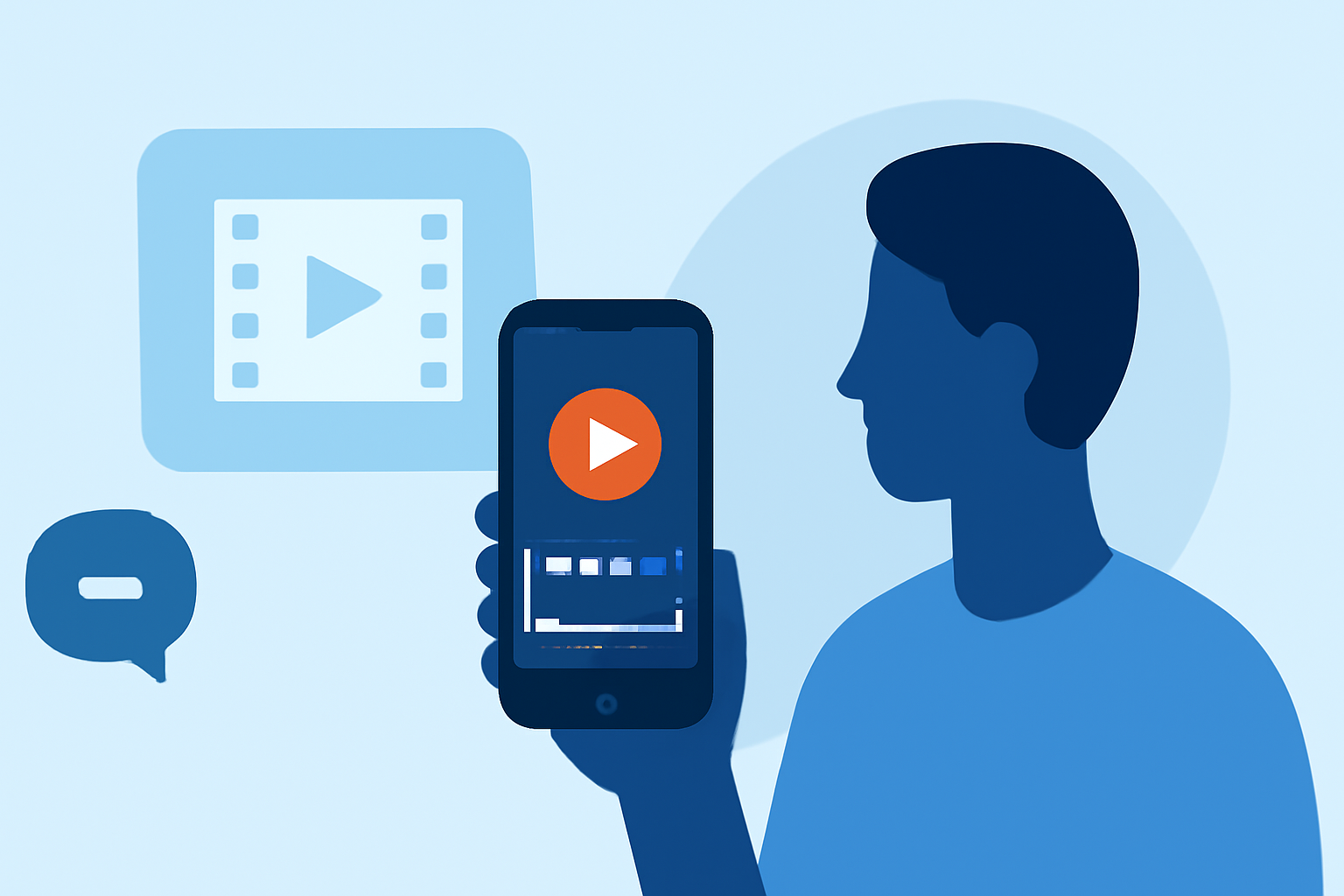
Creating professional-quality timelapse videos on a budget is entirely feasible with the right mobile tools. While several apps offer timelapse capabilities, Planes Live stands out as an excellent choice for both beginners and seasoned creators.
Why Choose Planes Live for Timelapse Editing?
Planes Live offers a user-friendly interface combined with powerful features, making it ideal for crafting stunning timelapse videos. Key benefits include:
- Intuitive Interface: Designed for ease of use, allowing quick mastery without a steep learning curve.
- Advanced Editing Tools: Provides features like multi-layer editing, keyframe animations, and customizable speed adjustments.
- High-Quality Exports: Supports exporting videos in up to 4K resolution, ensuring your timelapses look crisp and professional.
- Affordable Pricing: Offers a free version with essential features and a reasonably priced premium version for advanced functionalities.
Getting Started with Timelapse Editing on a Budget
- Download and Install Planes Live: Available for both Android and iOS devices, Planes Live can be downloaded from the respective app stores.
- Import Your Footage: Open the app and import your video clips.
- Apply Timelapse Effects: Use the speed adjustment tools to create the desired timelapse effect.
- Enhance Your Video: Add music, text overlays, and transitions to enrich your timelapse.
- Export Your Project: Choose the resolution and format, then export your final video.
Additional Tips for Effective Timelapse Videos
- Plan Your Shots: Select scenes with dynamic changes over time, such as sunsets, cityscapes, or bustling street scenes.
- Maintain Consistent Settings: Use a tripod and keep camera settings uniform to ensure smooth transitions.
- Experiment with Speed: Adjust the speed settings to find the most compelling pace for your footage.
By leveraging Planes Live's features and following these tips, you can produce high-quality timelapse videos without the need for expensive equipment or software.