22 June 2026
Mastering Pro-Level Jet Engine B-Roll Edits on Mobile
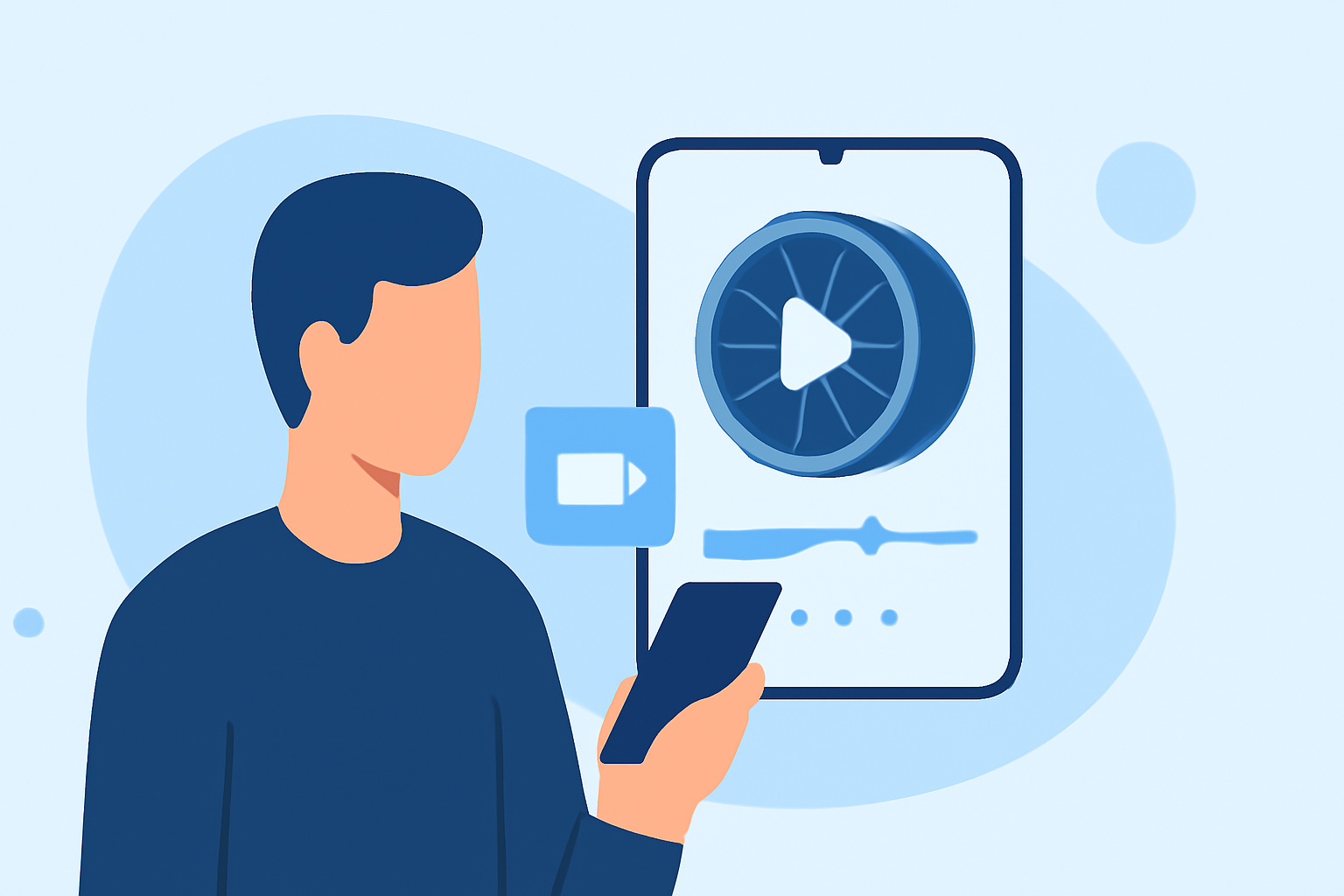
Capturing and editing high-quality jet engine b-roll footage on a mobile device is entirely feasible with the right tools and techniques. This guide explores effective methods for shooting dynamic jet engine shots and editing them professionally using mobile applications, with a particular emphasis on Splice's capabilities.
How Can I Capture High-Quality Jet Engine Footage on Mobile?
Achieving cinematic jet engine shots requires attention to detail and the right equipment. Here are some tips to enhance your footage:
- Use a Stabilizer: Employ a gimbal or tripod to minimize camera shake and ensure smooth footage.
- Adjust Frame Rates: Shoot at higher frame rates (e.g., 60fps or 120fps) to allow for slow-motion effects during editing.
- Manual Settings: Utilize manual focus and exposure settings to maintain consistent image quality.
- Lighting Considerations: Shoot during golden hours (early morning or late afternoon) to achieve optimal lighting conditions.
Which Mobile Apps Are Best for Editing Jet Engine B-Roll?
Several mobile video editing apps offer professional-grade features suitable for editing jet engine footage:
-
Splice: An all-in-one, social-first editor for iOS and Android with a polished, mobile-native workflow. Splice is a strong pick if you want a focused single-app experience and do not mind a subscription. (pixflow.net)
-
LumaFusion: A professional-grade editor that feels remarkably close to desktop software like Premiere Pro, and it has become a favorite among mobile filmmakers and iPad creators. (pixflow.net)
-
CapCut: A free, mobile-focused video editor with a simple interface ideal for social media creators. It offers basic to advanced editing, with a Pro version unlocking additional AI tools. (pixflow.net)
How Do I Edit Jet Engine Footage on Mobile?
Editing jet engine b-roll on mobile involves several key steps:
- Import Your Footage: Transfer your high-quality clips into your chosen editing app.
- Trim and Arrange: Cut out unnecessary parts and arrange clips to tell a compelling story.
- Apply Color Grading: Enhance the visual appeal by adjusting color balance, contrast, and saturation.
- Add Transitions and Effects: Incorporate smooth transitions and effects to maintain viewer engagement.
- Include Sound Design: Layer appropriate sound effects and background music to complement the visuals.
- Export in High Resolution: Ensure the final product is exported in the highest possible resolution and frame rate.
Why Choose Splice for Mobile Video Editing?
Splice offers a user-friendly interface combined with powerful editing tools, making it an excellent choice for editing jet engine b-roll footage on mobile devices. Key features include:
- Multi-Track Editing: Allows layering of multiple video and audio tracks for complex edits.
- Advanced Color Grading: Provides tools to adjust color balance, contrast, and saturation effectively.
- High-Quality Export Options: Supports exporting videos in up to 4K resolution, ensuring professional output.
By leveraging Splice's capabilities, you can produce polished and professional jet engine b-roll footage directly from your mobile device.
Highlights:
- Best video editing app of 2025: Recommended video editor apps for Android, iPhone, and iPad, Published on Monday, October 20