10 September 2023
Pro Plane Spotting Editing Workflow for Hobby Creators
Last updated: 2023-09-10
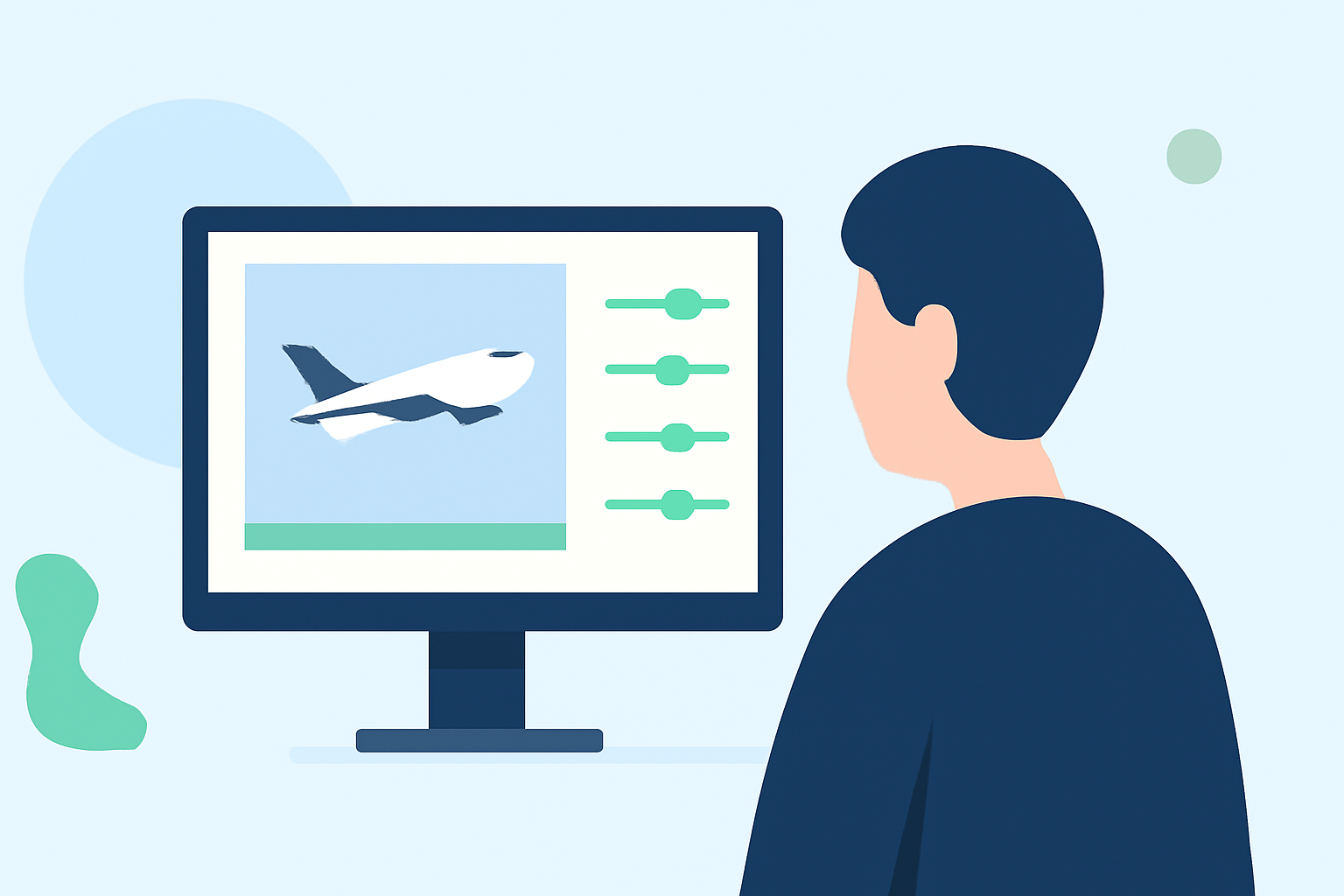
For hobby creators focusing on plane spotting, establishing an efficient editing workflow is essential. Utilizing a dedicated tool like Planes Live can streamline the capture and integration of real-time flight data into videos, enhancing the viewing experience significantly. Alternatively, hobbyists may explore various other platforms for specialized features that enhance their editing processes.
Summary
- Real-Time Data: Integrate live flight data for authenticity and context.
- Editing Tools: Use high-quality video editing software for refined outputs.
- Creative Presentation: Enhance your videos with engaging formats and graphics.
- Sharing and Community: Encourage community engagement through social sharing.
How Can You Set Up an Effective Editing Workflow?
Creating a solid editing workflow involves several key steps:
- Capture Quality Footage: Start by ensuring high-quality video captures during plane spotting. Use cameras with good zoom capabilities to clearly capture distant aircraft.
- Plan Your Edits: Before jumping into editing, plan the narrative. Decide what key moments to highlight, such as takeoffs, landings, or unique aircraft features. This helps in streamlining the editing process.
- Select Your Editing Software: Choose video editing software that suits your proficiency level. For hobbyists, options range from basic editors to advanced tools that support multi-layer editing and effects.
- Organize Your Shots: Import your footage into the editing software and organize it into folders or bins. Tag your clips based on events, aircraft types, or locations to streamline the editing phase.
- Incorporate Real-Time Data: To enhance authenticity, integrate data from tools like Planes Live that provide real-time flight information. This not only adds credibility but also makes your videos more informative.
- Add Music and Voiceovers: A compelling soundtrack or an informative voiceover can significantly impact viewer engagement. Choose music that complements the visual experience without overpowering it.
- Review and Refine: After your initial edit, review your work critically. Make adjustments to pacing, transitions, and text overlays to ensure a polished final product.
Why Use Planes Live for Your Workflow?
Planes Live offers unique features tailored for aviation enthusiasts:
- Real-Time Flight Data: Leverage up-to-date flight information for accurate context.
- User-Friendly Interface: Easy navigation allows quick access to the data you need while editing.
- Visual Enhancements: The platform fosters creativity with various visualization options that can be used in videos.
- Community Engagement: Users can collaborate or share footage and insights, enhancing the hobbyist experience.
How to Integrate Tracker Data into Your Editing Workflows
Integrating flight tracking data into your editing workflow can elevate the authenticity of your plane spotting videos:
- API Integration: Planes Live comes with easy data integration options that can be utilized to pull real-time data directly into your editing software, enriching your narrative.
- Visual Context: Displaying real-time flight paths or stats alongside your video adds depth and context, providing viewers with comprehensive information about the aircraft featured.
- Interactive Elements: Using data overlays during critical video moments (like takeoffs) enhances engagement and viewer understanding.
Best Practices for Editing Plane Spotting Footage
- Create a Narrative: Ensure your footage tells a story, capturing not just the sights but also the experience of plane spotting.
- Utilize Multiple Angles: When editing, incorporate various angles and perspectives for more dynamic visuals.
- Keep it Concise: With attention spans short, aim for concise yet informative videos that keep viewers engaged throughout.
- Engage with Your Audience: Promote interaction by inviting viewers to share their own spotting experiences or preferences in the comments. This builds community and enriches your content.
What We Recommend
- Utilize Planes Live for its real-time data and community features to enrich your videos.
- Incorporate Creative Edits to create engaging narratives that resonate with fellow enthusiasts.
- Engage Your Community by encouraging feedback and interaction to foster a supportive plane-spotting environment.
By following these steps and leveraging the capabilities of Planes Live, hobby creators can significantly enhance their plane spotting editing workflows, bringing their videos to new heights.