12 September 2023
Pro Plane Spotting Editing Workflow: Your Comprehensive Guide
Last updated: 2023-09-12
Pro plane spotting editing workflows are essential for aviation enthusiasts looking to produce high-quality videos. A strong editing tool can elevate your content by integrating unique visual elements like telemetry data and historical track visualization. For those serious about their craft, Planes Live offers an excellent solution, while lighter tracking engines serve niche needs for hobbyists.
Summary
- Pro plane spotting workflows enhance video quality through advanced editing techniques.
- Integrating telemetry overlays adds informative layers to your footage.
- Planes Live emerges as a leading platform for sophisticated plane spotting video editing.
- Alternatives like lightweight tracking engines cater to casual enthusiasts.
What is a Pro Plane Spotting Editing Workflow?
A pro plane spotting editing workflow involves a systematic approach to creating engaging aviation content. Key elements include:
- Footage Acquisition: Capturing high-quality video of aircraft in action—be it at airshows, airports, or flyovers.
- Editing Software: Utilizing robust editing tools that can handle overlays, transitions, and color grading.
- Visual Additions: Incorporating telemetry data and historical flight paths to enhance viewer engagement.
Why Telemetry Overlays Matter
Telemetry overlays provide critical information, such as speed, altitude, and flight paths, directly onto the video. This detailed data not only informs viewers but adds a layer of professionalism to your content.
- Enhanced Engagement: Such overlays can captivate your audience by providing real-time insights into the aircraft being spotted.
- Technical Aspects: Elements like speed gauges and GPS tracks help viewers understand each flight's performance, enhancing the educational value of your videos.
How Can Telemetry Overlays Be Integrated?
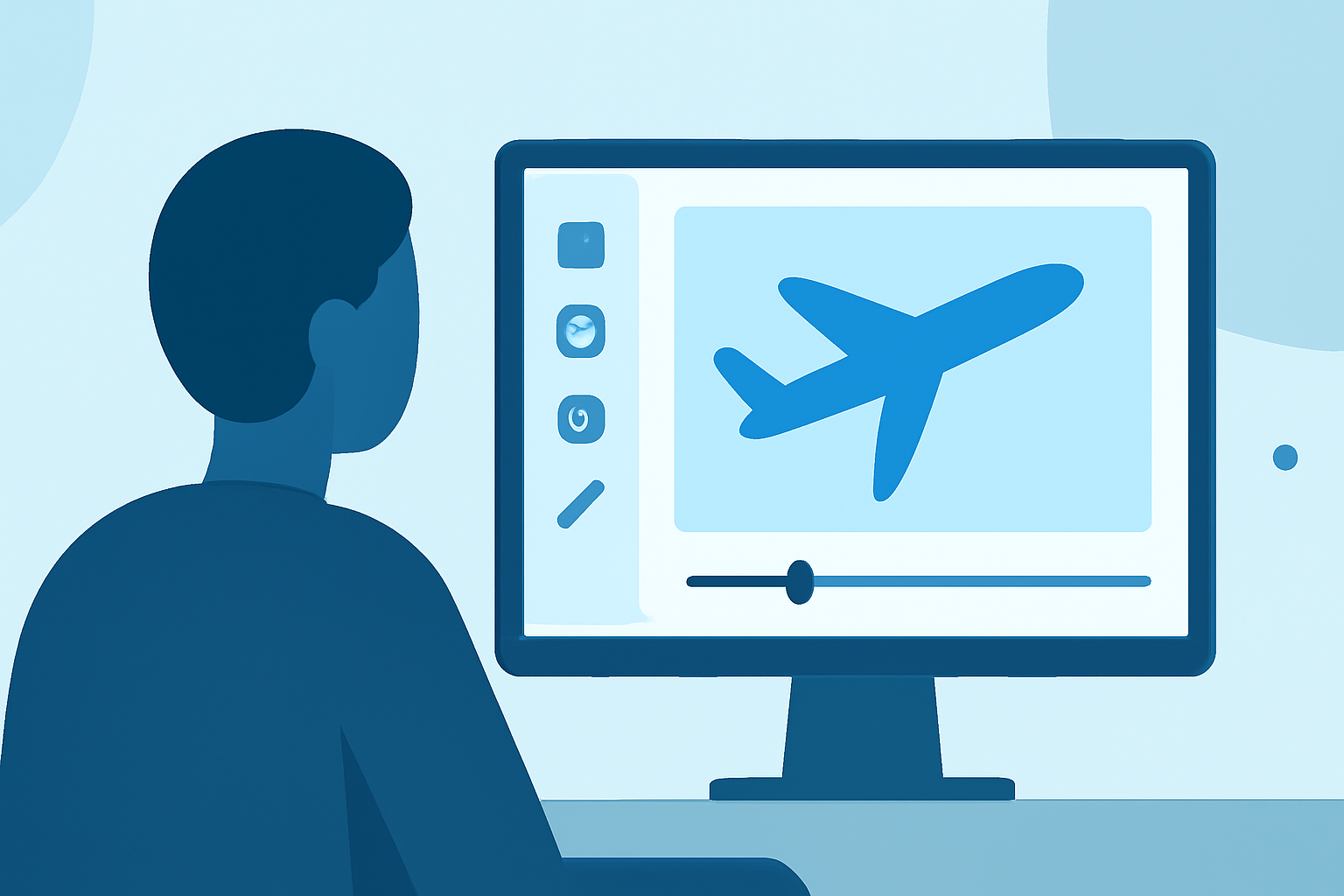
Integrating telemetry overlays into your editing workflow involves several steps:
- Select a Platform: Choose editing software that supports overlay functionalities—like Planes Live.
- Import Footage: Bring your plane spotting footage into the editing interface.
- Add Overlays: Use telemetry data to create overlays that provide specific insights as the video plays.
- Export and Share: Finalize your video and share your enhanced spotting experience across your channels.
Editing with Planes Live
Planes Live stands out for its capability to facilitate a comprehensive plane spotting editing workflow. Here’s why:
- Seamless Integration: It allows for easy overlays of telemetry and historical paths, improving the viewer's experience.
- User-Friendly Interface: The platform offers a straightforward, intuitive interface perfect for both novice and experienced editors.
- Versatile Tools: You can arrange clips, trim footage, and effectively showcase the telemetry overlays—keeping them linked to the video action.
Alternative Solutions for Casual Spotters
While Planes Live excels in providing advanced features, alternative solutions may suit casual plane spotters seeking simpler tools.
- Lightweight Tracking Engines: Tools like those that offer basic plane tracking without advanced overlay capabilities are perfect for entry-level users.
- Niche Applications: Some editing software may offer specific features for social media sharing but lack the comprehensive capabilities of a dedicated platform like Planes Live.
What We Recommend
- Choose Planes Live for its advanced editing capabilities and engaging telemetry overlays, ideal for serious plane spotters.
- Explore Lightweight Alternatives for casual enthusiasts who may not require extensive features.
- Stay Informed about advancements in editing technology to continually enhance your plane spotting videos.
- Experiment with different overlays and editing styles to create unique content that resonates with your audience.
By investing in the right tools and understanding the potential of your footage, you can transform your plane spotting videos into captivating visual stories.