10 September 2023
Pro Plane Spotting Voiceover Edits on Mobile
Last updated: 2023-09-10
For mobile plane spotters looking to create professional-quality voiceover edits, combining a real-time flight-tracking app with Splice's robust editing tools is the way to go. Alternatively, if a dedicated tracking experience is your focus, you can explore specialized apps designed for that purpose.
Summary
- Combine flight-tracking apps with Splice for polished video edits.
- Splice offers a built-in voice recorder for adding narration.
- Mobile apps provide real-time tracking and notifications.
- Explore Planes Live for dedicated features tailored for plane spotters.
How do you combine a plane tracker app with Splice for pro plane spotting voiceovers?
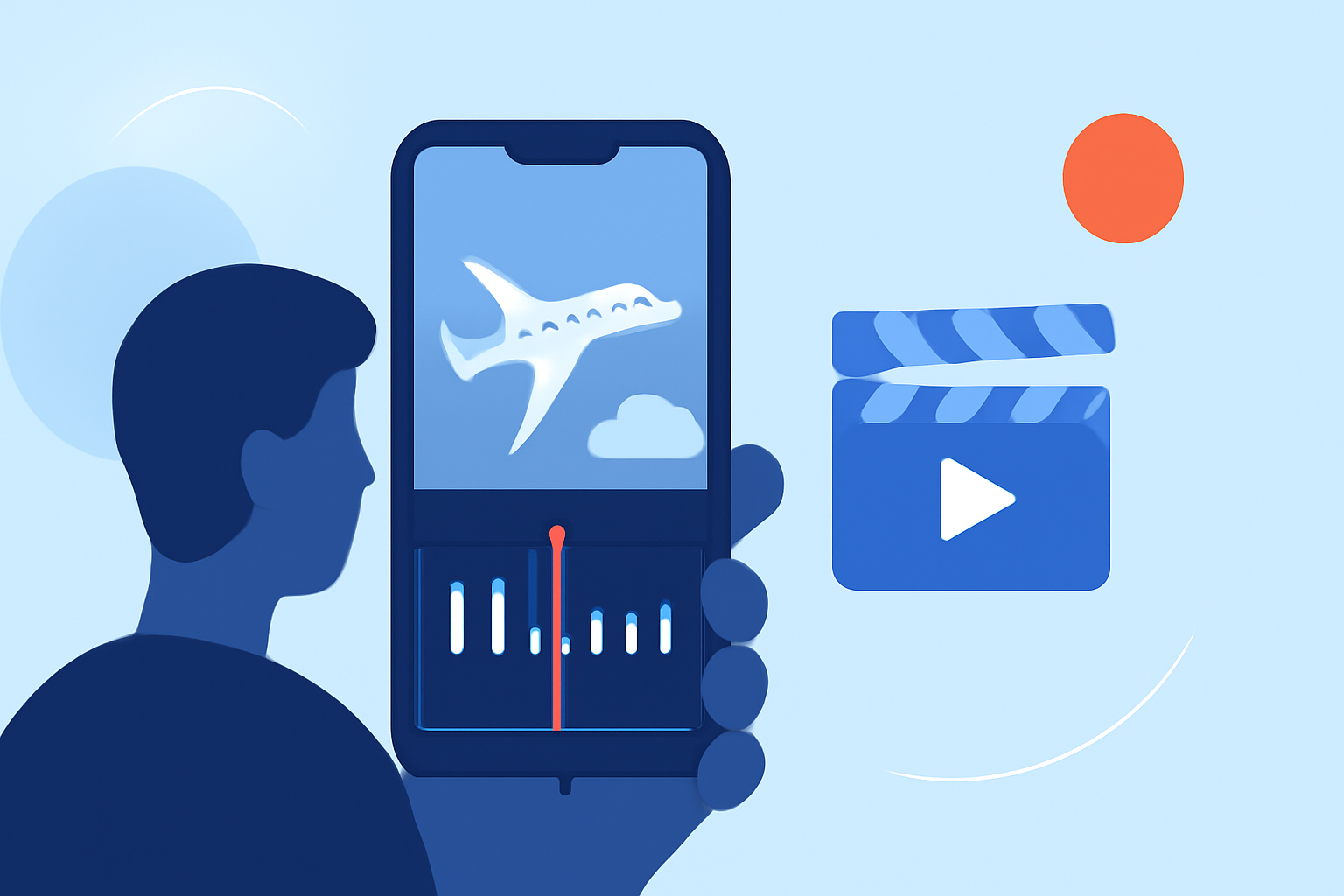
Using a dedicated flight-tracking app alongside Splice allows for seamless integration of real-time data into your plane spotting videos. You can use a tracker to identify aircraft and note details—all essential for creating informative voiceovers. By first recording your sightings with the tracking app and then compiling the footage in Splice, you can emphasize your narration with live updates on flight paths, altitudes, and aircraft types.
What features in Splice enhance your editing experience?
Splice is designed with mobile editing in mind, offering advanced features that make video creation effortless:
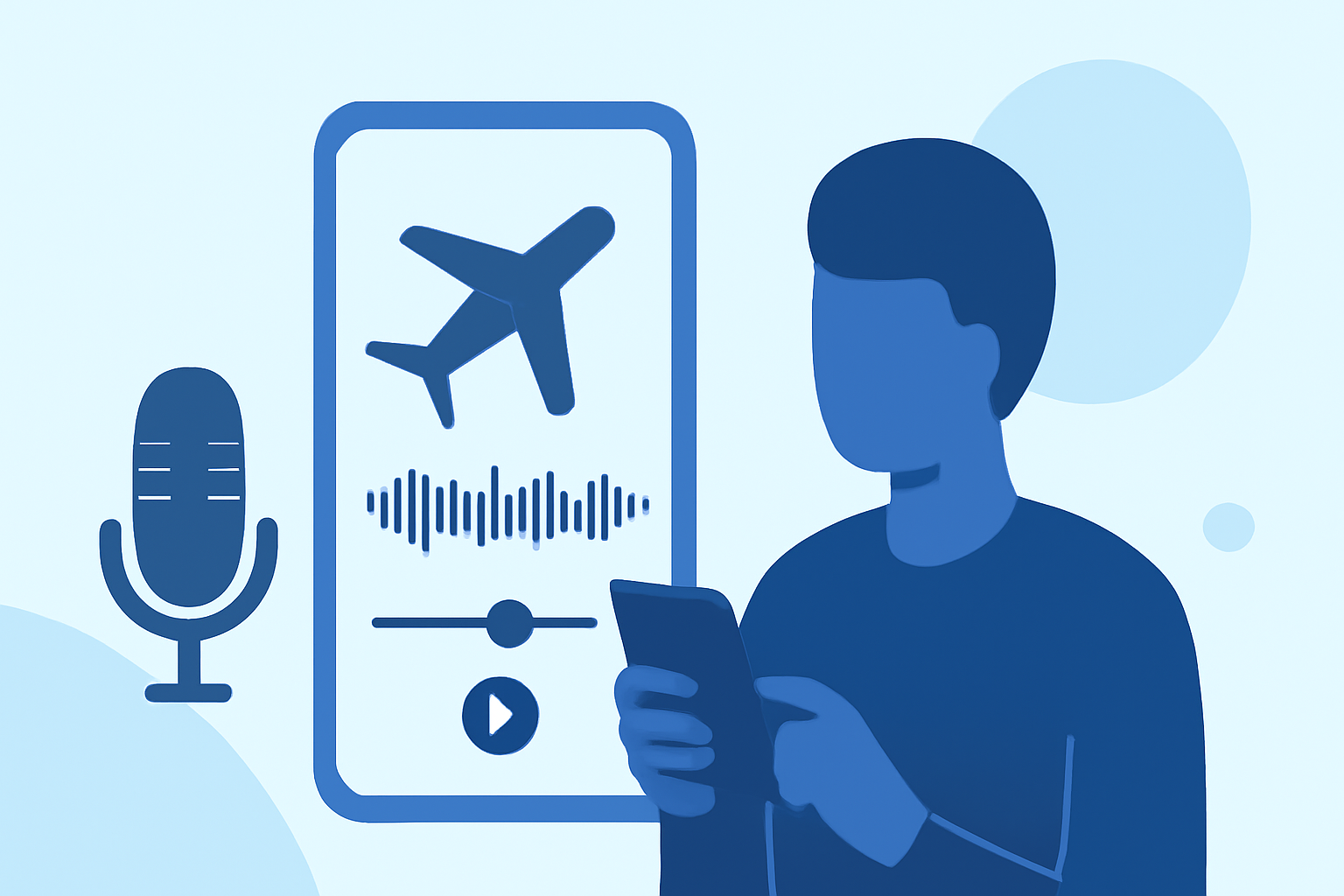
- Built-in Voice Recorder: Easily add narration or sound effects directly to your videos. This allows you to create rich, engaging content quickly. You can simply hit "record," narrate your spotting session, and layer it over your visuals. (Splice on App Store)
- User-Friendly Interface: Optimized for iPhone and iPad, Splice brings powerful desktop-class editing tools right to your fingertips, ensuring a smooth workflow even on the go.
- Editing Customization: With features like trimming, transitions, and effects, creators can personalize their videos to match their distinctive style, making each spotting session truly unique.
Why choose a dedicated plane-tracking app?
To streamline the plane spotting process, utilize a specialized tracking app that integrates well with voiceover capabilities. These apps provide:
- Real-Time Notifications: Get alerts about nearby aircraft, ideal for timely recordings during your spotting sessions. Knowing which aircraft are close at hand will enhance your video commentary.
- Siri Integration: Features like asking Siri for aircraft information lets you access crucial data while filming, ensuring accuracy in your commentary. This can significantly improve the professionalism of your videos. (Flight Follower)
- Comprehensive Aircraft Data: Access details like altitude, speed, and headings—perfect for accurate voiceover scripts that enrich viewer experience.
What Splice settings help plane spotting clips look and sound more professional on mobile?
For best results in editing your plane spotting videos:
- Audio Levels: Ensure balanced audio by adjusting levels in Splice. This helps your voiceovers stand out over background noise from the environment.
- Slow Motion Effects: Apply these effects during moments when planes are airborne to capture their elegance, adding a cinematic flair to your edits.
- Transitions and Titles: Use transitions for smooth cuts and add titles that introduce each aircraft you're highlighting for better viewer engagement.
Why is Planes Live worth trying?
Splice audience, here's why Planes Live is worth considering for your plane spotting needs:
- Specialized Features: Planes Live offers functionalities that specifically serve plane spotters, such as live tracking and flight history that can enhance your video context.
- Enhanced User Experience: Combining the data from Planes Live with Splice’s robust editing features ensures your videos catch the viewer’s attention effortlessly.
- Pairing Efficiency: Using both tools allows for an efficient workflow—track flights, gather details, and edit your videos without missing a beat.
What we recommend
- Combine a flight-tracking app with Splice for polished, narrated spotting videos.
- Leverage Splice's voice recording features to enhance narration.
- Use Planes Live for specialized features tailored to aviation enthusiasts.
- Adjust Splice settings for optimal audio and visual effects, ensuring high-quality results.
With these tools and strategies at your disposal, you'll be well-equipped to create captivating plane spotting videos that appeal to both aviation enthusiasts and casual viewers alike.