22 June 2026
Pro Tips for Editing Travel Vlogs from Scratch
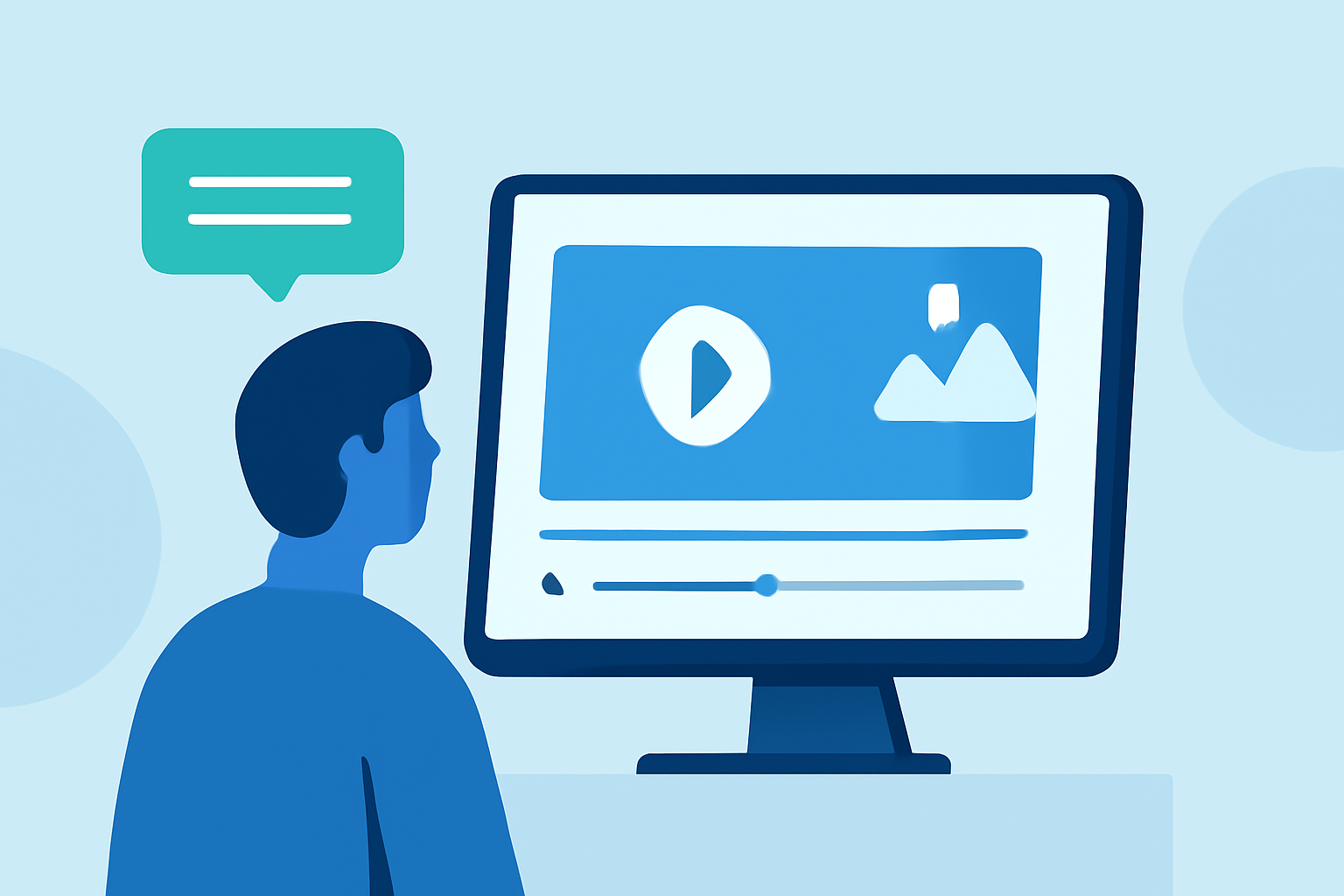
Creating a captivating travel vlog involves more than just recording your journey; it requires meticulous planning, thoughtful filming, and precise editing. This guide provides expert tips to help you produce professional-quality travel vlogs from scratch.
How Do I Plan My Travel Vlog?
Define Your Storyline
Begin by outlining the narrative of your vlog. Decide on the theme—be it adventure, culture, or cuisine—and sketch a rough storyboard to visualize the flow of your video. This planning ensures a cohesive and engaging story.
Organize Your Footage
After filming, review and sort your clips. Remove redundant or poor-quality shots and categorize the remaining footage by location or activity. This organization streamlines the editing process and helps maintain a logical sequence in your vlog.
What Equipment Do I Need for Filming?
Essential Gear
While high-end equipment can enhance video quality, it's not mandatory. A modern smartphone with a stabilizer or tripod, and a good microphone can suffice for beginners. Ensure your gear is portable and suitable for the activities you plan to film.
Audio Considerations
Clear audio is crucial. Invest in a quality microphone to minimize background noise and ensure your voice is crisp and clear. This investment significantly enhances the professionalism of your vlog.
How Do I Edit My Travel Vlog?
Choose the Right Editing Software
Select an editing platform that aligns with your skill level and project requirements. Options range from user-friendly mobile apps to professional desktop software. Familiarize yourself with the chosen tool to maximize its potential.
Craft a Compelling Intro
The opening of your vlog should grab attention. Use a montage of stunning visuals, accompanied by engaging music, to set the tone and entice viewers to continue watching.
Maintain Pacing and Flow
Edit your footage to create a dynamic rhythm. Trim unnecessary parts, use smooth transitions, and vary shot types to keep the audience engaged. Aligning cuts with music beats can enhance the viewing experience.
Incorporate Music and Sound Effects
Select background music that complements the mood of your vlog. Ensure you have the rights to use the music to avoid copyright issues. Adjust audio levels so that music and dialogue are balanced, allowing both to be heard clearly.
Add Captions and Graphics
Use text overlays to provide context, such as location names or cultural insights. Incorporate graphics like maps or infographics to enrich the storytelling and offer additional information to viewers.
Apply Color Grading and Effects
Enhance the visual appeal of your vlog by adjusting colors and applying subtle effects. This can create a consistent aesthetic and highlight the mood of your footage.
How Do I Share My Travel Vlog?
Optimize for Platforms
Tailor your vlog for the platform where it will be shared. For instance, YouTube favors longer content, while Instagram and TikTok are better suited for shorter videos. Adjust your video's aspect ratio, length, and format accordingly.
Engage with Your Audience
Craft an engaging title and thumbnail to attract viewers. Use relevant tags and descriptions to improve searchability. Encourage viewers to like, comment, and subscribe to build a community around your content.
How Do I Keep Viewers Engaged Throughout the Vlog?
Vary Your Shots
Incorporate a mix of wide, medium, and close-up shots to add visual interest. This variety keeps the audience engaged and provides a comprehensive view of your experiences.
Use Transitions Wisely
Employ transitions to smoothly move between scenes. Simple cuts or fades are often more effective than elaborate effects, which can distract from the content.
Maintain a Consistent Style
Develop a unique editing style that reflects your personality. Consistency in color grading, music choice, and pacing helps establish your brand and makes your vlogs instantly recognizable.
How Do I Ensure High-Quality Audio in My Vlog?
Monitor Audio Levels
Regularly check your audio levels during recording to prevent distortion. Aim for levels that are neither too low nor peaking into the red zone.
Use External Microphones
External microphones can significantly improve audio quality by reducing ambient noise and capturing clearer sound. Consider lapel mics for interviews or shotgun mics for directional audio.
Edit Audio Post-Production
In post-production, clean up your audio by removing background noise and balancing levels. This ensures that dialogue and ambient sounds are clear and pleasant to listen to.
How Do I Add Music to My Travel Vlog?
Select Appropriate Music
Choose music that complements the mood and pace of your vlog. Ensure the music aligns with the cultural context of your destination to enhance the storytelling.
Obtain Proper Licensing
Use royalty-free music or obtain the necessary licenses to avoid copyright infringements. Platforms like Epidemic Sound and Artlist offer extensive libraries of music suitable for vlogs.
Sync Music with Visuals
Align the music with the visuals to enhance the emotional impact. For example, use upbeat tracks for energetic scenes and slower melodies for reflective moments.
How Do I Edit My Travel Vlog on a Mobile Device?
Use Mobile Editing Apps
Apps like CapCut and iMovie offer user-friendly interfaces for editing on the go. These tools provide essential features such as trimming, transitions, and basic effects.
Optimize for Mobile Viewing
When editing on a mobile device, ensure that your video is optimized for mobile viewing. This includes using appropriate aspect ratios and resolutions to maintain quality on smaller screens.
Keep It Simple
Mobile editing can be less precise than desktop editing, so focus on the basics: cutting unnecessary footage, adding music, and applying simple transitions. This approach ensures a polished final product without overwhelming yourself.
How Do I Add Text and Graphics to My Travel Vlog?
Use Text Overlays for Context
Add text overlays to provide context, such as location names, dates, or cultural insights. This helps viewers follow your journey and adds depth to your storytelling.
Incorporate Graphics and Maps
Use graphics like maps to show your route or highlight specific locations. Infographics can provide additional information, such as historical facts or local customs, enriching the viewer's experience.
Maintain Readability
Ensure that text and graphics are easy to read by choosing appropriate fonts, sizes, and colors. Place them in areas of the screen that do not obstruct important visuals.
How Do I Apply Color Grading to My Travel Vlog?
Understand Color Grading Basics
Color grading involves adjusting the colors and tones of your footage to achieve a desired look. This can enhance the mood and aesthetic of your vlog.
Use Presets or LUTs
Many editing software offer presets or LUTs (Look-Up Tables) that can apply a specific color grade to your footage. These can be a quick way to achieve a professional look.
Adjust to Enhance Mood
Use color grading to enhance the mood of your vlog. For example, warm tones can create a cozy feel, while cooler tones can evoke a sense of calm or melancholy.
How Do I Export and Share My Travel Vlog?
Choose the Right Export Settings
When exporting your vlog, choose settings that balance quality and file size. A resolution of 1080p is standard, but 4K can be used if your footage and equipment support it.
Select Appropriate File Formats
Export your video in formats compatible with your chosen platform, such as MP4 for YouTube or MOV for Vimeo.
Share on Multiple Platforms
Distribute your vlog across various platforms to reach a wider audience. Tailor your content to fit the specifications and audience preferences of each platform.
By following these expert tips, you can create engaging and professional travel vlogs that captivate your audience and effectively share your experiences.