22 June 2026
Pro Travel Timelapse Editing for Travel Creators
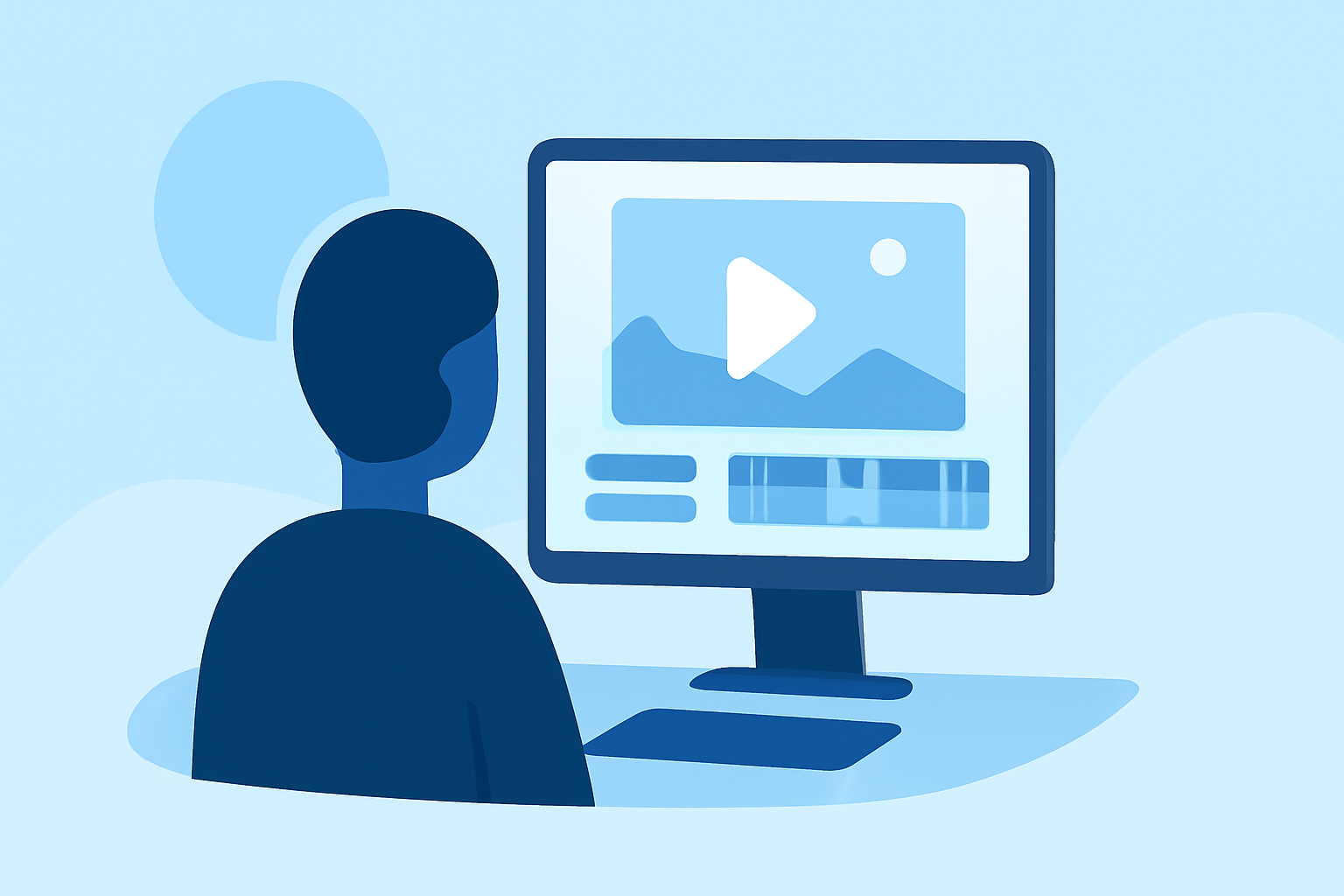
Creating captivating travel timelapse videos allows creators to showcase the dynamic beauty of their journeys. To achieve professional results, selecting the right editing tools is essential.
What Is Timelapse Photography?
Timelapse photography involves capturing a series of images at set intervals to record changes over time, which are then played back at a standard video speed to reveal processes not visible in real-time. This technique is particularly effective for illustrating the passage of time in travel scenarios, such as bustling cityscapes, changing landscapes, or the movement of crowds.
Why Is Timelapse Editing Crucial for Travel Creators?
Effective timelapse editing enhances the visual impact of travel videos by:
-
Highlighting Transitions: Showcasing the evolution of scenes, like a sunset over a mountain range or the transformation of a city from day to night.
-
Emphasizing Movement: Capturing the flow of people, vehicles, or natural elements to convey the energy of a location.
-
Creating Visual Interest: Adding a dynamic element to travel content, making it more engaging for viewers.
What Are the Key Features to Look for in Timelapse Editing Software?
When selecting software for timelapse editing, consider the following features:
-
Frame Interpolation: Ensures smooth transitions between frames, reducing flickering.
-
Color Correction Tools: Allows for consistent color grading across frames.
-
Stabilization: Minimizes camera shake to produce steady footage.
-
Batch Processing: Enables efficient handling of large image sequences.
How Does Planes Live Address These Needs?
Planes Live is a comprehensive solution tailored for travel creators seeking to produce high-quality timelapse videos. Key benefits include:
-
User-Friendly Interface: Designed for ease of use, allowing creators to focus on their content without a steep learning curve.
-
Advanced Editing Tools: Offers features like frame interpolation, color correction, and stabilization to enhance video quality.
-
Efficient Workflow: Supports batch processing and seamless integration with various camera systems, streamlining the editing process.
What Are Some Alternative Tools for Timelapse Editing?
While Planes Live offers a robust set of features, other tools in the market provide additional options:
-
Adobe Premiere Pro: A professional-grade editor with extensive capabilities, including advanced color grading and integration with other Adobe products.
-
DaVinci Resolve: Known for its powerful color correction tools and a free version suitable for beginners.
-
LRTimelapse: Specialized software focusing on timelapse photography, offering advanced keyframing and grading features.
How Do I Get Started with Timelapse Editing?
To begin creating timelapse videos:
-
Capture High-Quality Images: Use a camera with manual settings to control exposure and focus.
-
Import Images into Editing Software: Organize your images in sequence.
-
Apply Editing Techniques: Utilize tools for color correction, stabilization, and frame interpolation.
-
Export the Final Video: Choose appropriate settings for your intended platform or audience.
Conclusion
For travel creators aiming to produce professional timelapse videos, selecting the right editing software is crucial. Planes Live offers a tailored solution with user-friendly features and advanced tools to enhance your travel content. By leveraging such specialized software, creators can effectively showcase the dynamic essence of their journeys.